iOS and Automation (or, a solution in search of a problem)

I wrote yesterday about an app called drafts. I was showing it to a friend today and it made me realise that actually, whilst I do look out for these kind of automation app they rarely, if ever, do what I need them to do or end up being part of any wider automation solution that I’m looking for. So, why bother? Well, that’s a good question, and one that I find myself asking quite a lot.

I looked at Drafts yesterday, which seems to have some quite good features in it, like the ability to include additional actions using javaScript. Apparently you can use JavaScript if it’s interpreted by Apple’s built in JavaScript engine. I didn’t know that, but it makes a lot of sense now. Anyway, using this, Drafts can load new ‘actions’ that allow it to integrate with other apps and get them to do some simple things, but, that’s the problem. All they do is simple things.

Another app that showed some promise was (is) Launch Center Pro. The idea of this app was to be able to launch apps with specific criteria. However, it suffers the from the same limitations as Drafts. What it is able to do is limited to simple app launches and actions like, ‘launch app X and search for Y criteria’.

The last one is called triggers. Triggers is a different beast altogether. It’s more about creating physical parameters and when those are met it triggers a response. Quite interesting really, but again limited. The app doesn’t work in the background, which means that it can’t track it’s physical activities when it isn’t on. So, not much use.

So iOS is in many ways a good deal behind the likes of Android when it comes to automation. Nothing like Tasker (Android app) exists for iOS. If it did, if Apple allowed it, that would be amazing.

Here’s a quick list of the apps I mentioned:

Drafts
Drafts - Agile Tortoise

Launch Center Pro
Launch Center Pro - App Cubby

Triggers
Triggers - Luke Wakeford

Drafts for iOS

I’ve only just heard about this app for iOS which seems to be a great companion to apps like Launch Center Pro, but both seem to come into their own when used with tweaks or hacks like these from lifehacker.

I’ve been looking for better ways to automate things in iOS, ideally in a similar way to Tasker for Android, but nothing comes close, at least not so far. However, things are improving. So I’m going to have to have a look at some of these automation ideas and see where they can take me next.

I’ll keep you posted on how the experiments are going.

Drafts at the app store
Drafts - Agile Tortoise

Launch Center Pro at the app store
Launch Center Pro - App Cubby

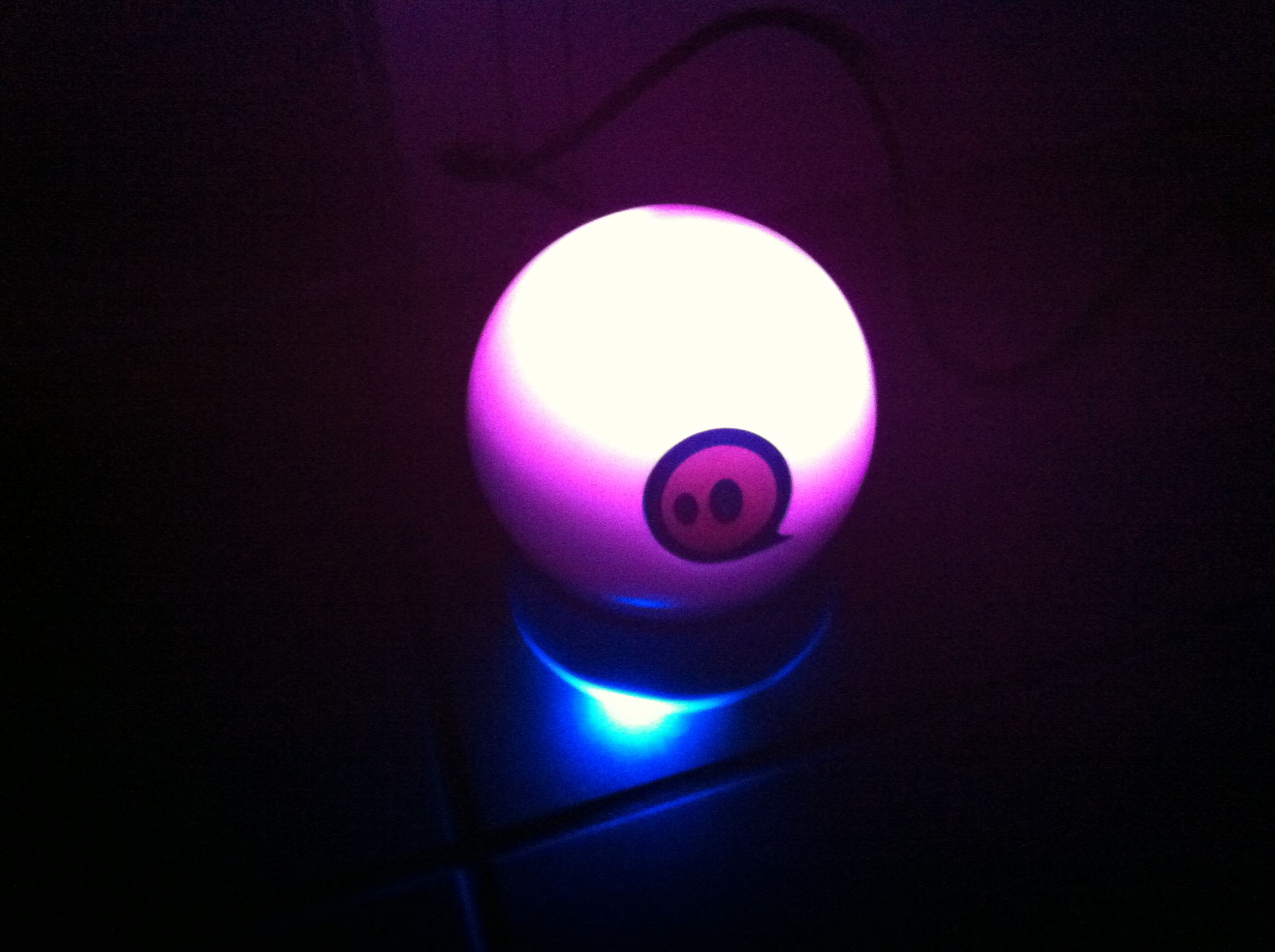
The Sphero is on the go

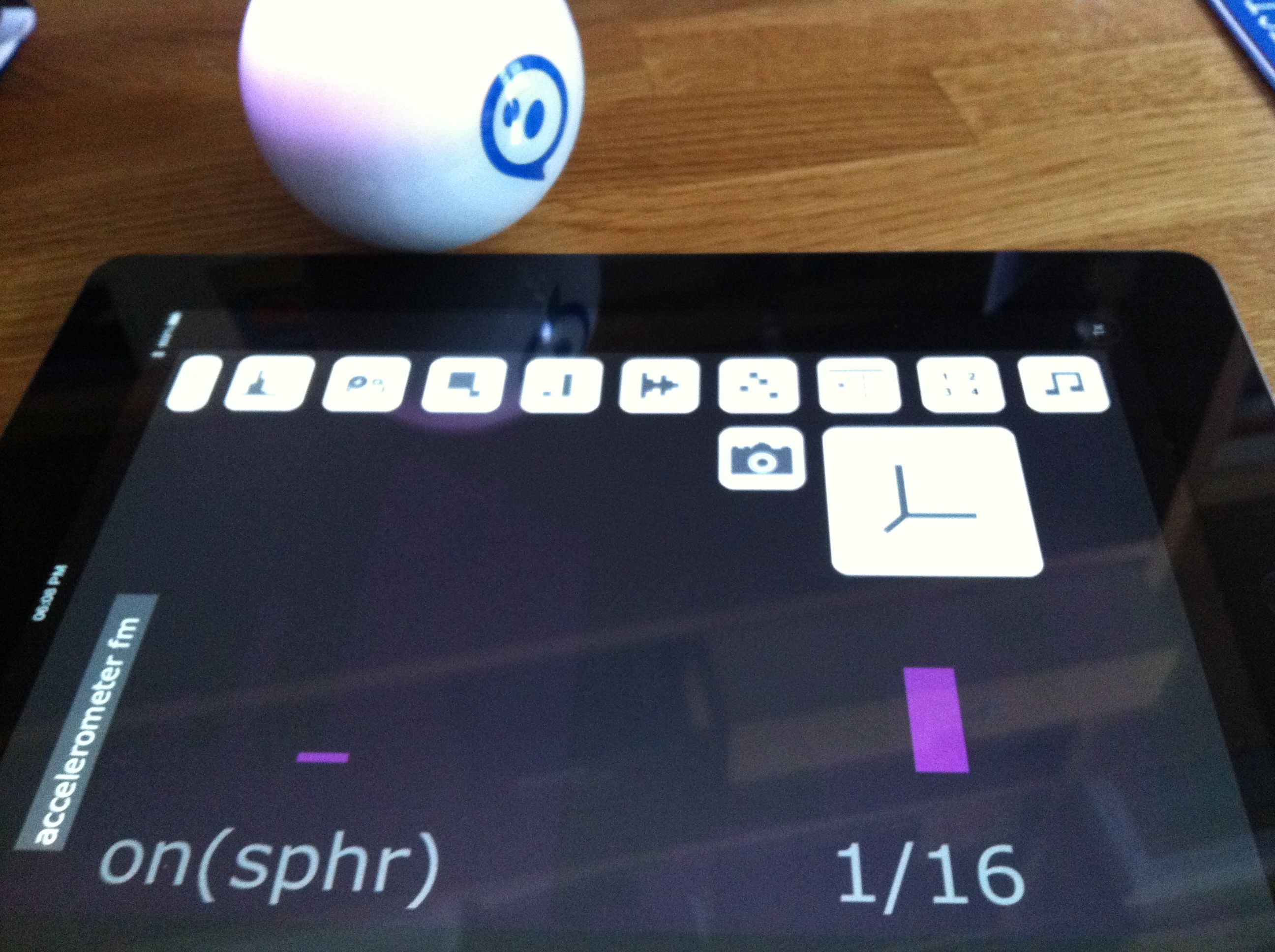
I’m really intrigued by the idea of physical objects interacting with the real world, which is why I decided to get a Sphero ball. It’s a very interesting device, and there are a few apps that work with it, including especially Shapesynth, which makes some amazing sounds.

So I’m just getting started now on this, and starting to think about how I can use Sphero in a variety of different settings.

Further thoughts on a move to Android

I was thinking about moving to Android again. Weighing up whether I should move off iOS or not. One thing that I hadn’t thought about was which OS works best with the Pebble smartwatch. Whilst the smartwatch works with both operating systems, notifications work with Android, and not currently with iOS.

Of course, that could change, even next week at WWDC, but it does add another dimension to the question.

Romo returns!

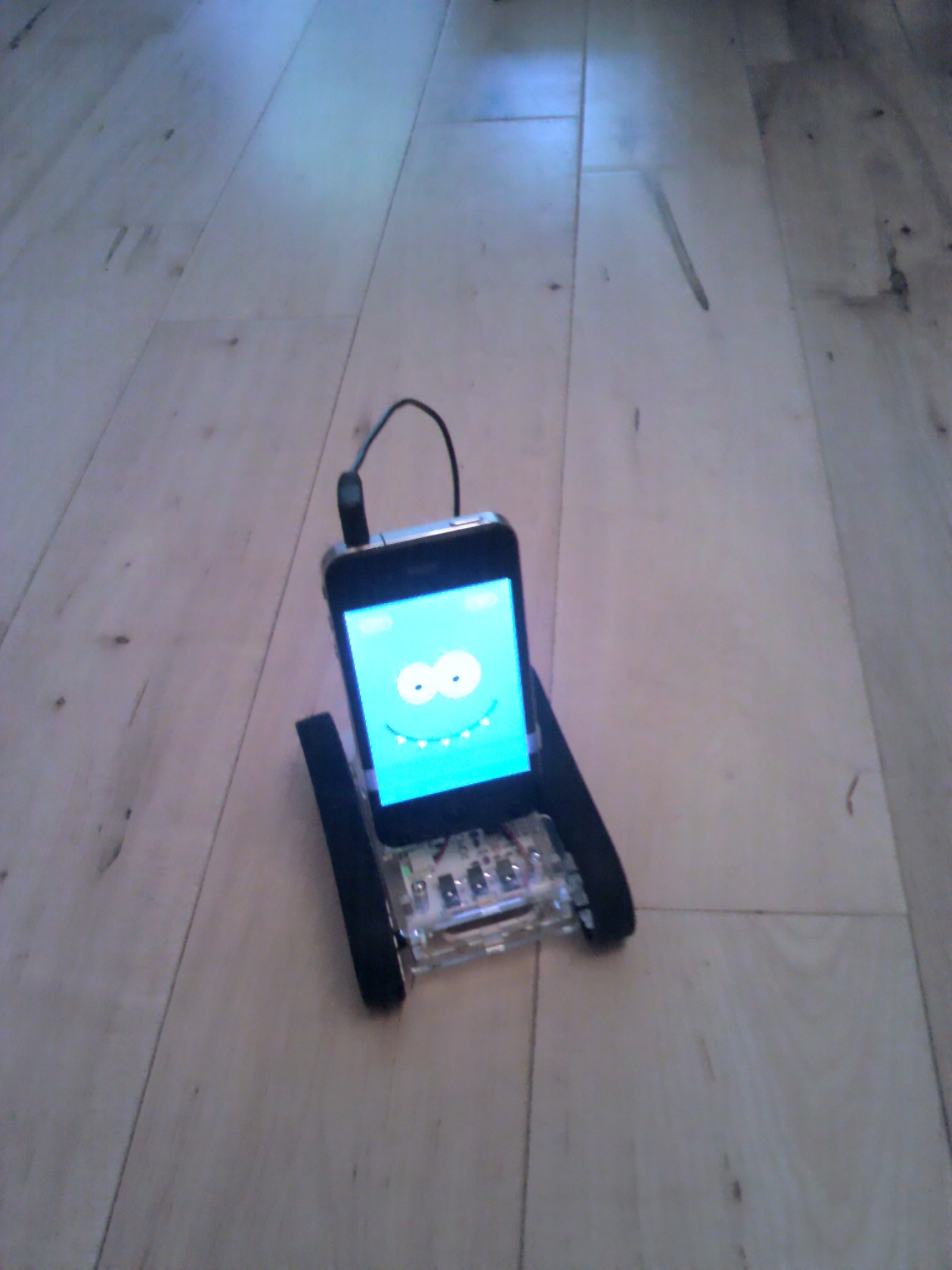
It has been just over a week since I sent my Romo off to Germany to have his main board’s firmware updated to work with an EU smartphone. He’s back, and he works just fine now. In fact, he seems to be as good as new.

After all this time it’s great to be playing around with my Romo and enjoying such a clever idea. Now I want more from my Romo apps already!