Some random music

Randomly generated music created using Processing Code

I actually made this quite a while ago, but decided to revisit it as I thought that I might do a little more in Processing this year. I know I’ve said that before. There’s no guarantee that I will in 2020, but I might.

I was always quite pleased with this sketch though. It was fun and interesting to play with. Above is just a video of the sketch in action as I can’t work out how to embed the sketch here so it can be played. I’d like to be able to do that too, but it might take me a little while for me to figure it out.

Anyway, if I managed to do anything else with Processing then I’ll share it too. That is, if it’s good enough.

No more littleBits

this

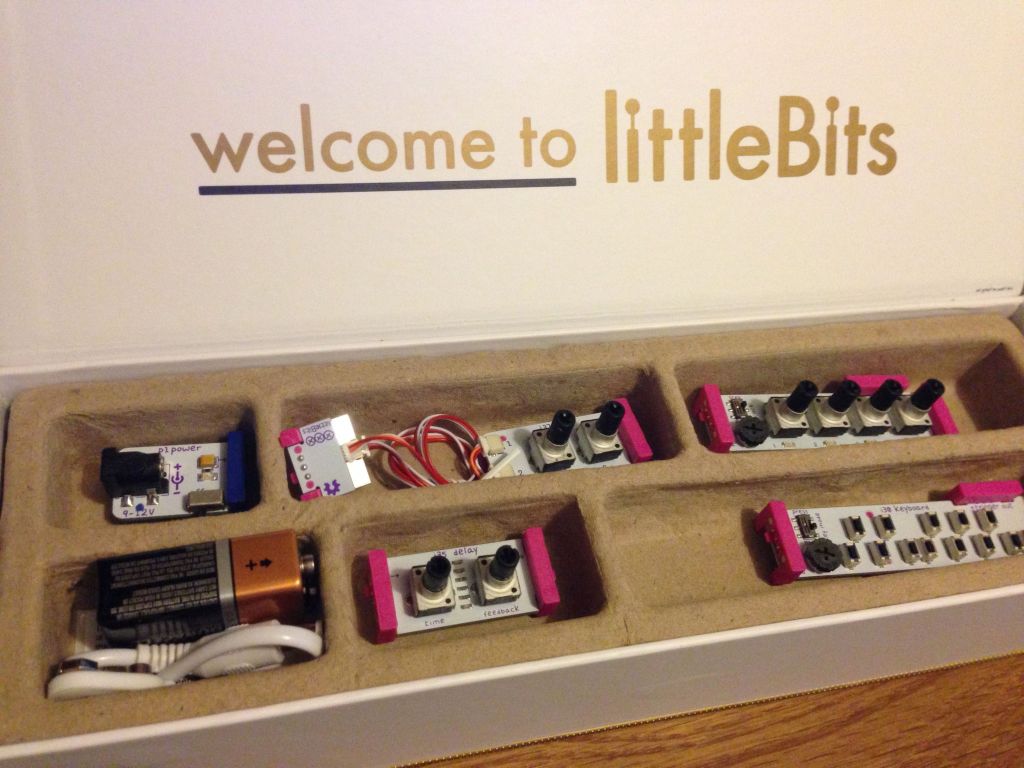
Last year I decided that I wasn’t doing anything interesting with my collection of littleBits components and modules, so I finally gave them up and sold them. I hope that they’ve all gone to good homes.

They were fun, and very useful at times. I did enjoy them, but I think I had got to a point where I’d stopped doing anything creative with them.


Colossus Sequencer and Synth, it’s been too long …

Colossus Synth
Colossus Synth

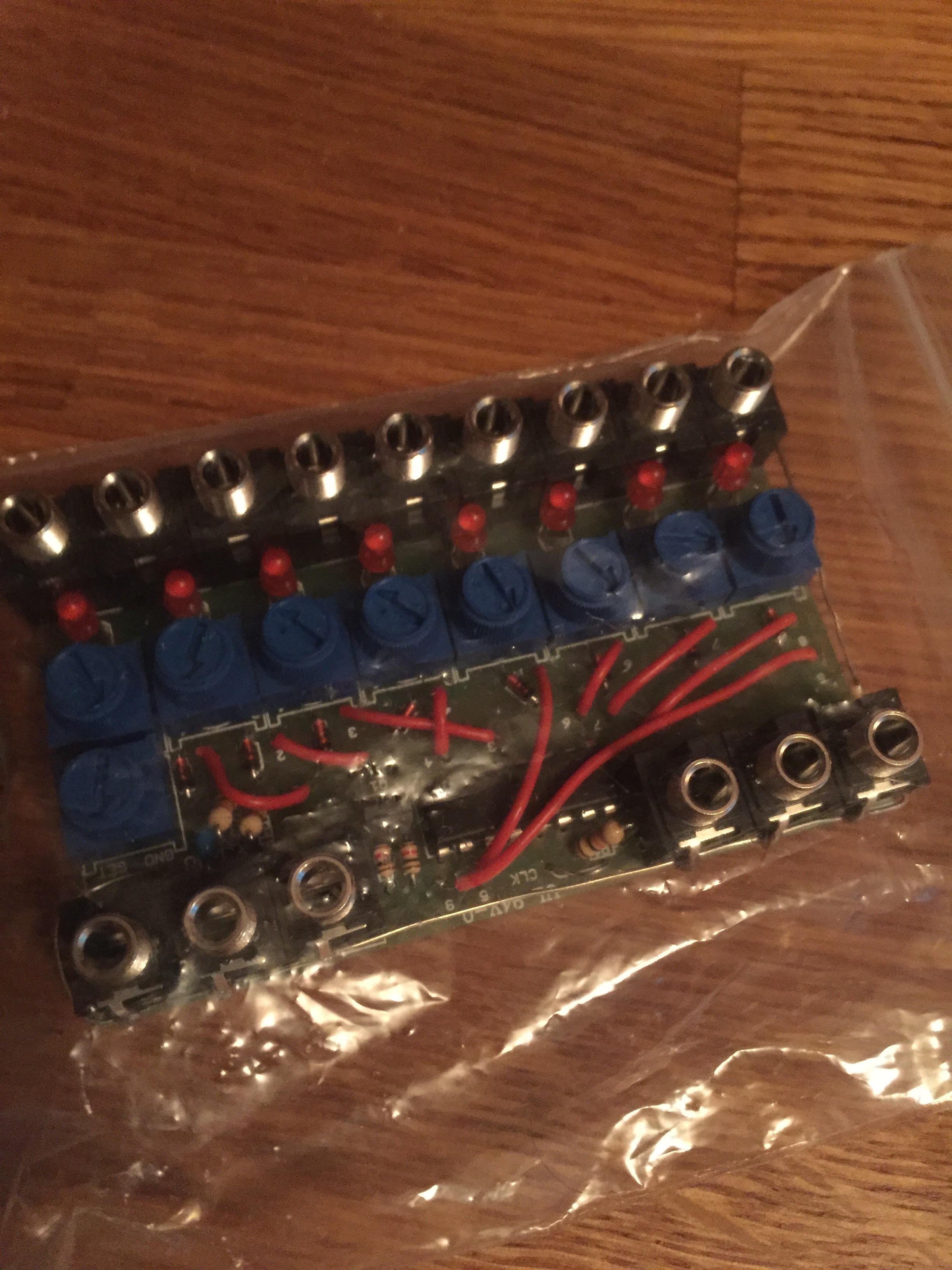
Colossus Sequencer
Colossus Sequencer

I actually got these two working a long time ago, and they do work quite well, if being a bit limited, but they’re fun and that’s fine.

However, I was thinking the other day that I should give it a go with some of the other little modular things I have. The colossus sequencer has a CV out so should work with some of my other bits and pieces.

There’s an experiment or two in there I think.

Starting to build an automated twitter synth with littleBits

For a long time I’ve been thinking about the idea of being able to create a synth in hardware which reacted to the virtual world, more specifically, to being tweeted at. To that that end I got myself a littleBits CloudBit, which works quite well, albeit it isn’t able to provide as much data as I’d like it to. However, that’s something that I need to overcome with a little bit of ingenuity rather than just complain about it.

So I’m starting to build the synth and get it to respond to external stimulus. The goal being to create a little system that reacts to a twitter message, creates a sequence based on that message, and somehow records that and uploads it somewhere. We’ll see. That’s the plan. Who knows how it’ll work out.

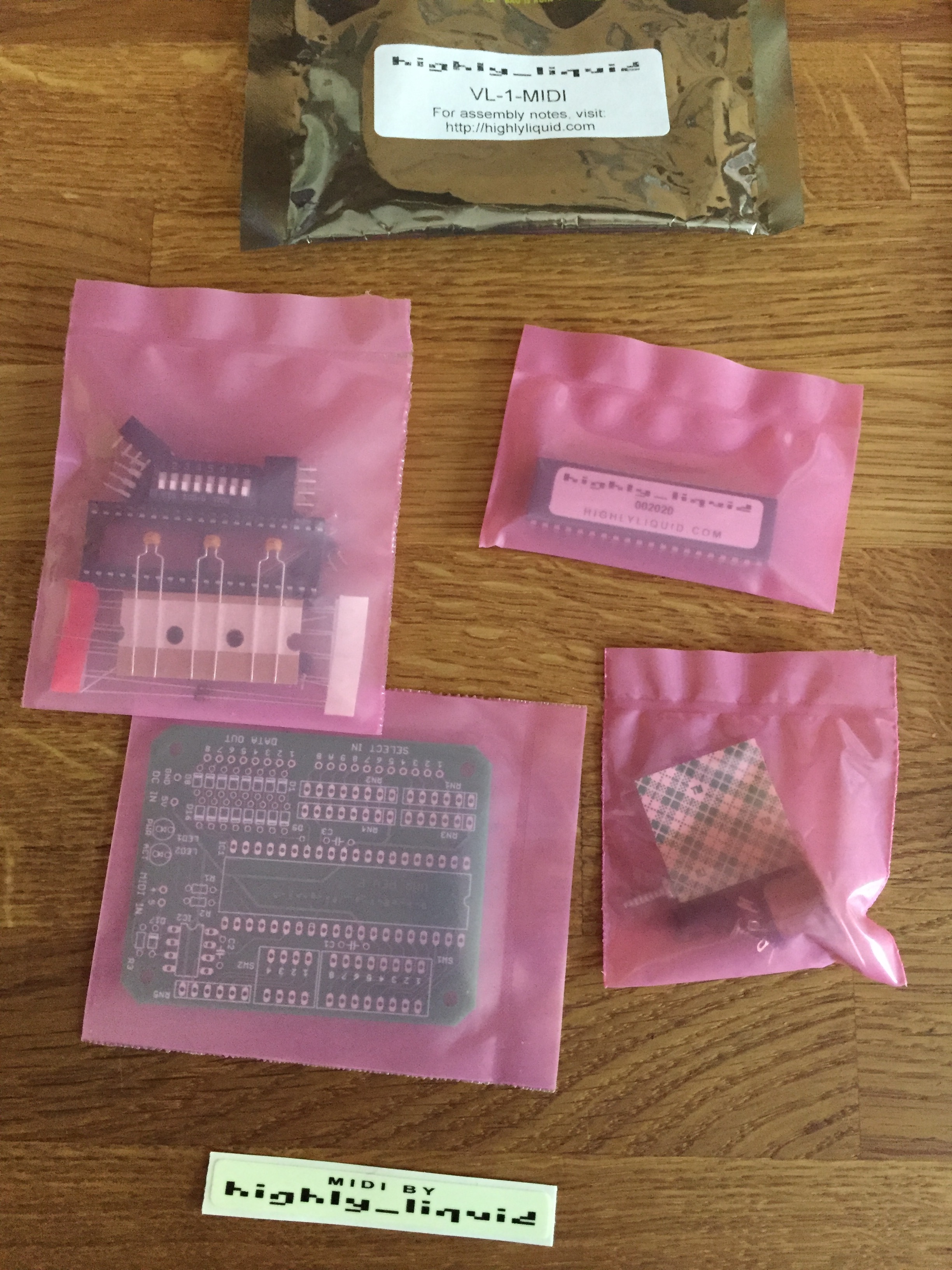
Then I found my old VL-1 MIDIfier kit!

VL1 MIDIfier kit
VL1 MIDIfier kit

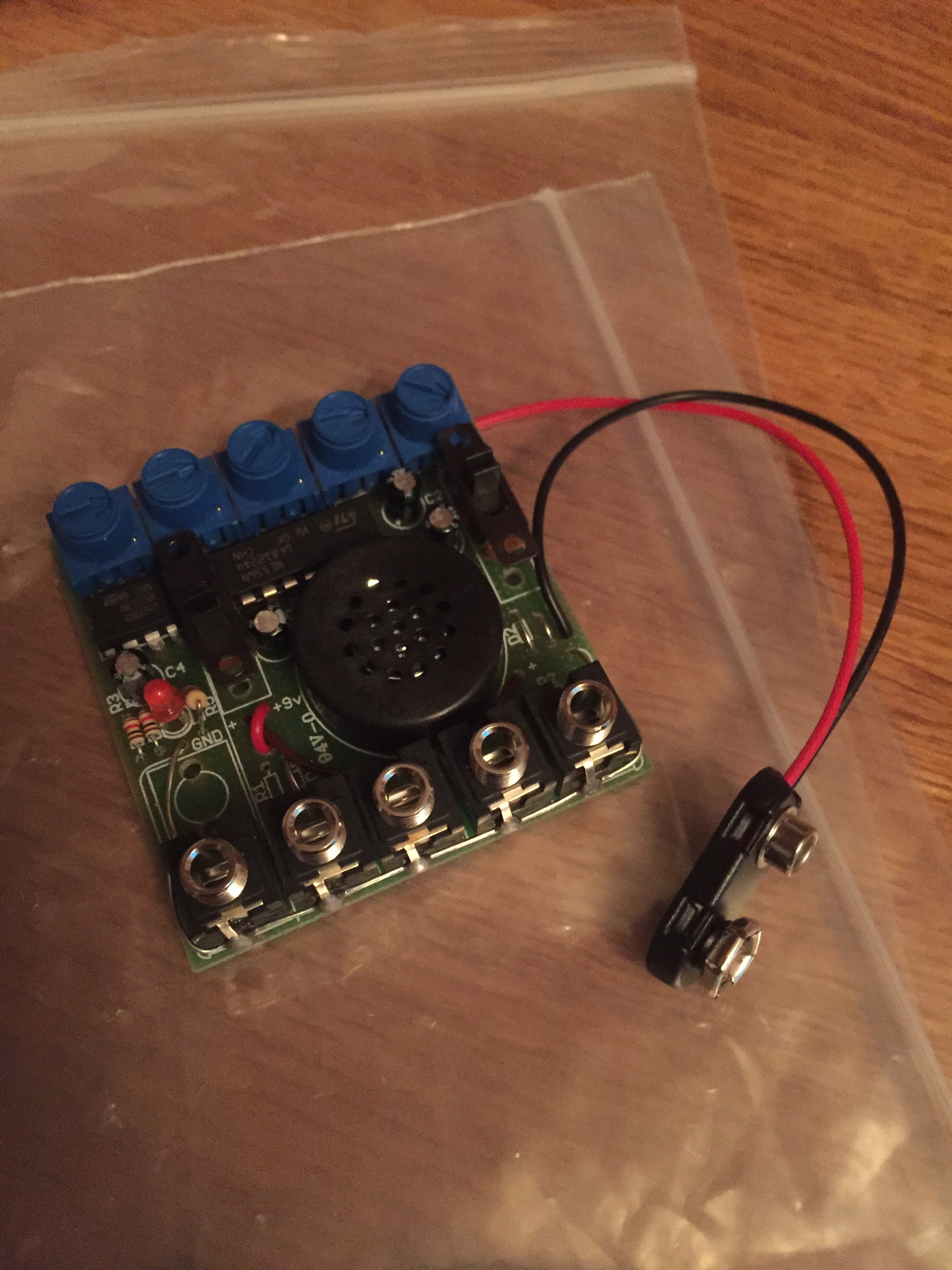
I was looking for something else when I found this! I knew, or at least I seemed to remember that I’d bought one of these ages ago. Well I’ve found it and I’m planning to get it going soon(-ish). Ideally I’d like to get it running so that I can get it to work with my VL1 bot. We’ll see about that.

The VL-Tonifier is here …

You might remember that I posted about this a week or so ago as I’ve made a bot that tweets stuff about the VL-1 including ADSR settings every hour. It’s a little bit of fun and nothing more, but you might want to follow it if you’d like to think of the old days of the VL-1, or if you have a VL-1 and want some sound suggestions for it.

You can find it here https://twitter.com/VLTonifier.


App Inventor getting updated

I haven’t used Android App Inventor in age, so when I got an email from MIT telling me about what they’re doing with it, it came as quite a nice surprise, especially as they’ve got new stuff planned for it, such as …

  • Better support for multiple screen sizes and densities (responsive design).
  • The Backpack provides a way to copy and paste blocks between screens.
  • The App Inventor Gallery lets you exhibit and share your apps for collaboration and remixing.
  • App Inventor Services (coming soon) lets you create apps that can run in the background.
  • App Inventor Extensions (coming soon) let advanced users augment App Inventor’s capabilities without limitation by
  • creating and sharing new components.
  • The Bluetooth Low Energy (BLE) component lets you build apps that control BLE devices, and experiment with mobile apps and the Internet of Things

All of which will be quite interesting to have a play with. The other cool thing in their email was Thunkable. Which is a version of App Inventor which is run by a commercial outfit. I think I might have a try of that soon.

Now is probably a good time to get back to trying out App Inventor anyway. I did play with it a long time ago, with a view to seeing if it could be used for audio apps, but really it couldn’t. I wonder if any of the new features coming to it will help with that?
Getting the bend (sensor)

littleBits Bend Sensor

I got this recently but haven’t had a chance to use it as yet. I’d really like to though, and I’m sure that the time will make itself available soon enough.

I’m keen to expand my littleBits collection. I’m sure that there’s lots more I could do with it that I’m not, and that I haven’t even thought of as yet.

Enjoying a (not so) quiet night in

Olegtron and components

The more I use this little machine the more I enjoy it, and the more I think that it has some truly amazing possibilities to it. In the session I had with it tonight I managed to get what sounded like a whole track from it. It was amazing. I’m in the process of putting the samples up now. Actually, I’ve just finished.

I’ll post them here too just in case, but they’re on my SoundCloud pages if you want them.

Pythonista 2.0 is a massive leap forward

There’s loads of new things to explore in the latest version. Here’s what’s new:

  • Pythonista is now compatible with all iOS screen sizes — from iPhone 4 to iPad Pro, and everything in-between.
  • For larger projects, you can now use multiple editor tabs to switch between related files more quickly.
  • The Pythonista app extension allows you to run Python scripts within other apps, using the standard iOS share sheet.
  • New and refined color themes are available in the settings; selecting a different theme now changes the entire app’s UI instead of just syntax highlighting.
  • The file browser and editor have much better support for non-Python files. HTML, CSS, JavaScript, and Markdown files are syntax-highlighted in the editor, Zip archives can be extracted, and a QuickLook preview is available for most common file types, e.g. images, PDFs, and audio/video.
  • Additional templates are available in the improved “new file” menu. You can also import photos from your camera roll as image files there.
  • The console’s interactive prompt is now syntax-highlighted, and provides better support for Bluetooth keyboards (you can use the up/down keys to navigate the command history).
  • You can now read the (pure Python) source code of the included standard library (and third-party modules) directly in the app. Simply enable the “Show Standard Library” setting if you’re interested in looking “under the hood”.
  • The UI editor contains a much improved inspector panel, undo/redo support, the possibility to set custom attributes, and a lot of other refinements.
  • The new traceback navigator allows you to get a lot more information about errors in your programs. When an exception occurs, a brief summary is shown at the top of the screen, and the line where the exception occurred is highlighted in the editor. By tapping on the exception summary, you can navigate the entire traceback, even if the source of the exception is in a different file. You can also tap the `<…` marker in the editor to inspect variable values in the selected stack frame.
  • The editor actions (“wrench”) menu has been improved significantly. You can now assign custom icons and colors to your script shortcuts. It’s also possible to invoke the standard iOS share sheet from the actions menu. If you have an iPhone 6s or 6s Plus (with 3D Touch), you can launch shortcuts directly from the homescreen by pressing the Pythonista icon.
  • The improved asset picker (`[+]` button) contains more free image and sound effect collections that can be used with the `scene`, `ui`, and `sound` modules. The UI for opening the asset picker is also consistent between iPad and iPhone now.
  • When the cursor is inside a color string (e.g. ‘#ff0000’ or ‘red’) or built-in image name, a preview overlay is shown automatically. You can also tap the preview overlay to select a different color or image.
  • The new *Highlight All* option in the copy/paste menu allows you to quickly find all occurrences of a word (e.g. variable name), without typing anything in the search bar.
  • You can adjust the indentation of a selected block of code more easily with the new `⇥ Indent` menu items (in the copy/paste menu).
  • iPad only: The extended keyboard has a more compact layout by default. If you prefer a larger keyboard with an additional number row, you can enable this in the settings.
  • The completely revamped `scene` module gives you a lot more possibilities for building 2D games and animations in Pythonista. You can even use custom OpenGL fragment shaders. Lots of new sample code and a tutorial for building a simple game are available in the included *Examples* folder.

So I probably need to revisit some of my old projects and maybe even finish them!