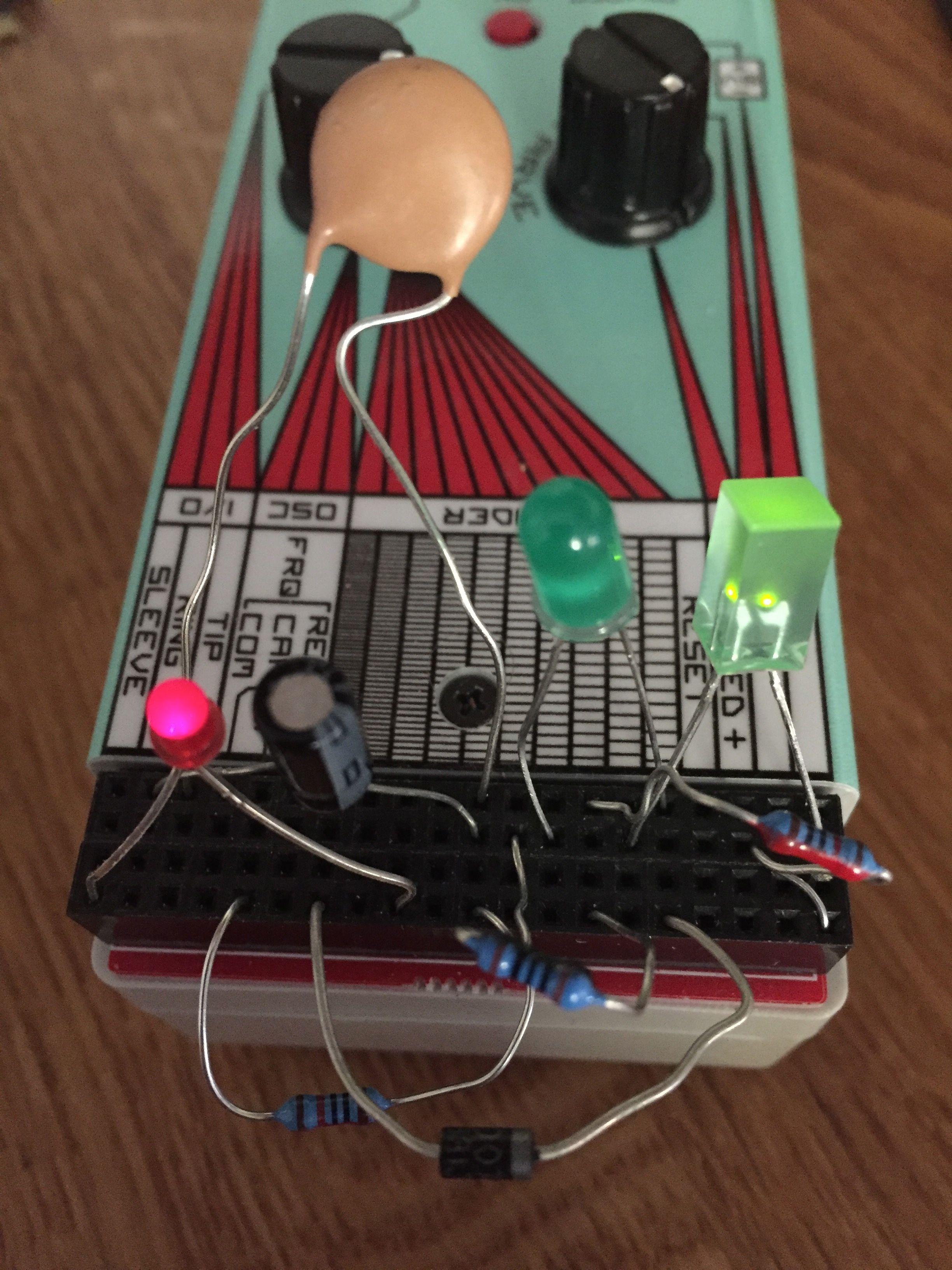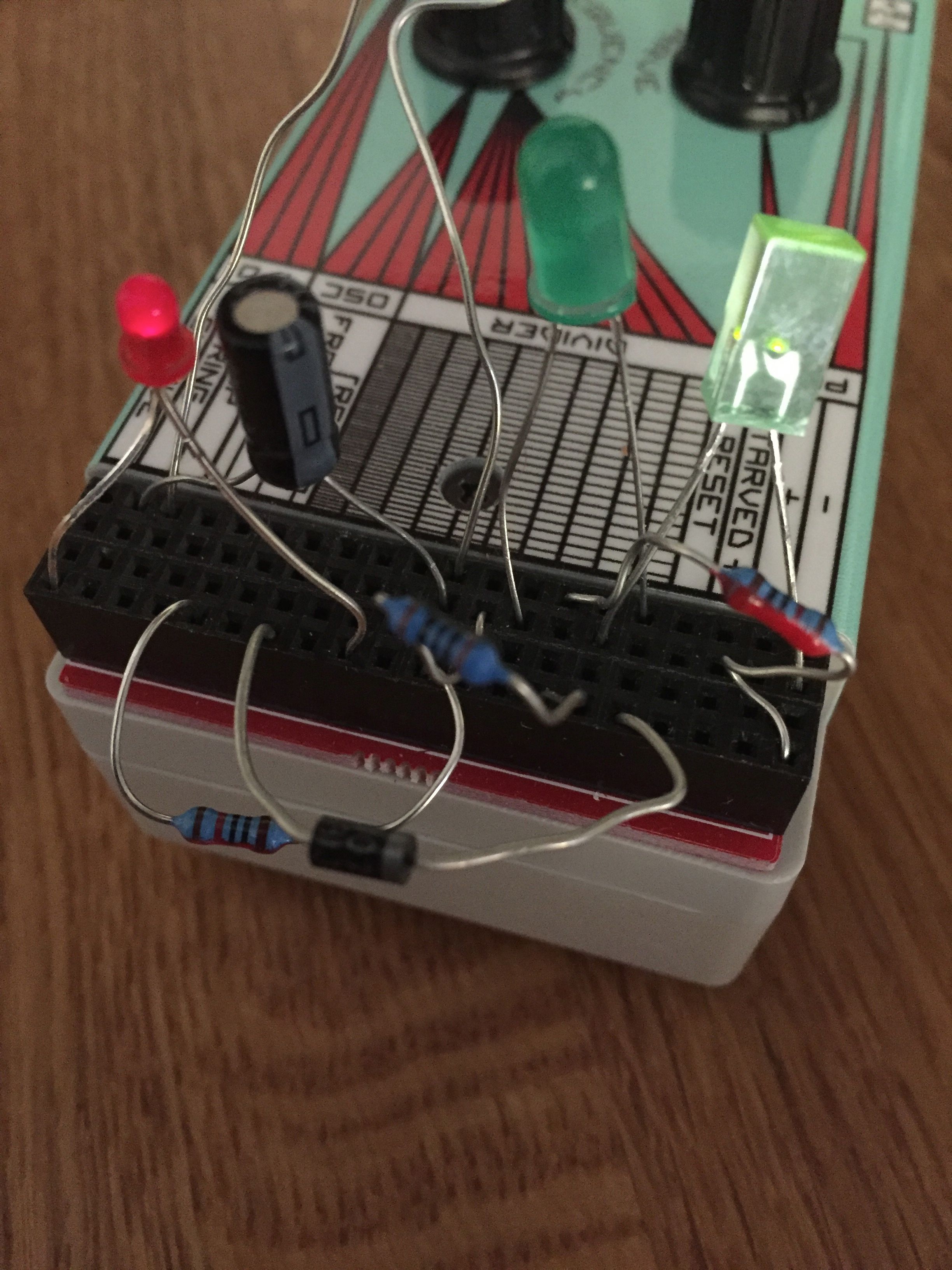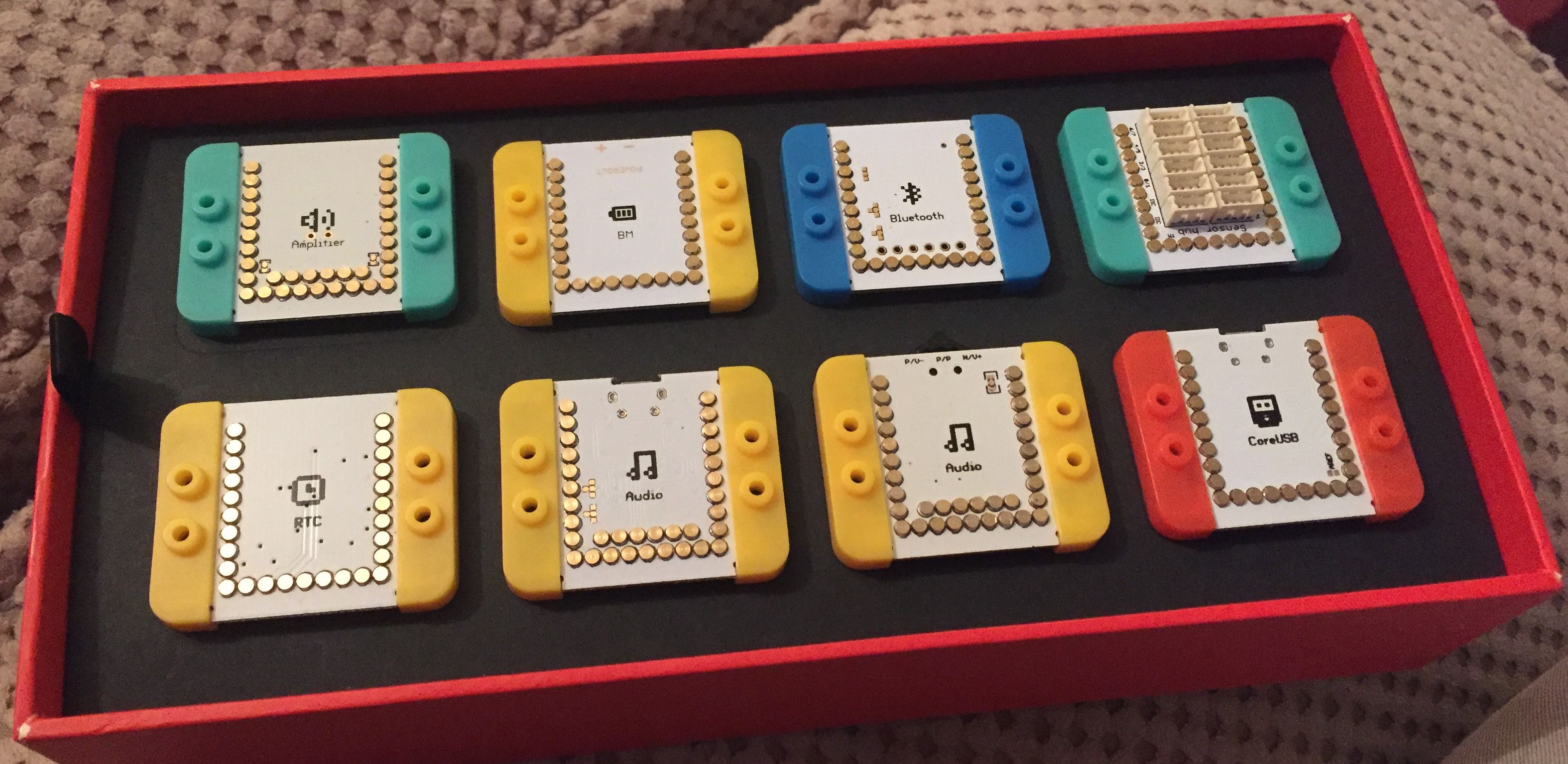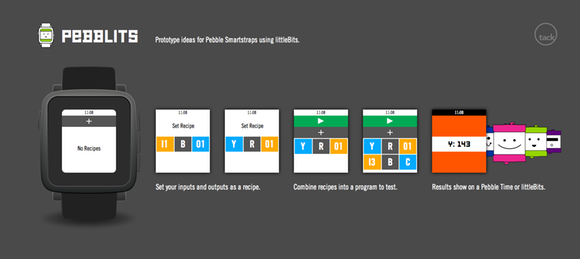
while waiting for @littleBits delivery I am putting together a browser based simulator and having fun with WebAudio pic.twitter.com/O1RumEnmYV
— TBD (@tbdr) December 10, 2015
Category: Making things
I enjoy making things a lot. I don’t get enough time to do it though. When I do make stuff it takes all sorts of different forms, like electronics, fixing stuff (with Sugru etc), using conductive ink, conductive textiles, and the list goes on.
Using Conductive Ink Proximity Pads with Ableton


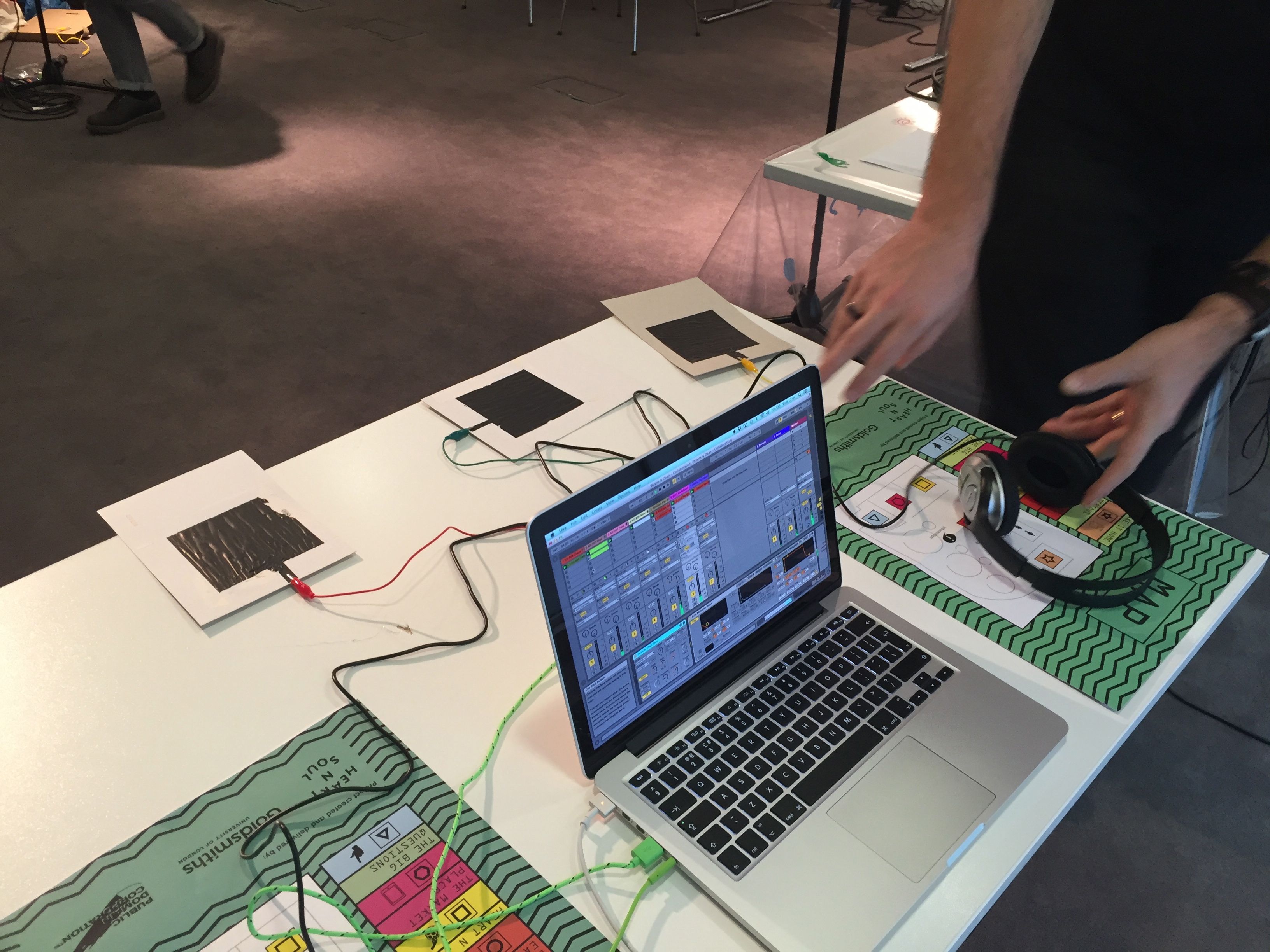
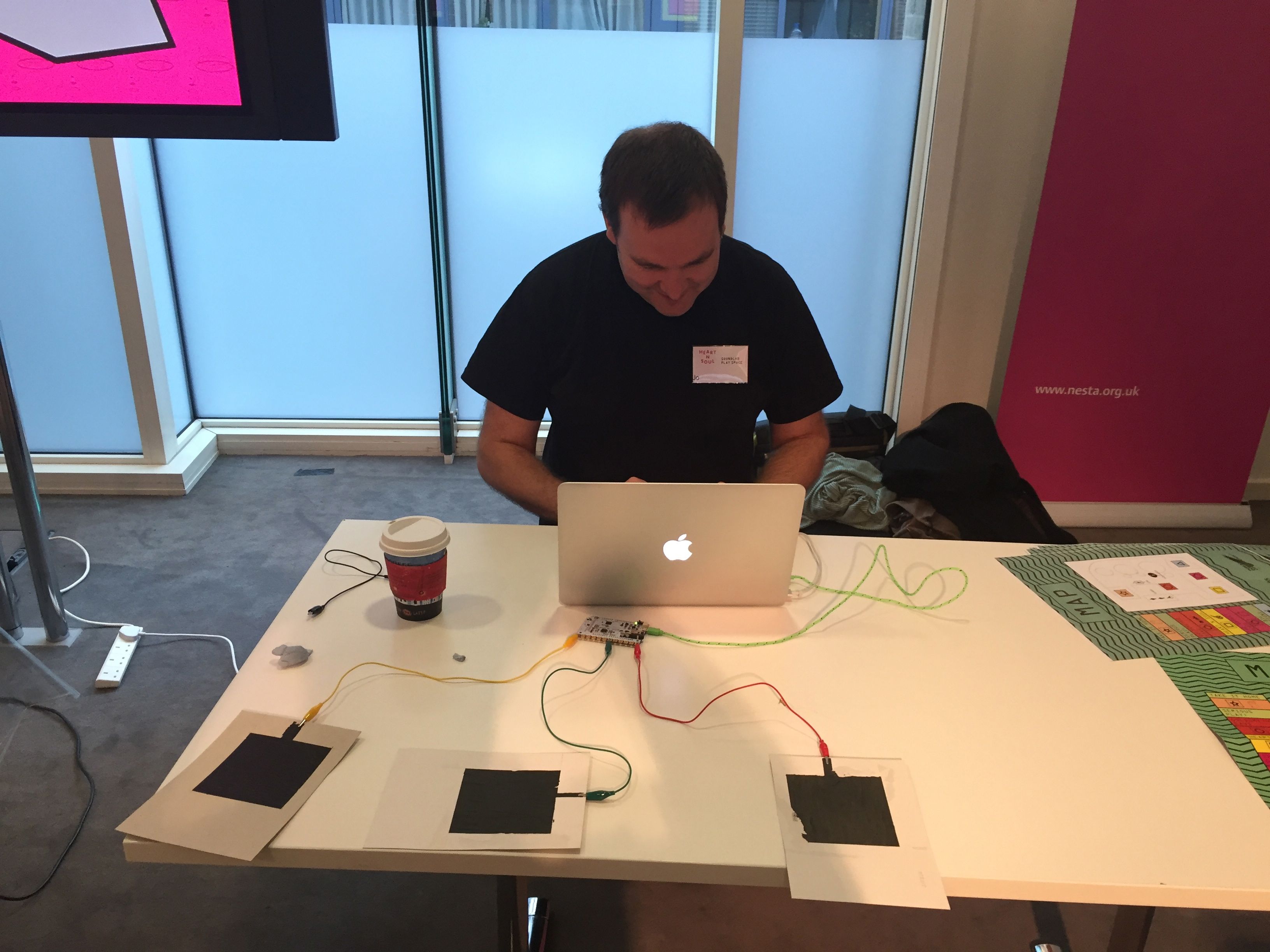
One of the technologies we had on show at the SoundLab Play Space was Bare Conductive’s Conductive Ink and TouchBoard. We used these to connect to Ableton Live and control a variety of parameters in a set. It took quite a lot of tinkering around to get the pads and the board to work as we wanted, and a lot of time to calibrate the pads to get them sensing and sending MIDI CCs.
Hopefully I’ll be able to release to arduino code for the set we used soon. Hopefully I’ll be able to make some videos too to show how to get it done.
I think that that the TouchBoard is a really cheap and simple way to create effective gestural control via MIDI.
More on making conductive ink pads for proximity sensing

After experimenting with my previous cards I decided to try a larger and denser pad for use as a proximity sensor.
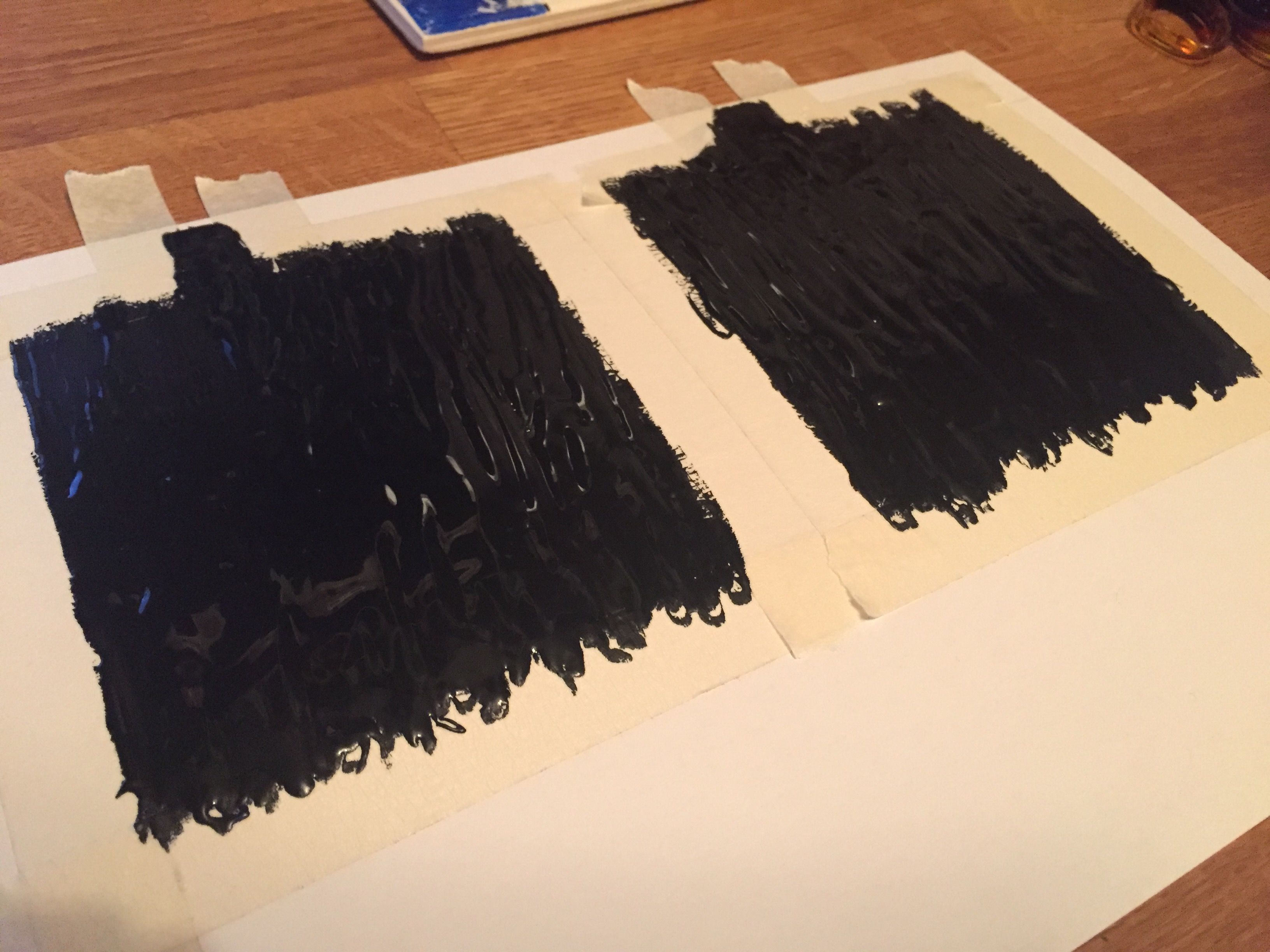
There was a very good little tutorial on the Bare Conductive site so I used that. As you can see above it very sensibly suggests the use of masking tape to make these pads. I followed the instructions and made 4 pads in the end.

Whilst the tape removal wasn’t an entire success it was ok and didn’t stop the pads from working which was good.

I’m planning to post a much larger post around how to get these pads to work for music and how best to get the code up and running too. It might take a little while to get that going though, so hopefully it’ll be in a week or two.
Processing 3 and the new sound library
The last time I used Processing I was messing around with the minim library for sound. Now, in version 3, there’s the new sound library and it looks (and sounds) amazing!
I’ve only played with it a little but so far the example code looks really straightforward to read and understand. I might even start making a few things myself! Who knows.
Getting to grips with Processing 3
I’ve been getting back into Processing 3. As I said when it first arrived, it’s been a while since I made things with Processing, but this version looks so much better than what’s gone before. Installing libraries and tools is now just so easy. It’s amazing. It feels like I really need to get back to making some stuff with Processing again.
Some more Olegtron 4060 goodness
I really like the Olegtron 4060. It’s pretty awesome. I haven’t played around with it for ages, so it’s good to try it again and make some sounds.
More Olegtron 4060 fun
Microduino is in the nicest packaging
Old bits of ‘art’ made with NinerPaint on the Palm OS
I hadn’t seen these in a long time and when I did I thought I’d put them here so you could see the kinds of things I used to do with NinerPaint which was a great art app for Palm OS. So far I haven’t found anything similar in the iOS world. Or perhaps I just haven’t looked hard enough?
That could be it of course, and I should perhaps have another look at some point.
New music from me: Experimenting with MIDI and littleBits
Using GMS (Genome MIDI Sequencer) to drive a littleBits synth using the new MIDI bit.