Launch Center Pro from App Cubby on Vimeo.
Even though I can see it is useful I’m still not completely sold on it. But perhaps I need to find some better uses for myself.
someone who's doing some things
Apple’s mobile OS. I find that I use iOS (on the iPad and iPhone) for a lot of things these days, mainly because it’s just so useful.
Launch Center Pro from App Cubby on Vimeo.
Even though I can see it is useful I’m still not completely sold on it. But perhaps I need to find some better uses for myself.
This is another automation app that I got that without really knowing what I was going to use it for. However, it’s been updated and added a load of new stuff. Here’s what they loaded it up with:
So that all looks really cool. However, having dug around in there for a bit longer I’m still none the wiser about how I can use this in a constructive way! I’d really like to find ways to make use of this automation, although there isn’t a huge amount of automation available. It is still at the periphery. Still, I want to give it a go and see if I can make any active use of it.

I’ve had this app for a week or so now and although it has some amazing functionality I’m still not entirely sure what I want to do with it or how it’ll ever be useful. It’s sort of in the ‘solution in search of a problem’ camp.
The app itself has a huge amount of functionality to it. It’s able to share text and mark up to a very wide number of services and can be configured very easily to do this. So much so that I actually made a little search function for drafts that allows you to send a piece of text into Palm Sounds (blog) and search the entire site with that text. It’s pretty simple. The search URL is:
https://www.google.com/search?q=site:palmsounds.net+%5B%5Bdraft%5D%5D
Yep, that’s all there is to it. You put that into drafts and you can send any text to search Palm Sounds.
So that’s all well and good, but, what’s it for? What can I use it for? The short answer is I haven’t really thought of a reason as yet. Which is a bit of a shame as I think this is a clever app.
When I think of one, I’ll let you know.
I wrote yesterday about an app called drafts. I was showing it to a friend today and it made me realise that actually, whilst I do look out for these kind of automation app they rarely, if ever, do what I need them to do or end up being part of any wider automation solution that I’m looking for. So, why bother? Well, that’s a good question, and one that I find myself asking quite a lot.
I looked at Drafts yesterday, which seems to have some quite good features in it, like the ability to include additional actions using javaScript. Apparently you can use JavaScript if it’s interpreted by Apple’s built in JavaScript engine. I didn’t know that, but it makes a lot of sense now. Anyway, using this, Drafts can load new ‘actions’ that allow it to integrate with other apps and get them to do some simple things, but, that’s the problem. All they do is simple things.
Another app that showed some promise was (is) Launch Center Pro. The idea of this app was to be able to launch apps with specific criteria. However, it suffers the from the same limitations as Drafts. What it is able to do is limited to simple app launches and actions like, ‘launch app X and search for Y criteria’.
The last one is called triggers. Triggers is a different beast altogether. It’s more about creating physical parameters and when those are met it triggers a response. Quite interesting really, but again limited. The app doesn’t work in the background, which means that it can’t track it’s physical activities when it isn’t on. So, not much use.
So iOS is in many ways a good deal behind the likes of Android when it comes to automation. Nothing like Tasker (Android app) exists for iOS. If it did, if Apple allowed it, that would be amazing.
Here’s a quick list of the apps I mentioned:
Drafts

Launch Center Pro
Triggers
I’ve only just heard about this app for iOS which seems to be a great companion to apps like Launch Center Pro, but both seem to come into their own when used with tweaks or hacks like these from lifehacker.
I’ve been looking for better ways to automate things in iOS, ideally in a similar way to Tasker for Android, but nothing comes close, at least not so far. However, things are improving. So I’m going to have to have a look at some of these automation ideas and see where they can take me next.
I’ll keep you posted on how the experiments are going.
Drafts at the app store
Launch Center Pro at the app store
Update 25 – iPhone SMS and iMessage from Pebble Technology on Vimeo.
I was hoping that the Pebble would arrive before Christmas, but that’s not to be sadly. However, it’s great that it’ll display SMS with iOS6 and I’m looking forward to getting it in the new year now.
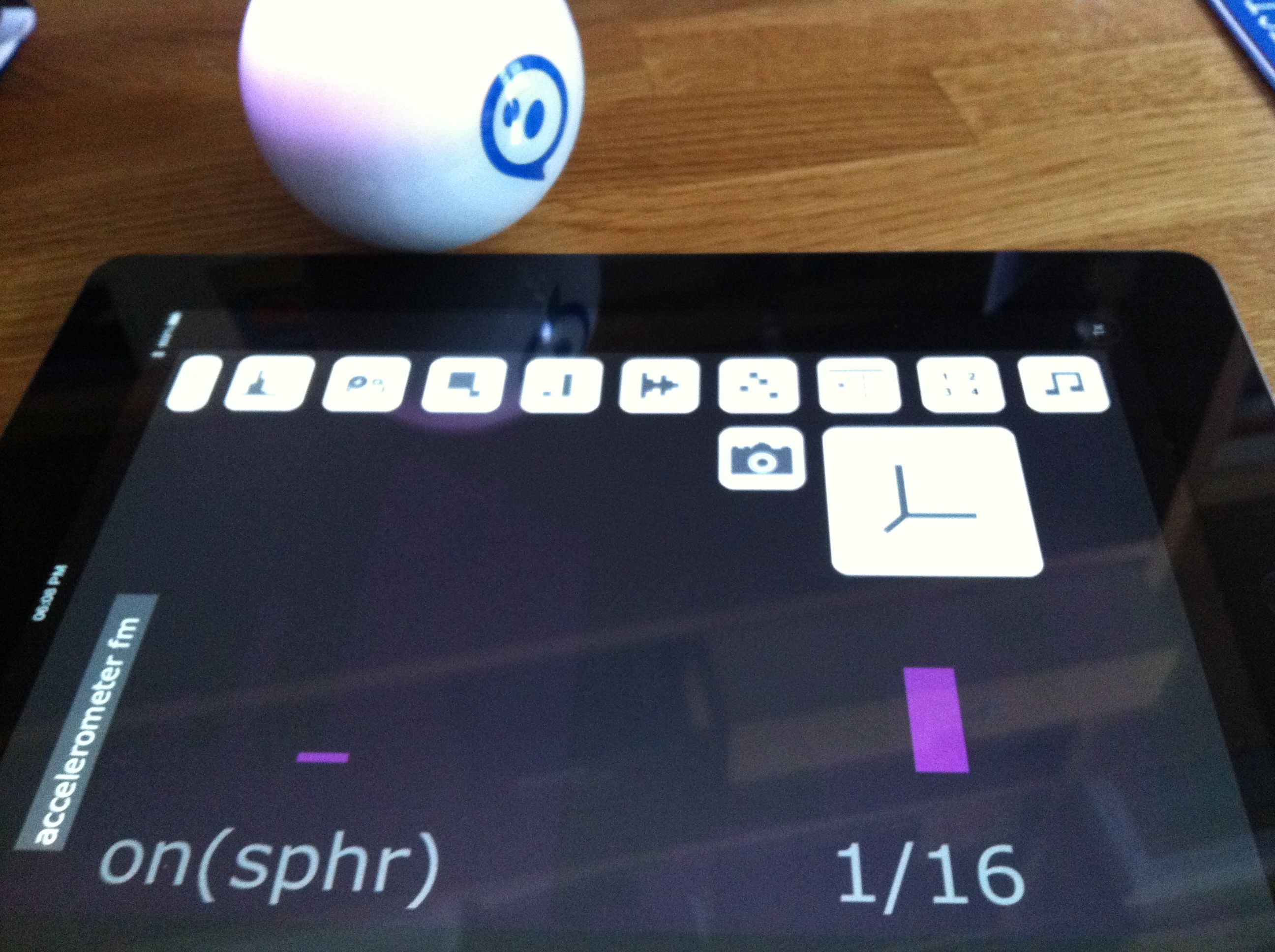
Using Sphero with Shapesynth is really quite addictive. Video coming soon, but probably to Palm Sounds first.
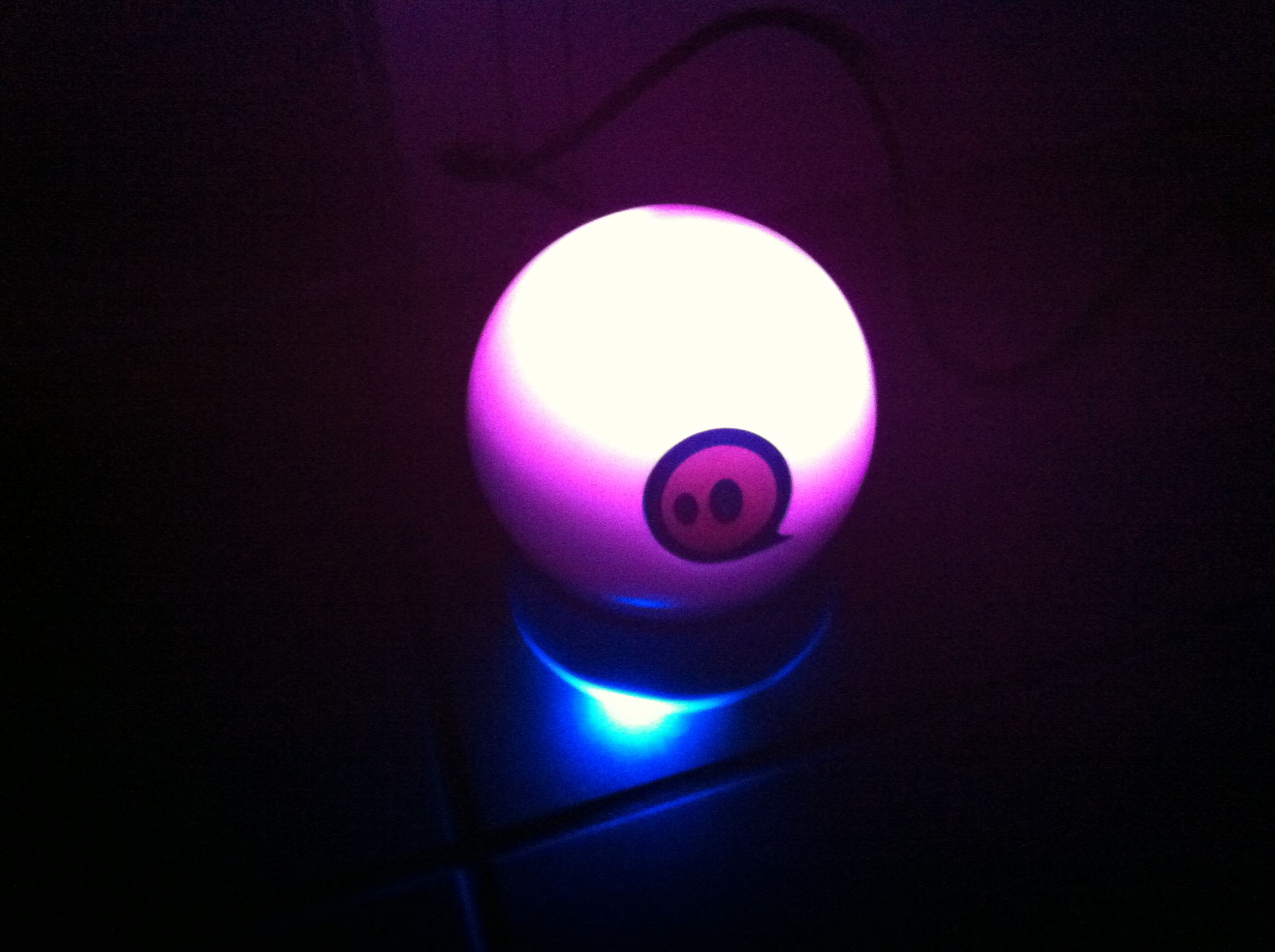
I’m really intrigued by the idea of physical objects interacting with the real world, which is why I decided to get a Sphero ball. It’s a very interesting device, and there are a few apps that work with it, including especially Shapesynth, which makes some amazing sounds.
So I’m just getting started now on this, and starting to think about how I can use Sphero in a variety of different settings.

I posted this over at Palm Sounds, but it’s a good picture of Genome running on the iPad and controlling Paul’s Shruthi-1. So it goes here too.
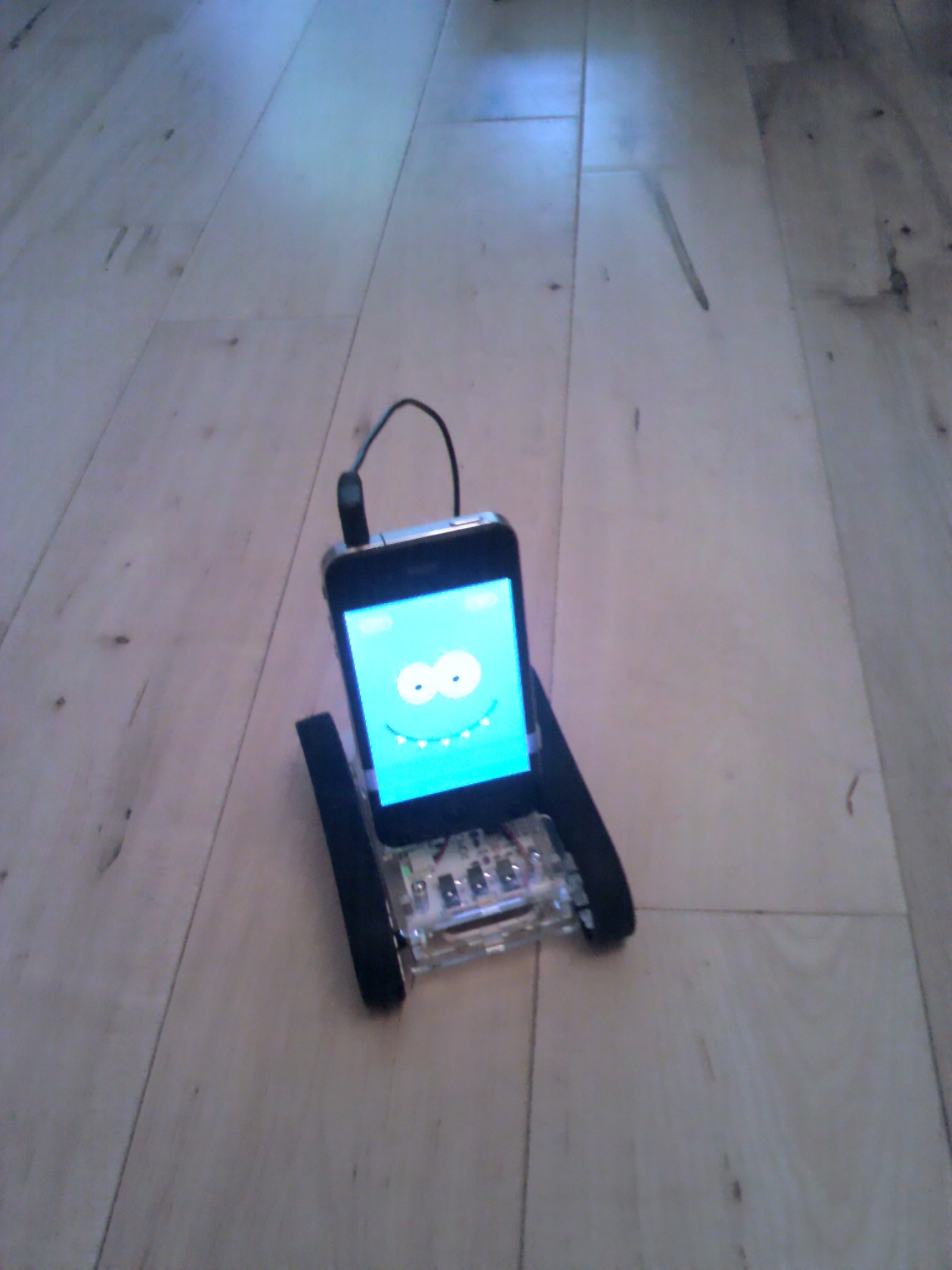
It has been just over a week since I sent my Romo off to Germany to have his main board’s firmware updated to work with an EU smartphone. He’s back, and he works just fine now. In fact, he seems to be as good as new.
After all this time it’s great to be playing around with my Romo and enjoying such a clever idea. Now I want more from my Romo apps already!

