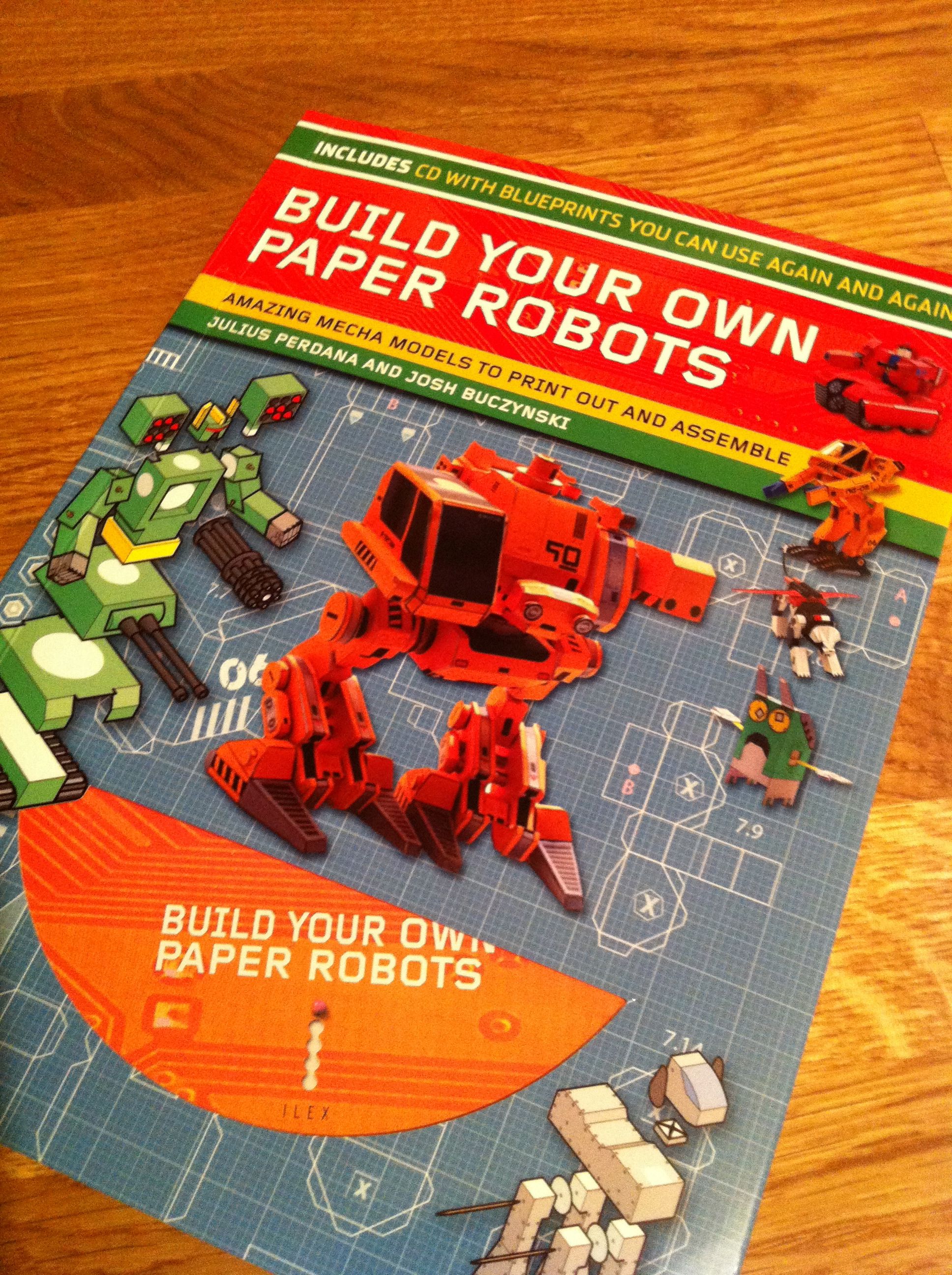
 I bought this on my last trip to the Science Museum as it looked really good. I was wrong, it was even better than I expected. All the templates are on the CD in printable and editable formats so you can do a lot with these robot models to really make them your own. I’m looking forward to making a few soon.
Category: Making things
I do like to make things, although I’m really not that good at it
Pixilang 3.2 arrives
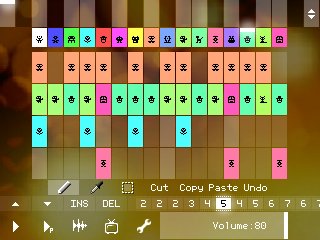 I haven’t used Pixilang for a long time and so it’s great to see a new version and one with some really interesting new features like:
- universal containers (pixi-container) for any type of data;
- dynamically typed variables (for integer or floating point numbers);
- functions for sound synthesis and recording;
- functions for block data processing;
- supported formats: WAV, PNG, JPG;
- MIDI In/Out.
Of course, or most interest is the functions for sound synthesis and recording and the MIDI in/out as well. Sadly it seems that there’s no Palm OS version though, so I’ll be using it on Windows Mobile.
Processing Book
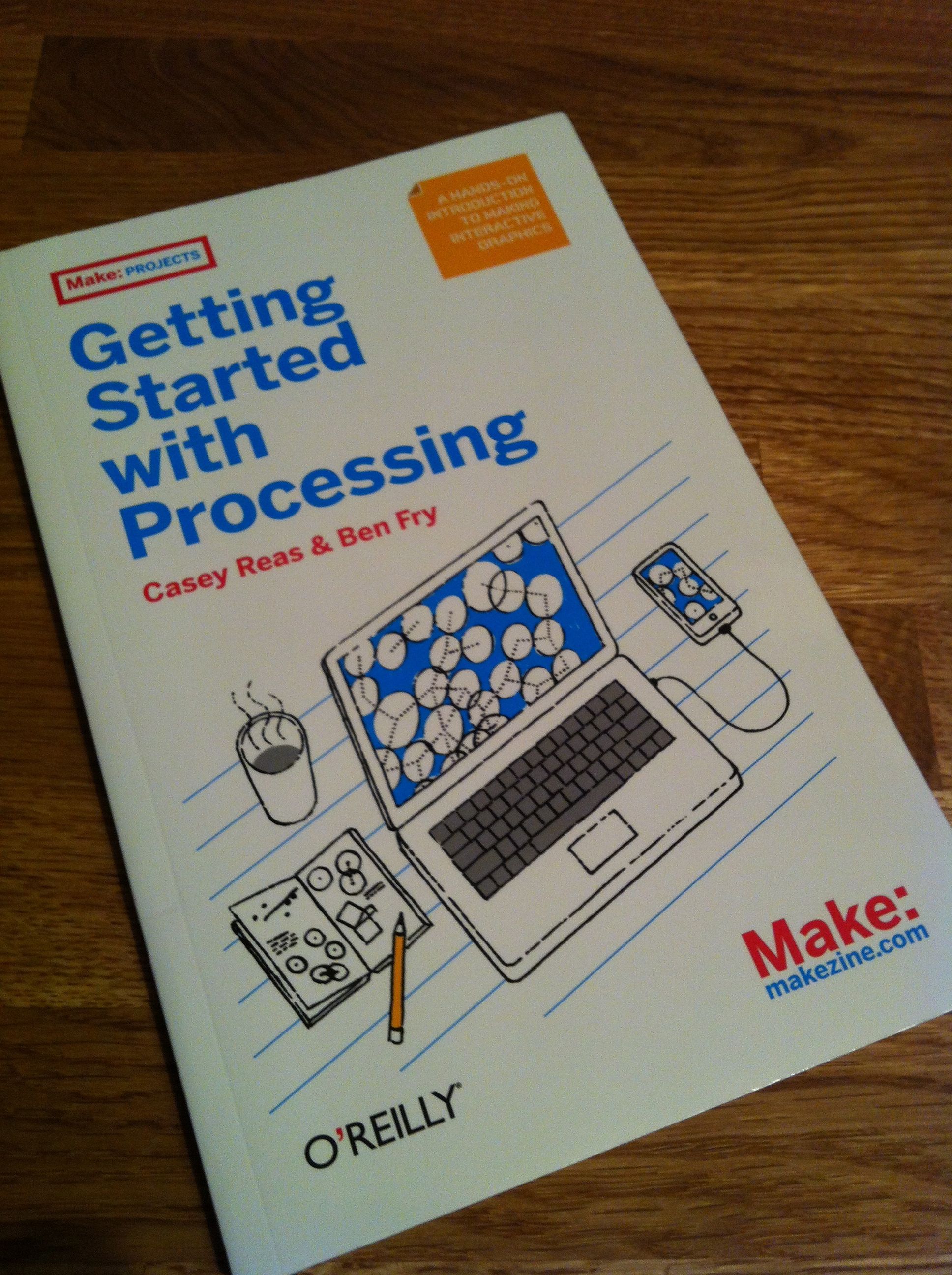 I had forgotten all about this book and found it this morning so it was my companion on the train this morning, and there’s good stuff on using text in there, so hopefully I’ll get a scene done in a few days.
Processing and text
I’m getting back into making processing stuff (as you can see from the sketch below), so next I’m hoping to do something a little more ambitious, using text for something more interactive.
Anyway, it’ll take me a little while to get my head around text in processing,
And that’s on Android too
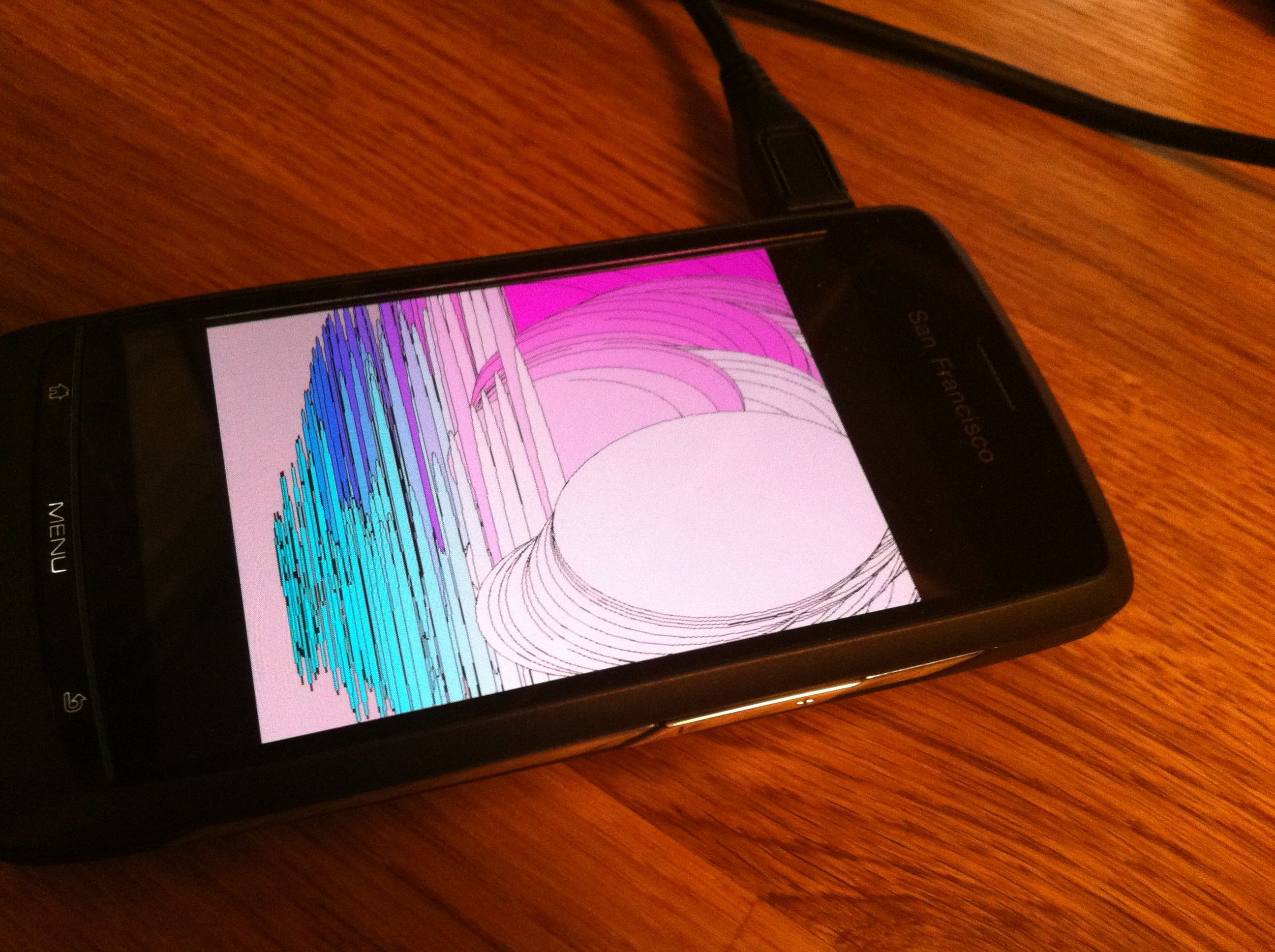 I meant to say that that processing sketch also works really well on my Android phone under 2.2. Nice to be able to run this stuff on Android too.
More Processing
[processing width=”640″ height=”480″ file=”http://www.ashleyelsdon.com/wp-content/uploads/2012/01/Mouse_Makes_some_shapes_1.jar” method=”inline”]Load the applet[/processing]
This is a simple sketch I was fiddling with last night. I know it doesn’t do much, but it does show a tiny bit of what you can do with processing in just a few lines of code. Of course, what I’d really like to do with processing is more audio related and I’m hoping to explore more of this soon. Thought I’d share though.
Milkytracker is on Android now!
Who knew? Not me that’s for sure anyway! And, what’s more, it appears to be compatible with my old Orange San Francisco. Excellent. I shall download that and then maybe not really use it for a while then dramatically rediscover it in a few months.
Sounds like a plan doesn’t it?
Back to Reaktor
I decided that I really should get better acquainted with Reaktor. I’ve had the software for ages, and aside from a little tinkering with it I’ve done very little. So I’ve started at the beginning again and decided to work through the tutorials before I dive in to make anything for myself.
Happily it all came flooding back to me when I got to it, and I was able to get going very quickly. One thing that surprises me though is that there seems to be no book about Reaktor. You can find books on almost all other major music applications, but none on Reaktor that I can find anyway.
Not that I’m planning to write one you understand.
Messing about with Jasuto Pro
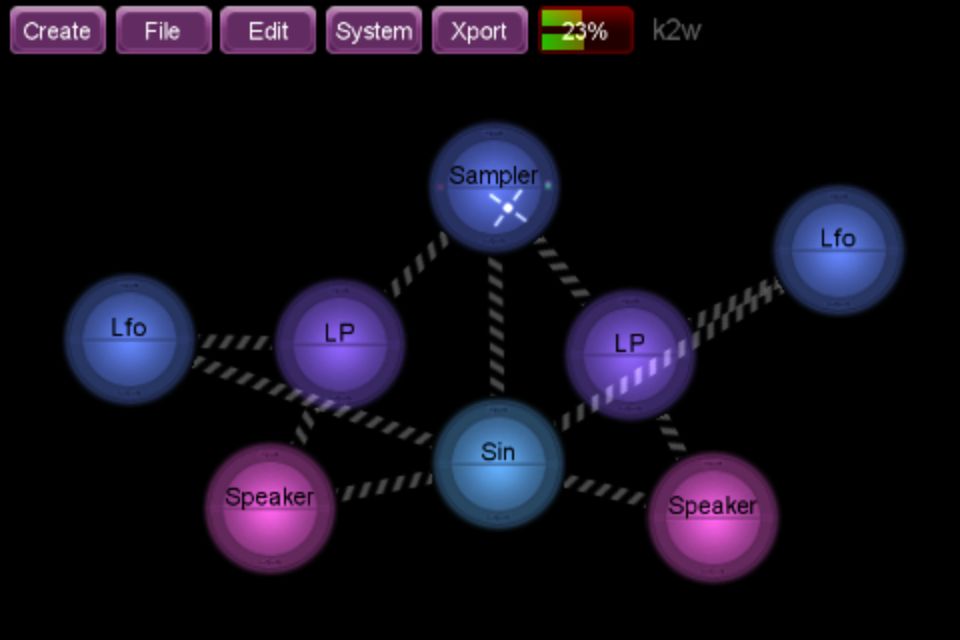 Messing around with stuff is great fun, and if there’s an iOS app that is superb fun, then it’s Jasuto Pro Modular. I haven’t played with this app for ages, and so it’s great to get back into it and discover stuff that I’d started but not done anything with.
The patch, or sketch, or whatever the proper name is, that you can see above uses a sample file that was recorded using RJDJ on a journey home one day. The idea was to record a week of travel sounds using RJDJ and then create patches for it in apps like Jasuto Pro.
I must work out how to get the audio out on this track, but perhaps on another day.
Messing around with Processing

I’ve been messing around with Processing JS for a few days as it seems to be easier to put .js sketches into a web site than standard Processing sketches, and it is. But, whilst it makes a lot of sense to use processing.js with WordPress, sadly processing.js isn’t so good at audio, and a lot of my processing stuff is audio related.
So I’m going back to straight Processing for now as I know I can get the audio librarys to work with that.
Never mind
 I am Ashley Elsdon