Untitled from Ashley Elsdon on Vimeo.
Category: Making things
I enjoy making things a lot. I don’t get enough time to do it though. When I do make stuff it takes all sorts of different forms, like electronics, fixing stuff (with Sugru etc), using conductive ink, conductive textiles, and the list goes on.
Next project
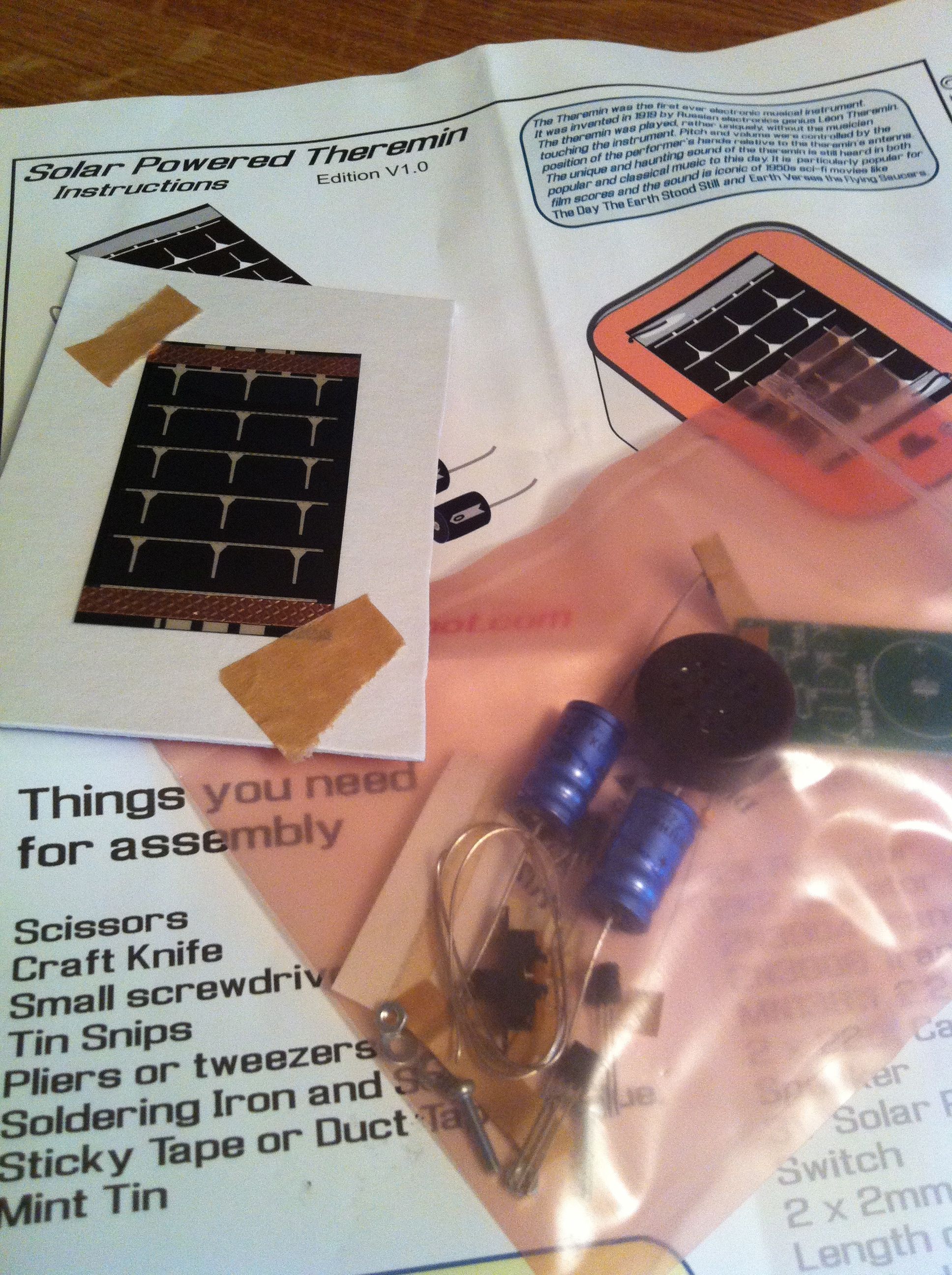 This is another kit I’ve had for ages and haven’t gotten around to, so it’s next on my list of things to make.
It’s a solar theremin kit, we’ll see how this one goes at the weekend.
Something for the weekend?
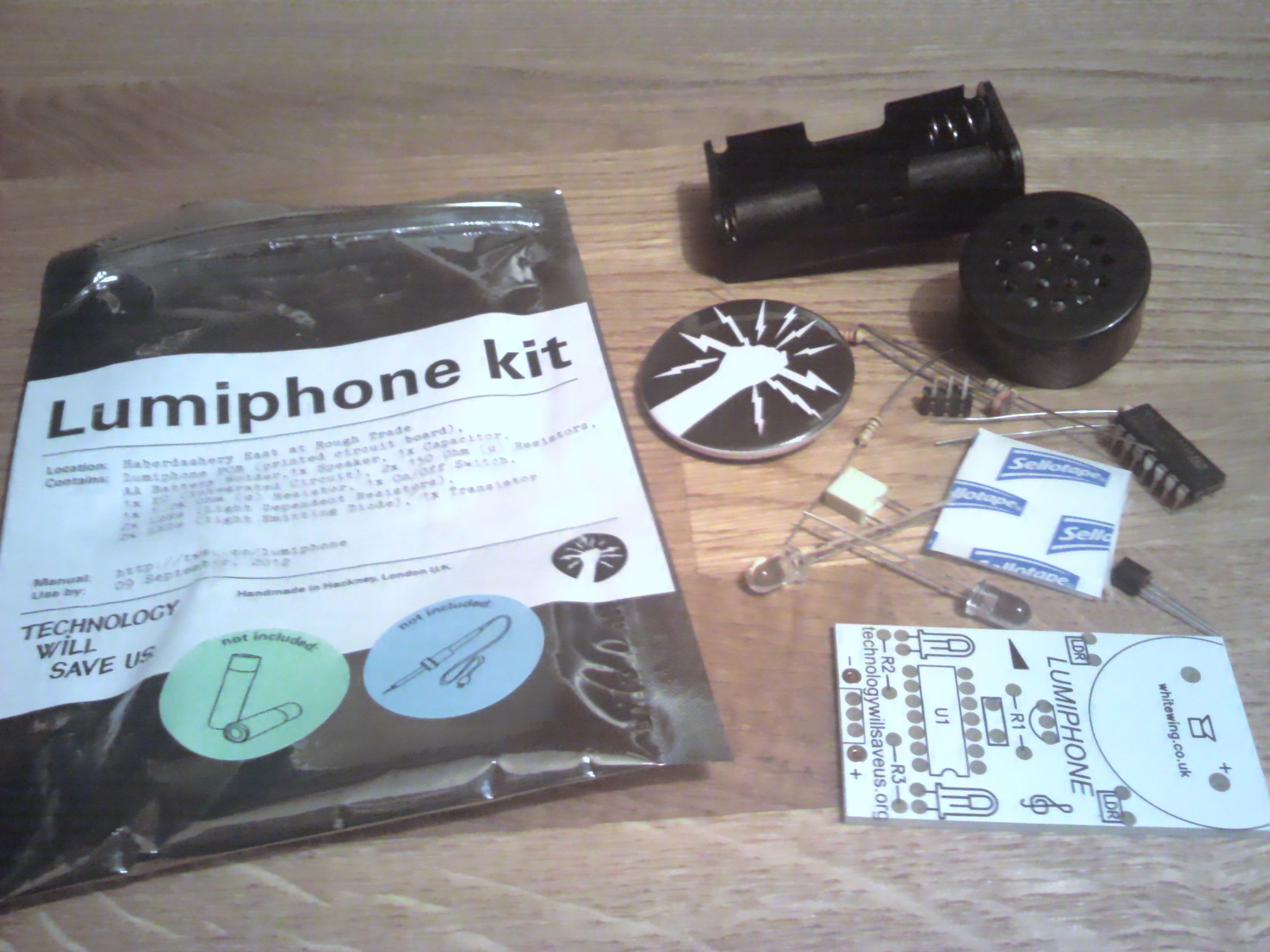 I bought this kit a while back and still haven’t done anything with it, but my plan is to change that this weekend. Hopefully I’ll have a bit of time to myself to get the soldering iron going without distraction.
Trying out the Processing app for Android
Having started to play with Processing on iOS, albeit with lots of limitations, I thought I’d see if there was a similar app for Android. There is. However, the Android processing app didn’t seem to be as smooth an experience as the iOS version.
Having said that, my Android device is much slower than my iPhone, so I might be doing the app an disservice. Even so, when I’ve put sketches on the same device from Processing on the desktop it performs very well indeed. Anyway, the long and the short of it is that I gave up on that app fairly quickly.
Finding old Palm OS apps I’d started to make
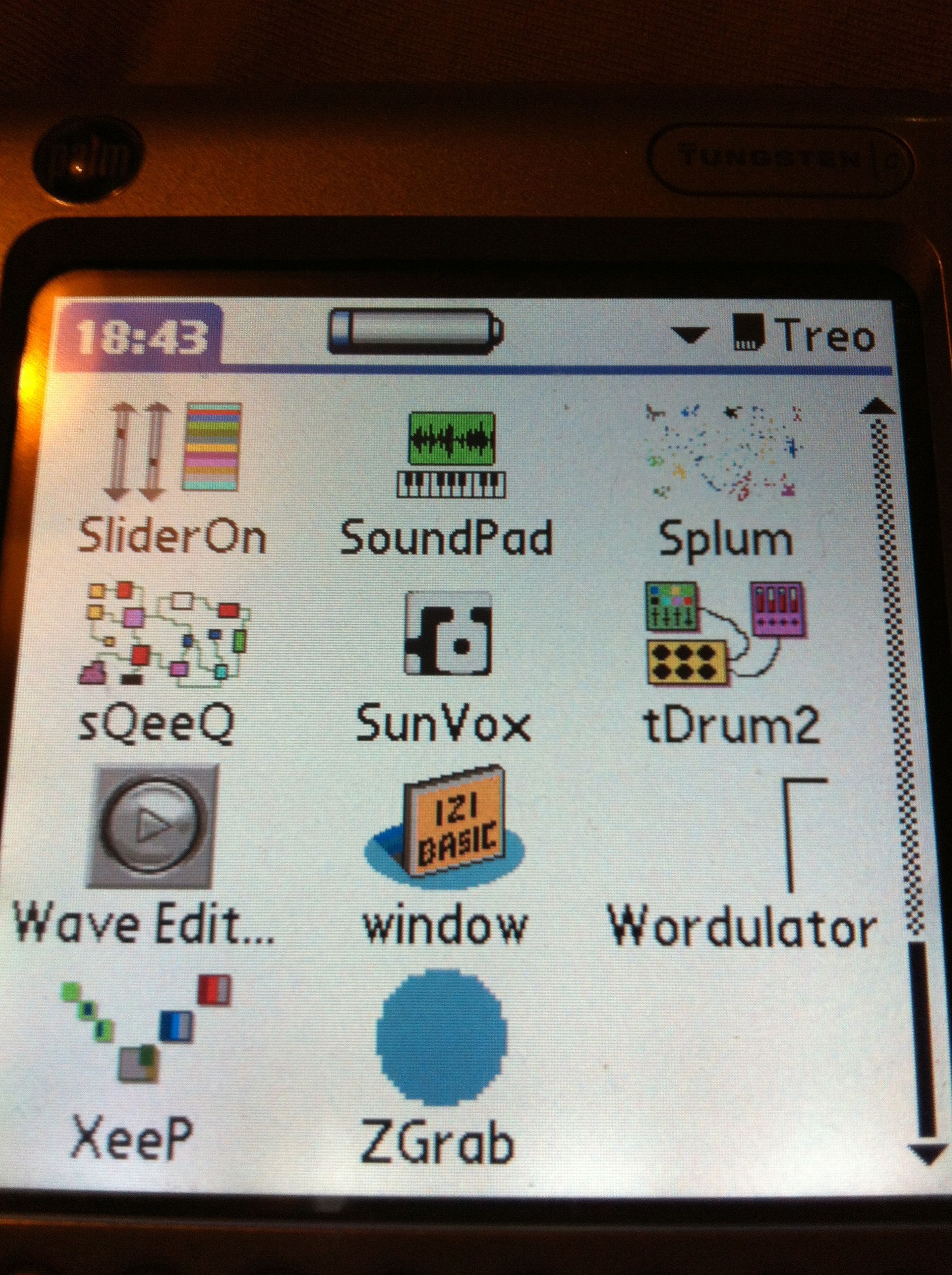 In reviving the Tungsten C I discovered an SD card that I must have forgotten about. It had a load of test builds of Palm OS apps that I started years ago and never finished, but it’s interesting to go back and look at them. A few are even partially functional too.
What I love to see is the icons I made for them. My favourite being tDrum2, sQeeQ, and SliderOn in the picture above. Of these only one actually works, but I’ll take more pictures of the apps and show you what I mean. More soon.
Generative Music from using Mixtikl
The recording isn’t wonderful as it just ends abruptly, but it gives some idea of where I’m going with this track hopefully.
Processing arrives for iOS
A brief play with Processing JS for iOS will tell you that it is very definitely a version 1.0. Having said that, I think it’s a good start and even though I’ve only messed around with it a little so far, but it is possible to get stuff up and running very fast.
This is processing JS and not processing. For me that meant that I’m not as familiar with this version as I am with the regular flavour of processing. Even so, I fiddled with the sample sketch and got it to do a few different things already.
I’m really hoping that this app gets some more functionality soon. Things like a way to export or email the code out would be handy, and a reference manual that’s on the device / app and isn’t just on the web. That would be good.
Starting out with Basic4PPC
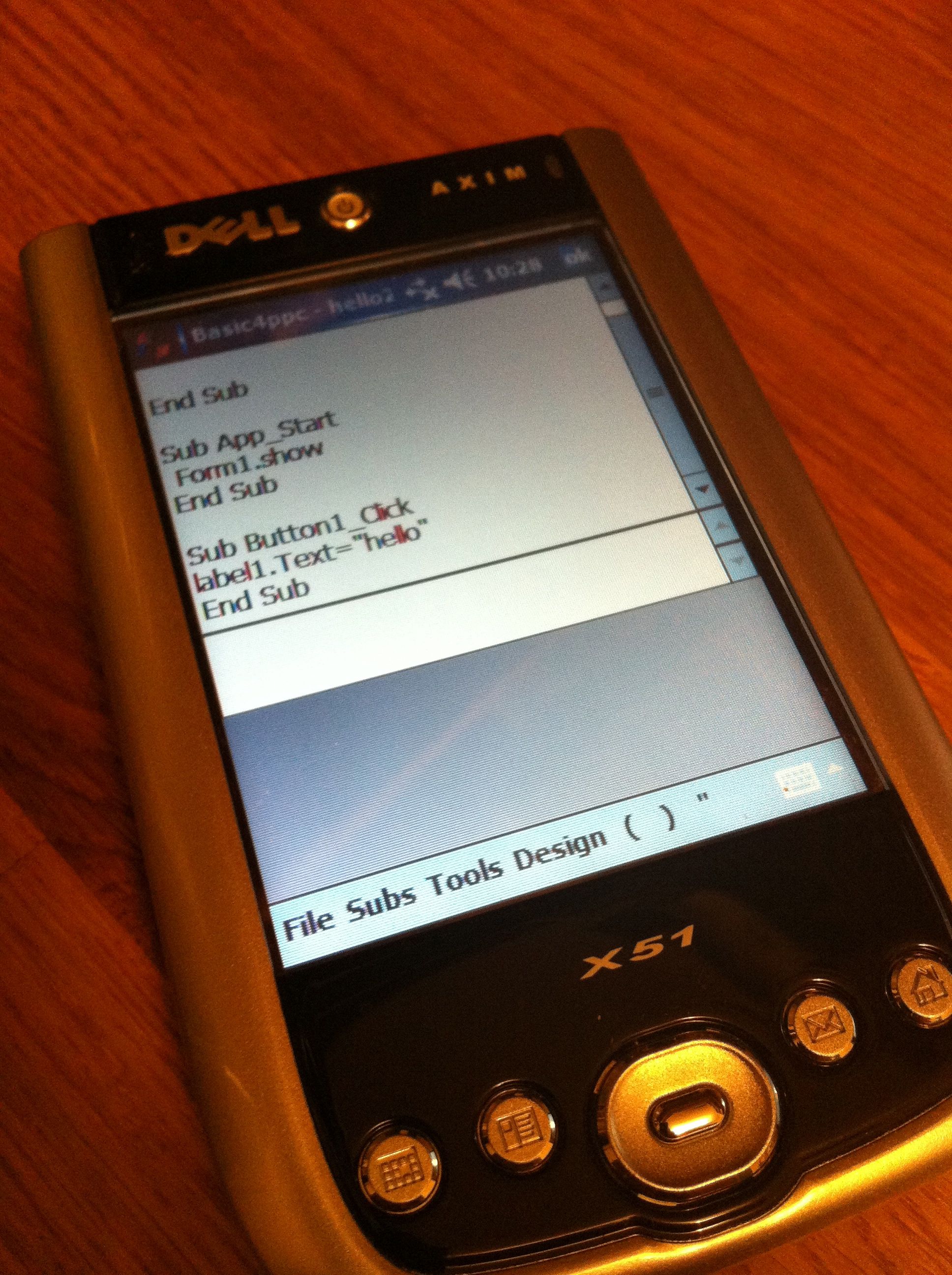 It is pretty retro I know, but it is sort of fun to mess around with things like Basic4ppc to see what I can make. Having said that there is the small problem of what actually to make using b4ppc.
You can’t really make any worthwhile music app with this language, and it isn’t too useful for anything net related. So, what should I make with it?
Axim plans
I’ve been thinking about what else to put on my old Dell Axim. Emulation seems obvious, well to me it does anyway. I still have a Mac System 7 emulation app somewhere around the place, so I may try that.
The other thing I’d like to do is to populate it with a bunch of my own ‘mini’ apps made with Basic4ppc. That might take a bit longer though.
Starting Basic 4 PPC
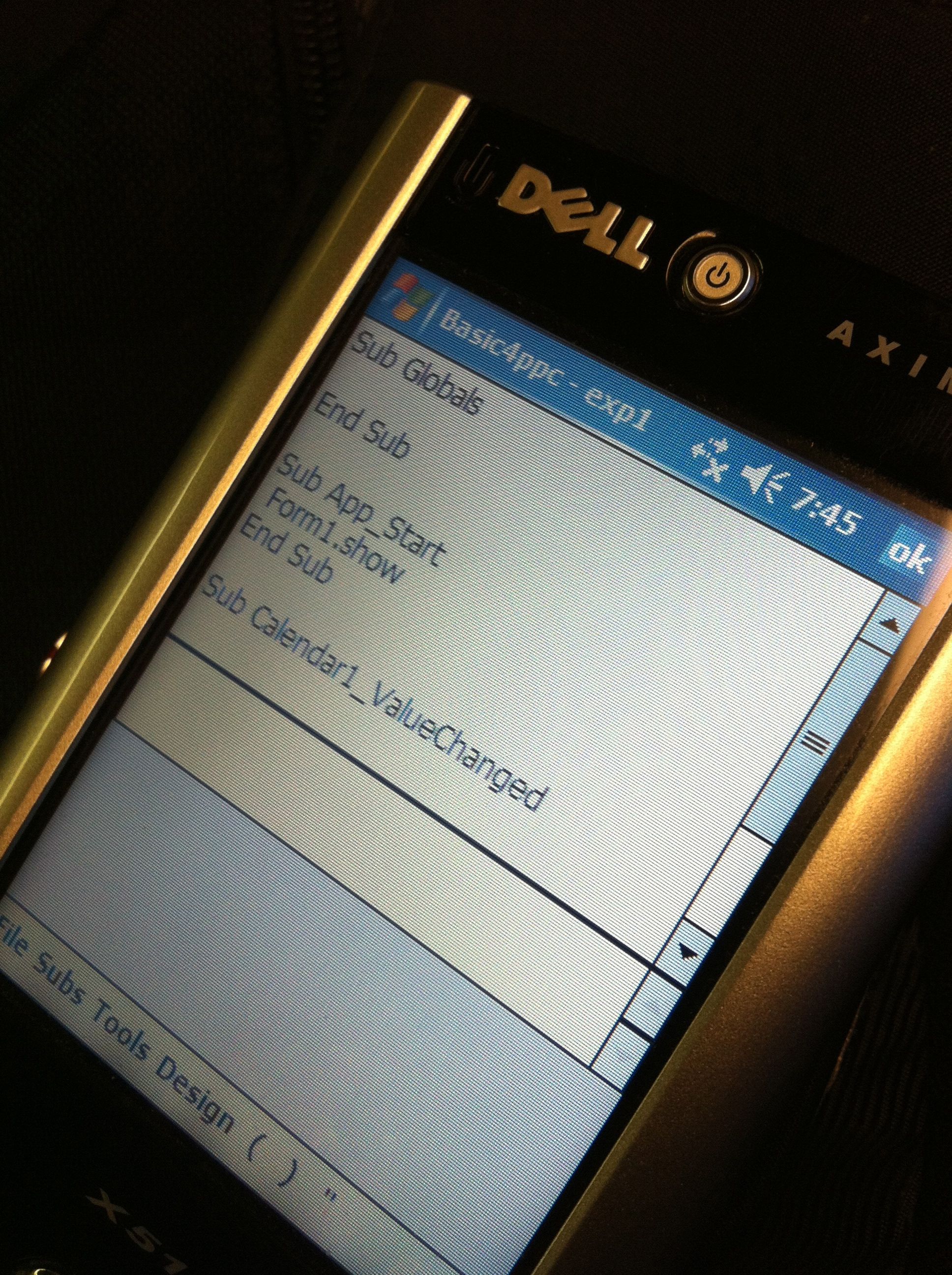 I’ve started messing about with Basic4PPC again. I know that Windows Mobile is totally dead now, but I like to mess about with stuff like this to see what I can make it do, and it is quite good fun too!
 I am Ashley Elsdon