I sat on the fence about getting one of these for a while, but I eventually decided that I’d love to play with Arduino and Android and Processing all together. So expect some more semi-mobile geekery in due course.
Category: Making things
I do like to make things, although I’m really not that good at it
To MIDIfy a VL-1
So, having got my VL-1 and located my VL-1 MIDI kit, I suddenly realise that I don’t have any instructions to go with it!
I’ve asked highly-liquid for some help as they made the kit.
Processing day 4: A line with some weight to it
[processing width=”480″ height=”120″ file=”http://www.ashleyelsdon.com/wp-content/uploads/2012/03/A_line_with_weight.jar” method=”inline”]Load the applet[/processing]
Here we are again, another little bit of processing. This little sketch still draws a line again but adds some weight to it. Have a go, and here’s the code too.
void setup() {
size(480, 120);
smooth();
stroke(0, 120);
}
void draw() {
float weight = dist(mouseX, mouseY, pmouseX, pmouseY);
strokeWeight(weight);
line(mouseX, mouseY, pmouseX, pmouseY);
}
Processing day 3: Drawing a little line
[processing width=”480″ height=”120″ file=”http://www.ashleyelsdon.com/wp-content/uploads/2012/03/sort_of_draw_a_line.jar” method=”inline”]Load the applet[/processing]
Another bit of processing, this time drawing a little line on the screen. If you’re interested, here’s the code for the sketch:
void setup() {
size(480, 120);
strokeWeight(4);
smooth();
stroke(0, 120);
}
void draw() {
line(mouseX, mouseY, pmouseX, pmouseY);
}
Solar Theremin
I decided to build this kit after having it for ages and ages. So I made the whole thing and put it all together and it doesn’t work. I’ve checked every connection, and I can’t find anything wrong with it at all. Except that it doesn’t work. Which is a real shame.
I actually thought I did a really good job of soldering it, which makes it a little worse in a way. Anyway, I think I’ll leave it for a while and go back to it to see if I can work out what’s wrong with it.
Playing with Android Inventor: A very simple drum pad
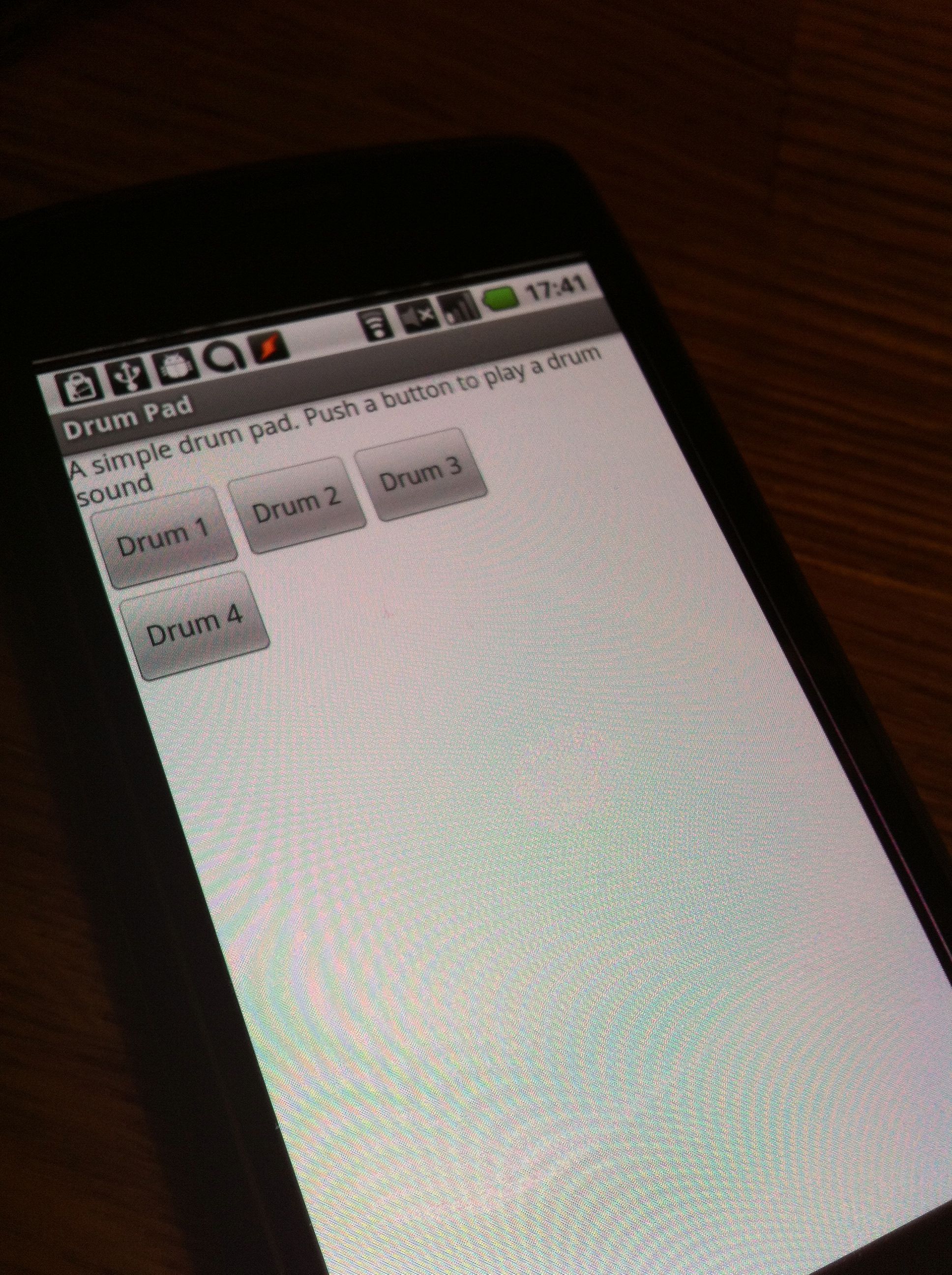 I mentioned before that I’ve been playing with Android inventor now that it’s on MIT’s servers. The first thing I tried to do with it was to make something vaguely musical. Well, ok, not that musical to be honest. I thought I’d try and do something like a little drum pad to start with.
It works, sort of, but it really isn’t too useful sadly, as the drum sound only triggers when you take your finger off the button and not when you press it. So I really need a new way of getting that to work.
Processing day 2: A little dot is going to follow you around the screen
[processing width=”480″ height=”120″ file=”http://www.ashleyelsdon.com/wp-content/uploads/2012/03/spot_follows_mouse_movement.jar” method=”inline”]Load the applet[/processing]
All this applet does is follow the mouse around with a tiny spot. That’s all, but it’s day 2 of my look at processing and tracking the mouse. Here’s the code for it.
void setup() {
size(480, 120);
fill(0, 102);
smooth();
noStroke();
}
void draw() {
background(204);
ellipse(mouseX, mouseY, 9, 9);
}
Having fun with Android App Inventor
I have to say that this time around I’m really enjoying messing about with App Inventor again, even though I’m just making some simple stuff at the moment. I’m hoping to get a couple of apps tested up soon and see how they run on a real Android device soon.
Arduino experiments restart
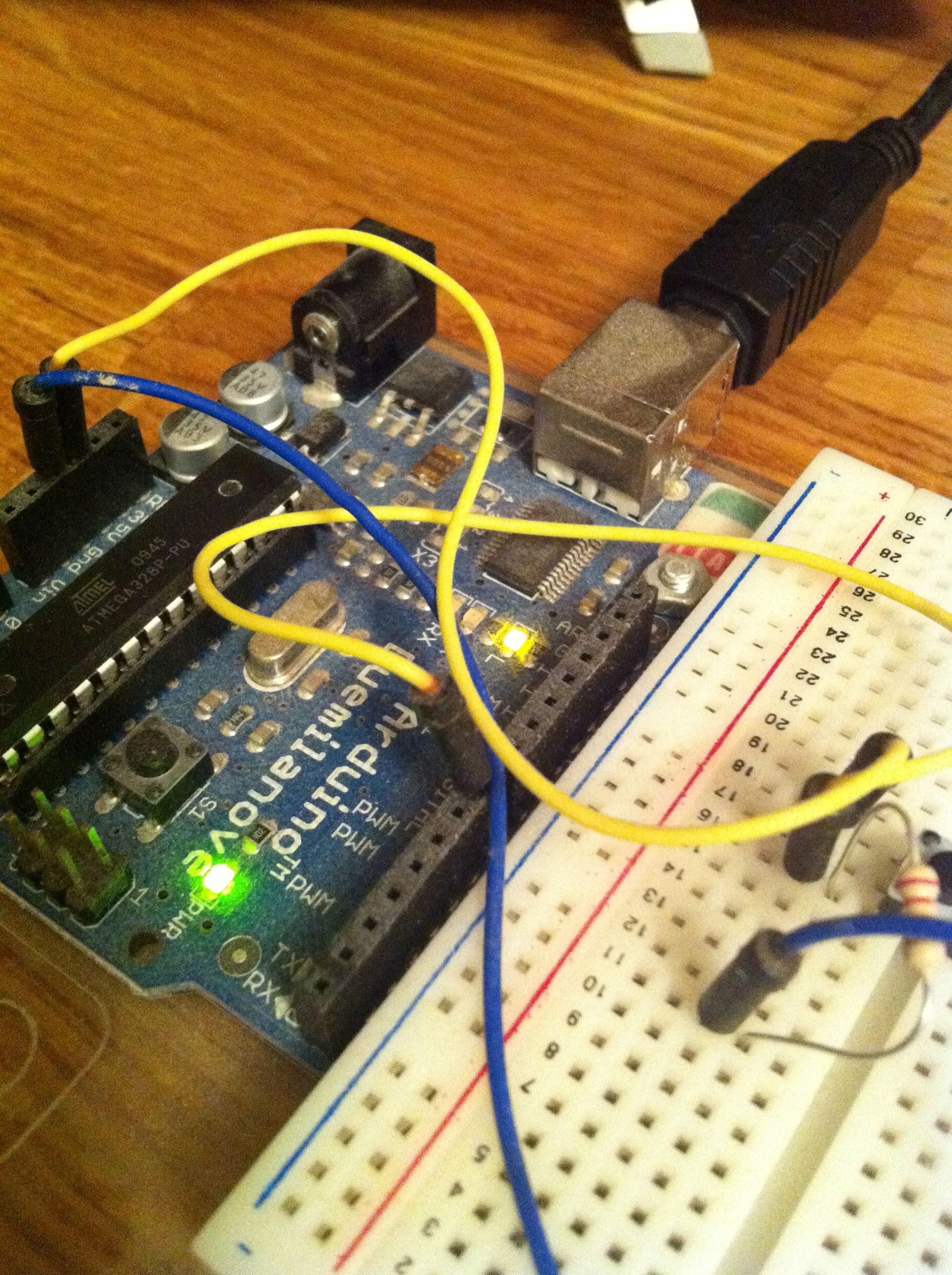 Finally I got back to my Arduino this weekend. It took a while to get it going again, but finally it is. My real aim is to get Android and Arduino working together and I’d found a site that explains how to do it. However, once I was quite a way through I realised that it required an Arduino Mega ADK and not the older model I had.
So now I’m wondering about getting an ADK model for £60 to continue this project. Perhaps a more sensible thing would be to get some stuff done with what I’ve got first and see where I get to with that before moving on.
Not sure.
A sketch a day, day 1
[processing width=”480″ height=”480″ file=”http://www.ashleyelsdon.com/wp-content/uploads/2012/02/Day_1.jar” method=”inline”]Load the applet[/processing]
I decided that I’d go through the ‘Getting Started with Processing’ book and do all the example sketches (well most of them anyway) and post each of the sketches as I go through day by day.
So, day 1. Today’s sketch is pretty simple really. Just move your mouse around to make little circles and when you click your mouse they’re black.
 I am Ashley Elsdon