 This app never really worked as intended. I should’ve finished it off really, but I didn’t and I’m not sure that it will get finished now. We’ll see.
I think there was also a video I made of this ages ago, I’ll see if I can find it and share it.
someone who's doing some things
I’m no good at it, but I try my hand every now and then.
This app never really worked as intended. I should’ve finished it off really, but I didn’t and I’m not sure that it will get finished now. We’ll see.
I think there was also a video I made of this ages ago, I’ll see if I can find it and share it.
Having started to play with Processing on iOS, albeit with lots of limitations, I thought I’d see if there was a similar app for Android. There is. However, the Android processing app didn’t seem to be as smooth an experience as the iOS version.
Having said that, my Android device is much slower than my iPhone, so I might be doing the app an disservice. Even so, when I’ve put sketches on the same device from Processing on the desktop it performs very well indeed. Anyway, the long and the short of it is that I gave up on that app fairly quickly.
This was almost certainly a way too ambitious project when I started it, and even now I’m not entirely sure what my intention was. As you can see from the pictures I seem to have spent more time developing the nice little dialogues for the app than the app itself, but I think that says a lot about my motivations.
Who knows, maybe I’ll give it a second try at some point. Maybe…
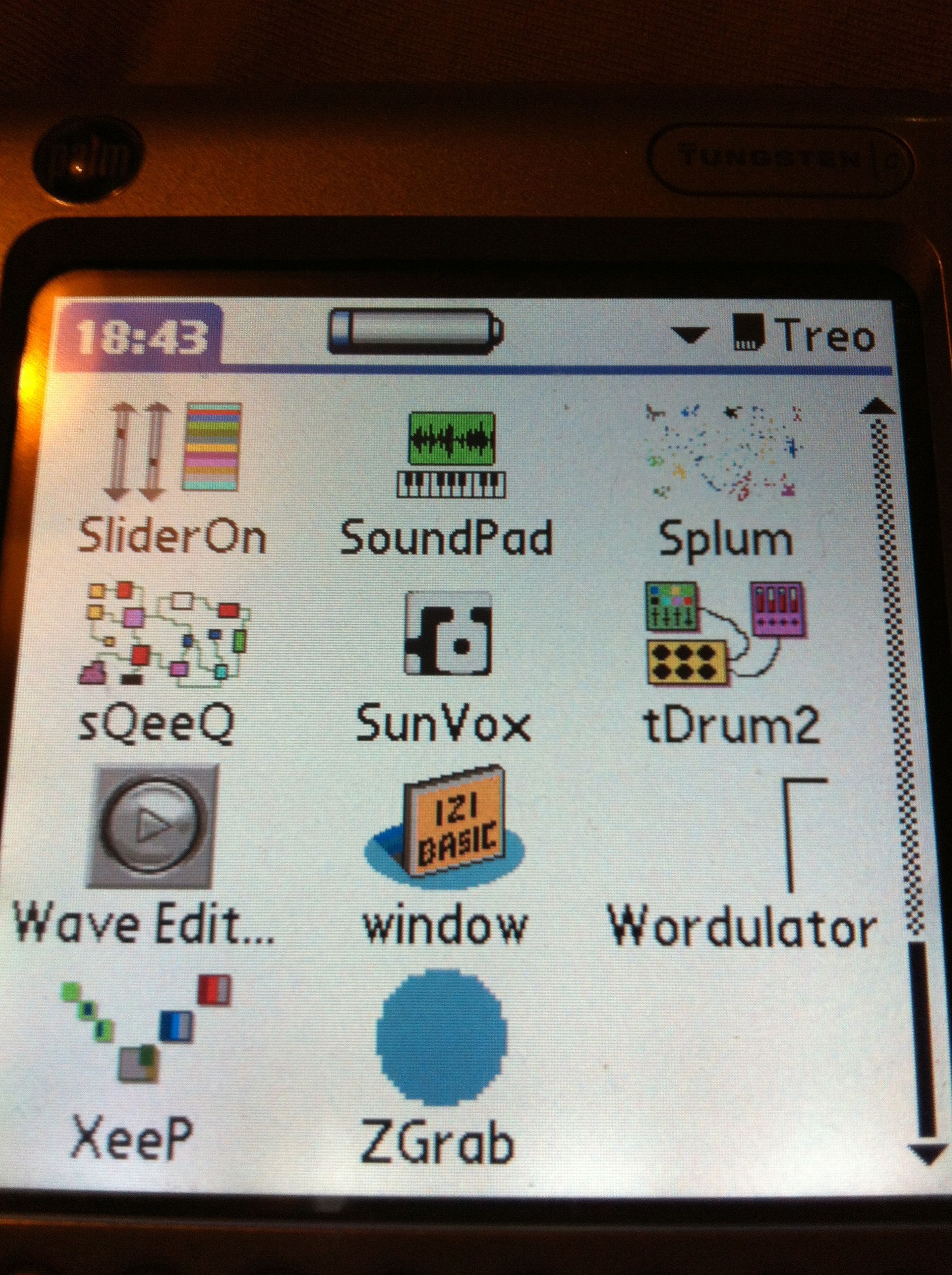 In reviving the Tungsten C I discovered an SD card that I must have forgotten about. It had a load of test builds of Palm OS apps that I started years ago and never finished, but it’s interesting to go back and look at them. A few are even partially functional too.
What I love to see is the icons I made for them. My favourite being tDrum2, sQeeQ, and SliderOn in the picture above. Of these only one actually works, but I’ll take more pictures of the apps and show you what I mean. More soon.
A brief play with Processing JS for iOS will tell you that it is very definitely a version 1.0. Having said that, I think it’s a good start and even though I’ve only messed around with it a little so far, but it is possible to get stuff up and running very fast.
This is processing JS and not processing. For me that meant that I’m not as familiar with this version as I am with the regular flavour of processing. Even so, I fiddled with the sample sketch and got it to do a few different things already.
I’m really hoping that this app gets some more functionality soon. Things like a way to export or email the code out would be handy, and a reference manual that’s on the device / app and isn’t just on the web. That would be good.
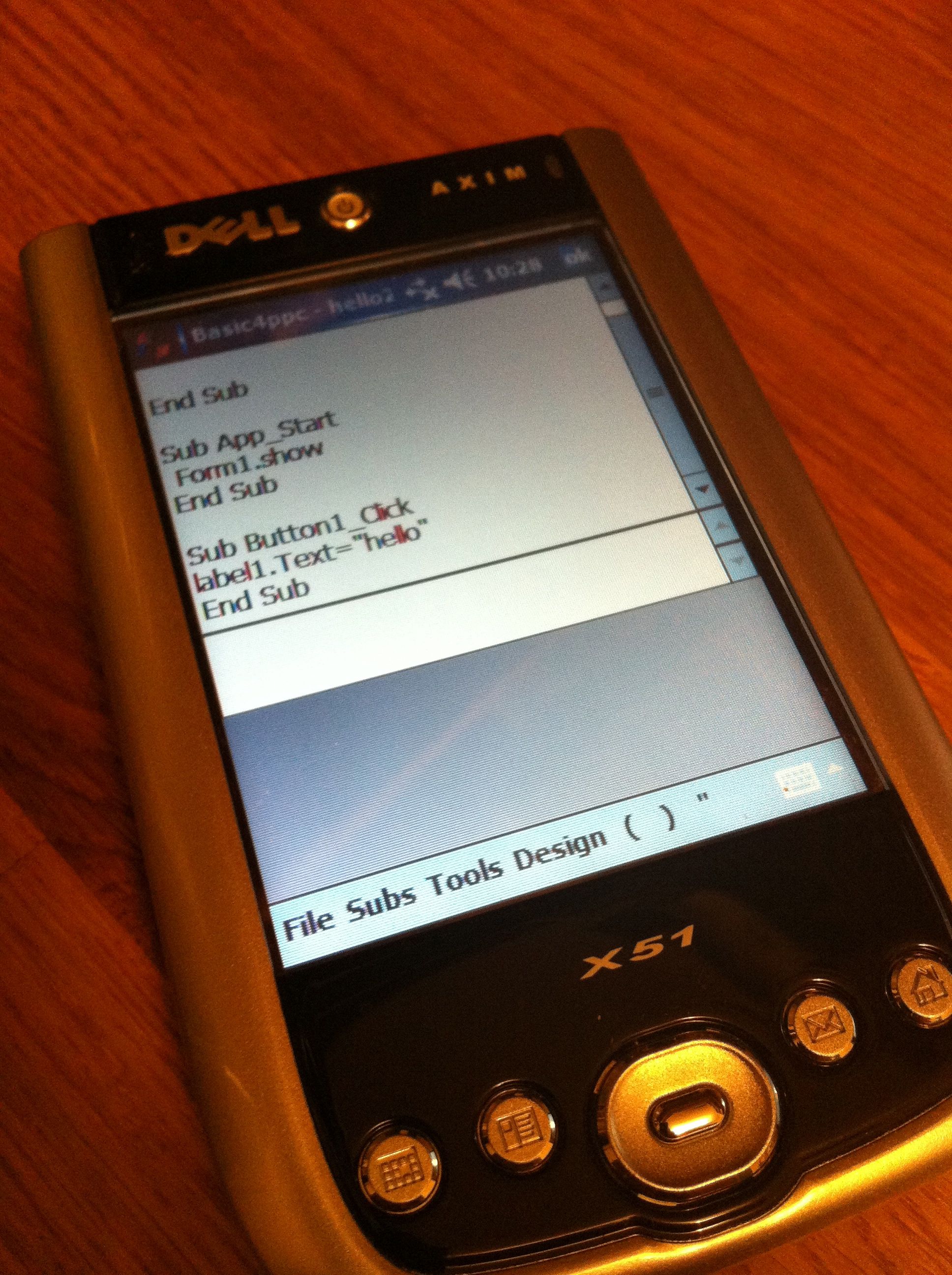 It is pretty retro I know, but it is sort of fun to mess around with things like Basic4ppc to see what I can make. Having said that there is the small problem of what actually to make using b4ppc.
You can’t really make any worthwhile music app with this language, and it isn’t too useful for anything net related. So, what should I make with it?
I’ve been thinking about what else to put on my old Dell Axim. Emulation seems obvious, well to me it does anyway. I still have a Mac System 7 emulation app somewhere around the place, so I may try that.
The other thing I’d like to do is to populate it with a bunch of my own ‘mini’ apps made with Basic4ppc. That might take a bit longer though.
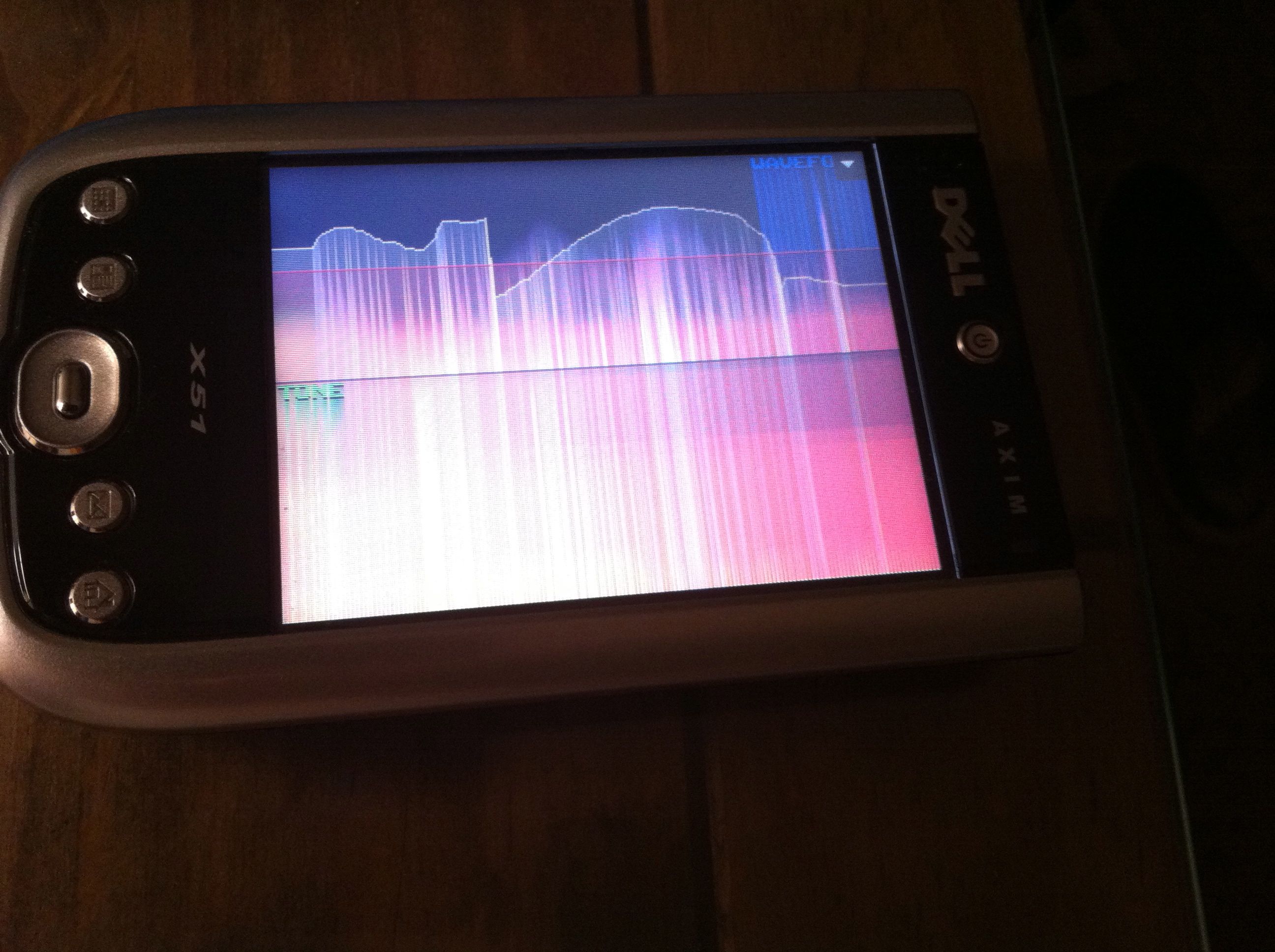
The new version of Pixilang is already looking pretty amazing. I tried out a few of the examples last night and they were very promising. So I guess I might try my hand at some Pixilang soon!
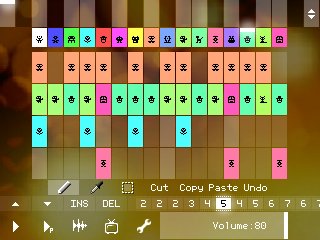 I haven’t used Pixilang for a long time and so it’s great to see a new version and one with some really interesting new features like:
Of course, or most interest is the functions for sound synthesis and recording and the MIDI in/out as well. Sadly it seems that there’s no Palm OS version though, so I’ll be using it on Windows Mobile.
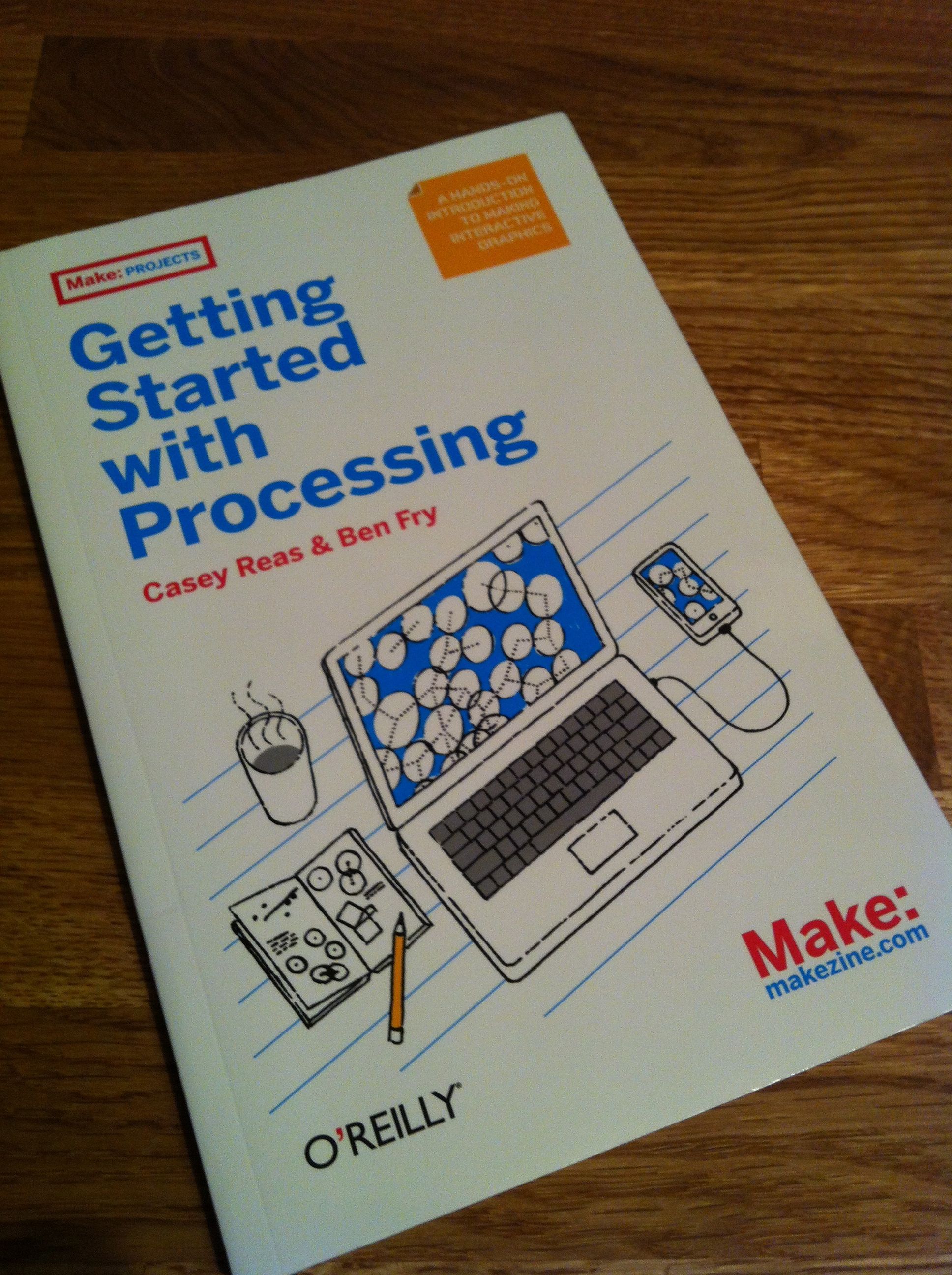 I had forgotten all about this book and found it this morning so it was my companion on the train this morning, and there’s good stuff on using text in there, so hopefully I’ll get a scene done in a few days.
 I am Ashley Elsdon