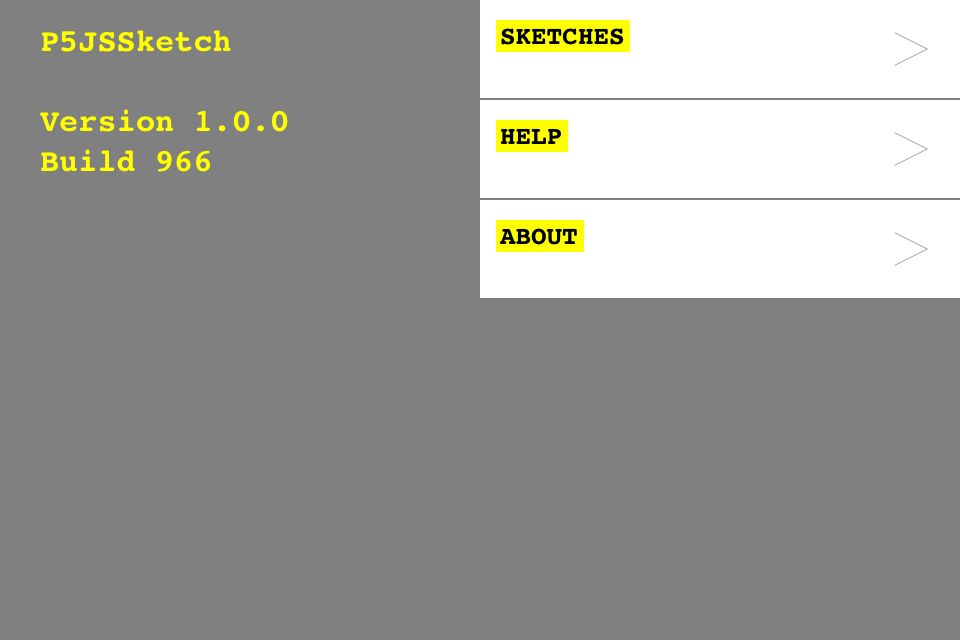
 Another app for Processing js on iOS. This is a really nice app actually. I put in a little sketch and it ran it like a dream. Also, the editor is very user friendly indeed, which makes a massive difference on an iPhone.
Tag: Coding
I’m no good at it, but I try my hand every now and then.
More Processing on the iPad
After being a little disappointed by the first Processing app for iOS I found this one, called PR0C0DIN6, which seems to have a lot more possibilities, and the editor is much simpler to use. So I’ll let you know soon how this one works out.
If you want to check it out on the app store it costs £2.99, which I didn’t think is too bad as it’s a universal app.

Arduino trouble
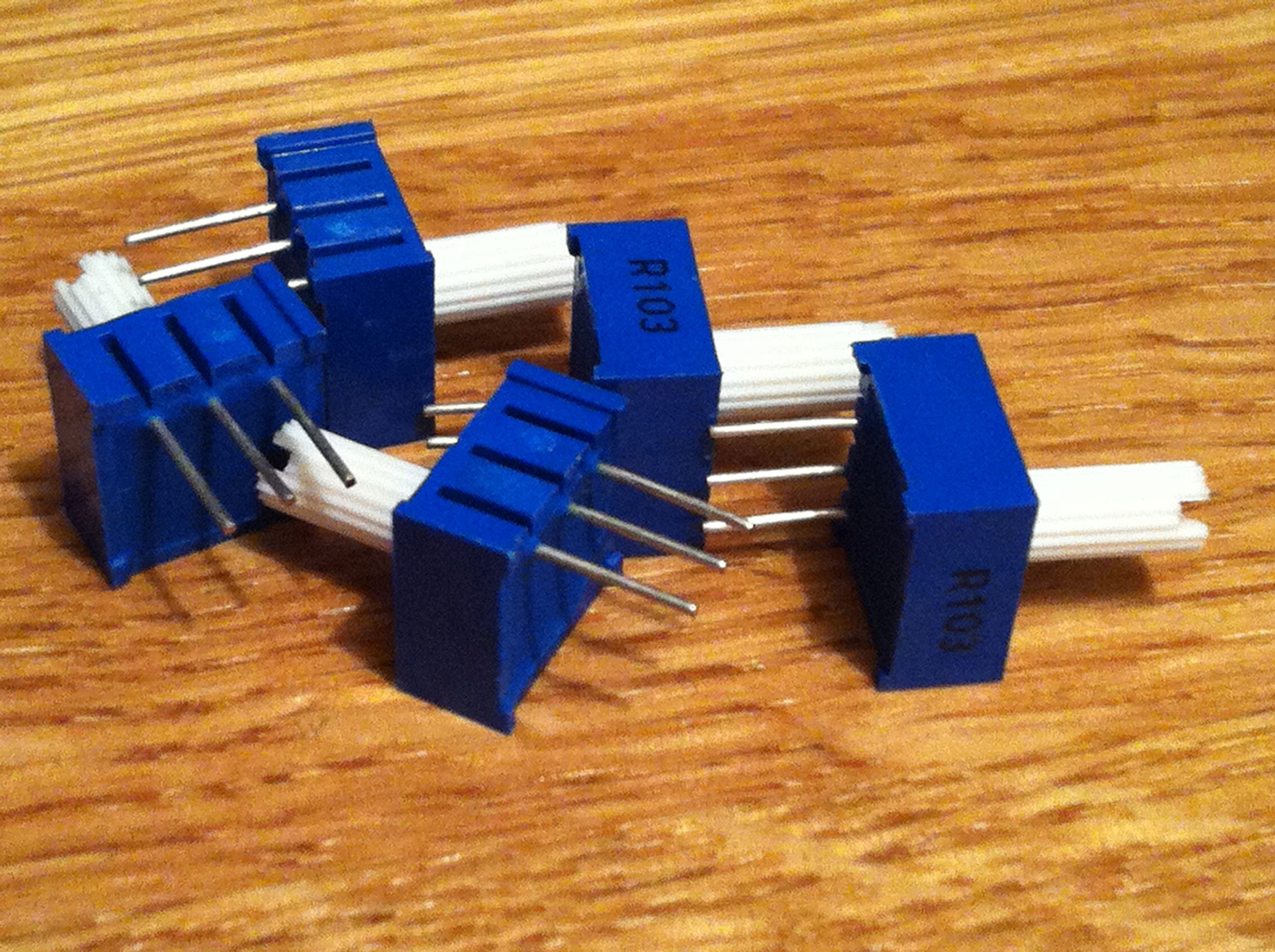 These are some potentiometers I bought for use with my new Arduino Mega ADK. I got the code into the Arduino IDE and then hit trouble. It appears that with version 1.0 of the Arduino IDE a bunch of headers (or something) have been moved and as a result my code won’t work.
It’s a real pain as I was looking forward to getting this stuff working and talking to Android, but it looks like that might take a while longer now. What a shame.
Processing day 4: A line with some weight to it
[processing width=”480″ height=”120″ file=”http://www.ashleyelsdon.com/wp-content/uploads/2012/03/A_line_with_weight.jar” method=”inline”]Load the applet[/processing]
Here we are again, another little bit of processing. This little sketch still draws a line again but adds some weight to it. Have a go, and here’s the code too.
void setup() {
size(480, 120);
smooth();
stroke(0, 120);
}
void draw() {
float weight = dist(mouseX, mouseY, pmouseX, pmouseY);
strokeWeight(weight);
line(mouseX, mouseY, pmouseX, pmouseY);
}
Processing day 3: Drawing a little line
[processing width=”480″ height=”120″ file=”http://www.ashleyelsdon.com/wp-content/uploads/2012/03/sort_of_draw_a_line.jar” method=”inline”]Load the applet[/processing]
Another bit of processing, this time drawing a little line on the screen. If you’re interested, here’s the code for the sketch:
void setup() {
size(480, 120);
strokeWeight(4);
smooth();
stroke(0, 120);
}
void draw() {
line(mouseX, mouseY, pmouseX, pmouseY);
}
Processing day 2: A little dot is going to follow you around the screen
[processing width=”480″ height=”120″ file=”http://www.ashleyelsdon.com/wp-content/uploads/2012/03/spot_follows_mouse_movement.jar” method=”inline”]Load the applet[/processing]
All this applet does is follow the mouse around with a tiny spot. That’s all, but it’s day 2 of my look at processing and tracking the mouse. Here’s the code for it.
void setup() {
size(480, 120);
fill(0, 102);
smooth();
noStroke();
}
void draw() {
background(204);
ellipse(mouseX, mouseY, 9, 9);
}
A sketch a day, day 1
[processing width=”480″ height=”480″ file=”http://www.ashleyelsdon.com/wp-content/uploads/2012/02/Day_1.jar” method=”inline”]Load the applet[/processing]
I decided that I’d go through the ‘Getting Started with Processing’ book and do all the example sketches (well most of them anyway) and post each of the sketches as I go through day by day.
So, day 1. Today’s sketch is pretty simple really. Just move your mouse around to make little circles and when you click your mouse they’re black.
When did Processing get updated?
I only just realised! The new version seems to have a lot more, although not the ‘export signed package’ functionality as yet. Even so, It’s a big step, so that’s something else to spend some time with at the weekend. I might even get another sketch out.
More fun with Processing for iOS
A few minutes playing around with the iOS version of processing js. I do hope that this app gets a few much needed updates soon.
Openprocessing as a source of inspiration and learning
I’ve been lurking around openprocessing of late, using it to find useful processing code to serve as a starting point for some of my own experiments. If you don’t know openprocessing, it’s a great place for inspiration and to see what other people have made using processing. You can find it here.
 I am Ashley Elsdon