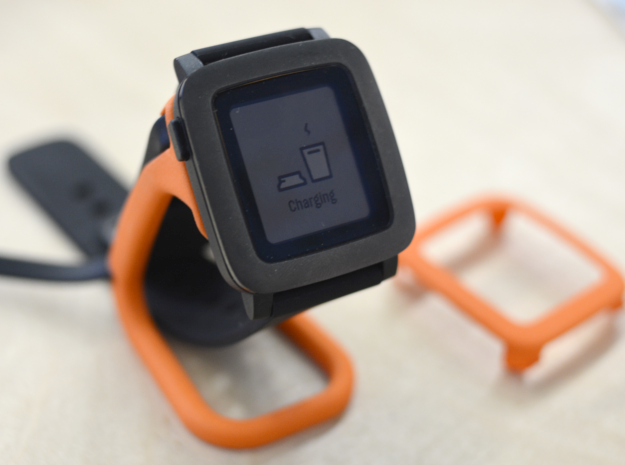
It looks like a really neat solution as a combination stand and charger. Quite cheap too on Shapeways.
someone who's doing some things
Another interest that’s starting to grow. Things like the lillypad and similar. Arduino stuff too to a degree.
It looks like a really neat solution as a combination stand and charger. Quite cheap too on Shapeways.
What I really wanted to do was to be able to use my Pebble Time with two devices simultaneously. However, it appears that this is just not possible at all. The reason? Simple really, but the smart watch uses bluetooth LE in slave mode and not in host mode. Host mode would allow you to connect to up to 7 other devices. However, it doesn’t look like you can do that easily with an iPhone, and, the Pebble doesn’t have that enabled as yet, and it appears that there is little or no demand for it. Trust me to be looking for something that no one else wants.
So, why did I want it? Well, I thought it would be useful to be able to get it to have notifications from both my iPhone and my Nexus tablet at the same time. Android has a few things that iOS doesn’t, and whilst the same is true in the other direction, from my perspective that’s quite minimal.
However, it isn’t the end of the world at all. I can live without it, but perhaps I may have to think of a different way of doing things in order to achieve what I wanted.
I’ll give that some thought.
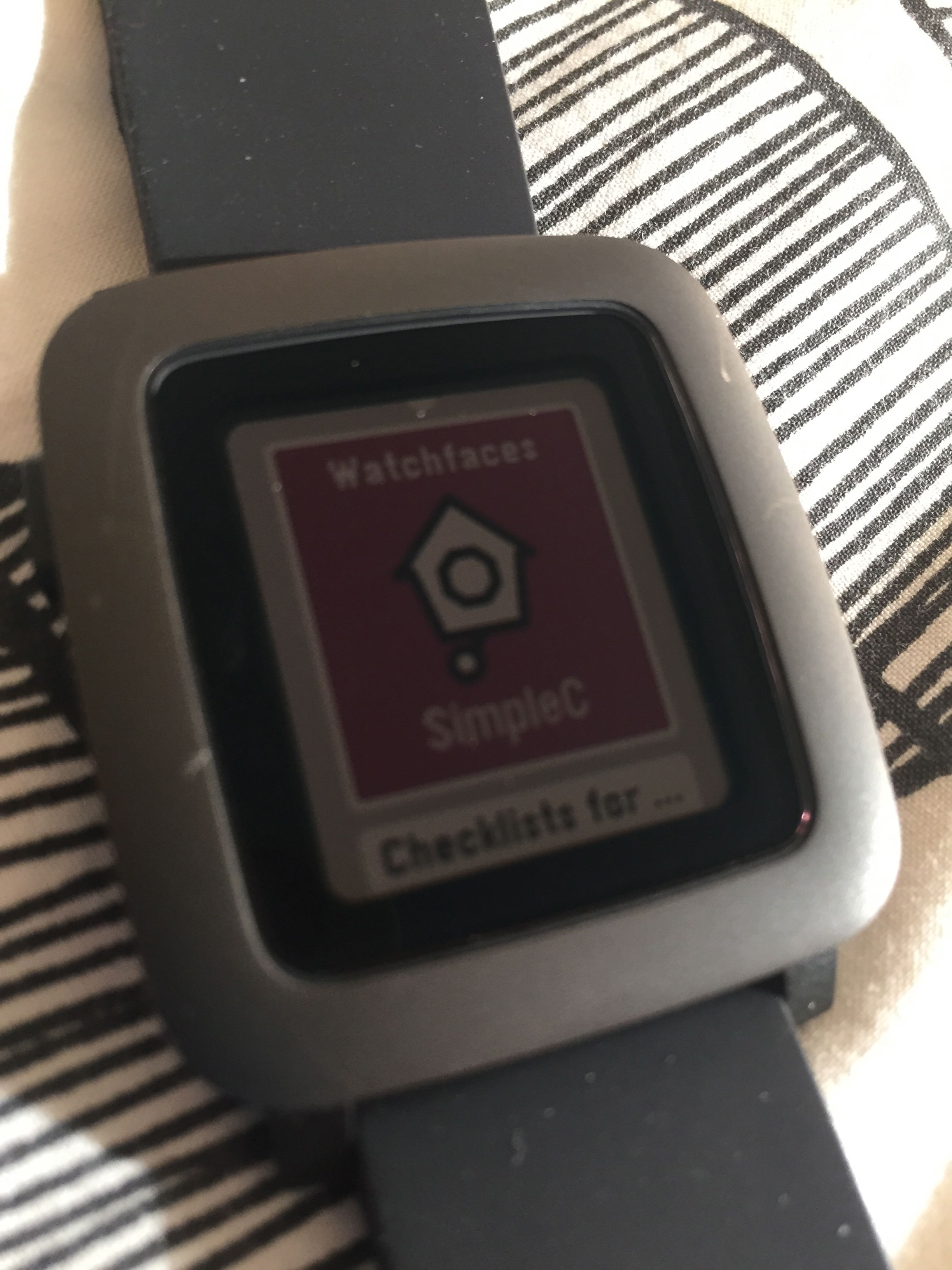
So I’ve been looking for just the right watch face for my Pebble Time. I’ve been looking at the faces on the Pebble store and seeing what works for me and what doesn’t. So here’s what I’ve selected so far.
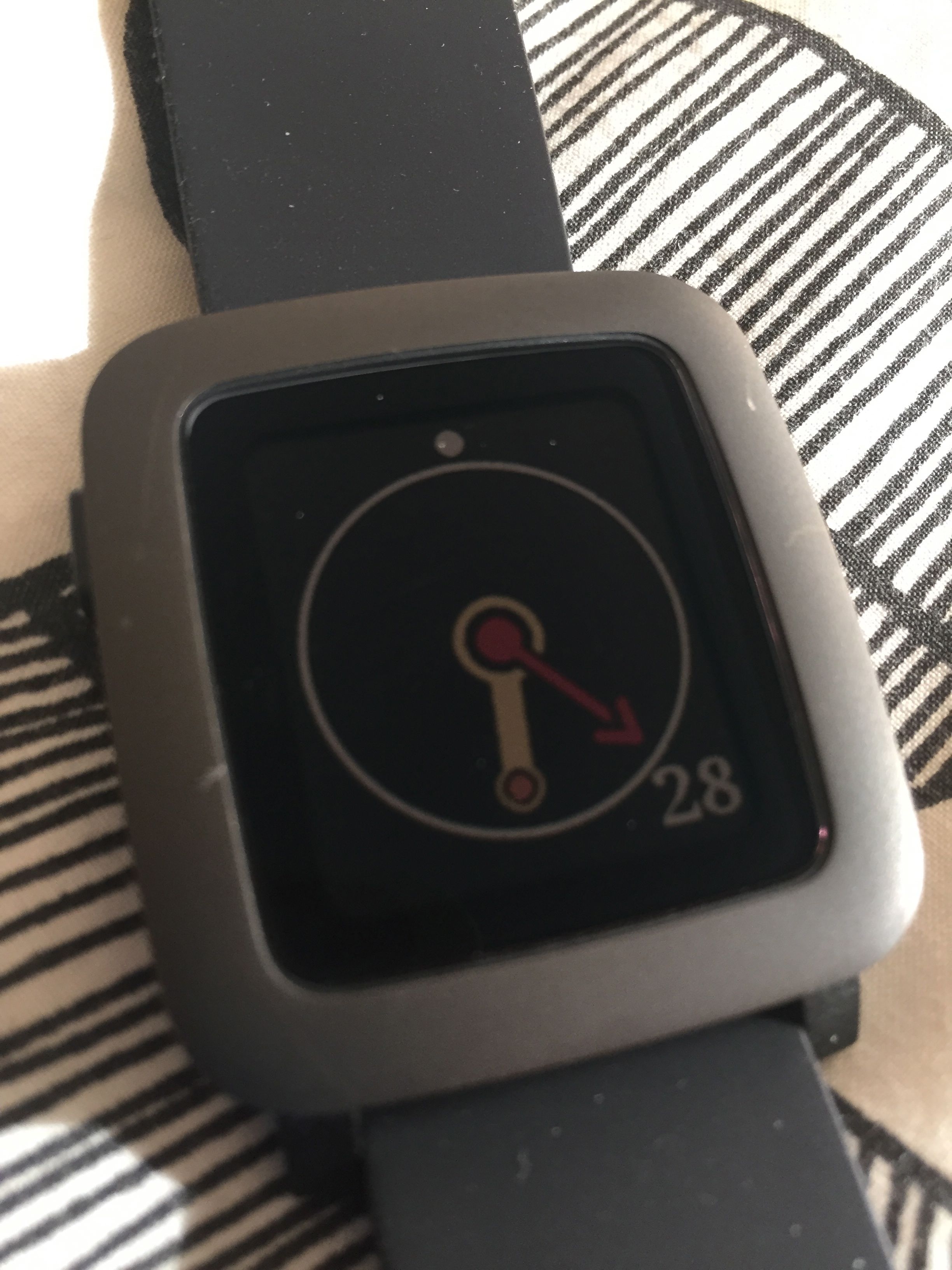
This face is the one I use the most. I keep on coming back to it and it ends up being my default. It works. It’s ok. It functions well and it tells the time. In the end that’s the most important thing I suppose.

There are some quite fun faces on the Pebble store. This is great. It isn’t animated, which is a bit of a shame. It would’ve been nice if perhaps the Doctor could’ve popped his head out of the TARDIS every now and then, but no, it’s static.
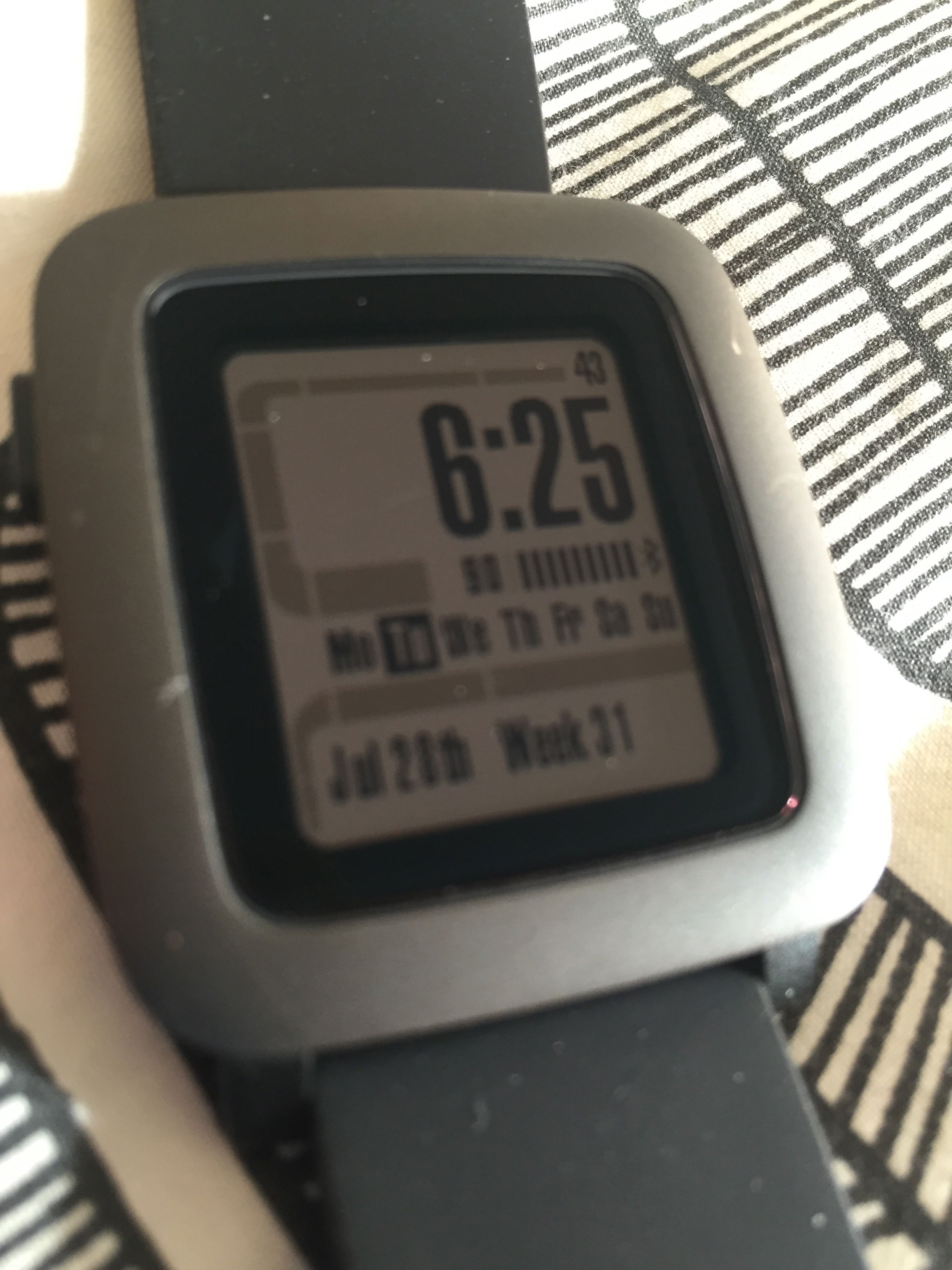
As a Star Trek fan I liked this one a lot, although it lacks colour, which is a shame for a colour smart watch. But then I found this one …
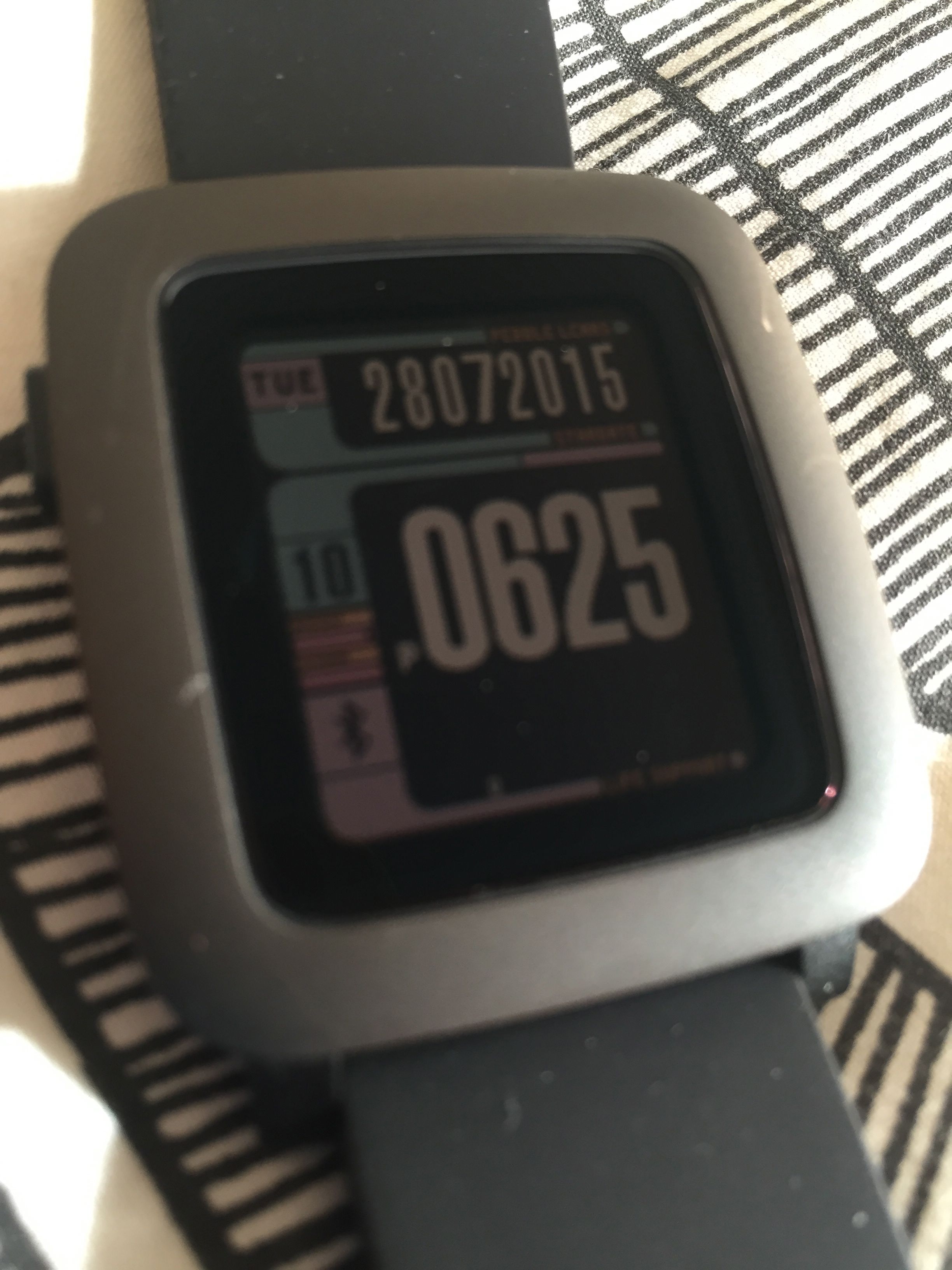
Which is in colour and is also very cool. However, I think that faces like these aren’t for me on a daily basis anyway. They’re fun every now and then, but that’s about it.
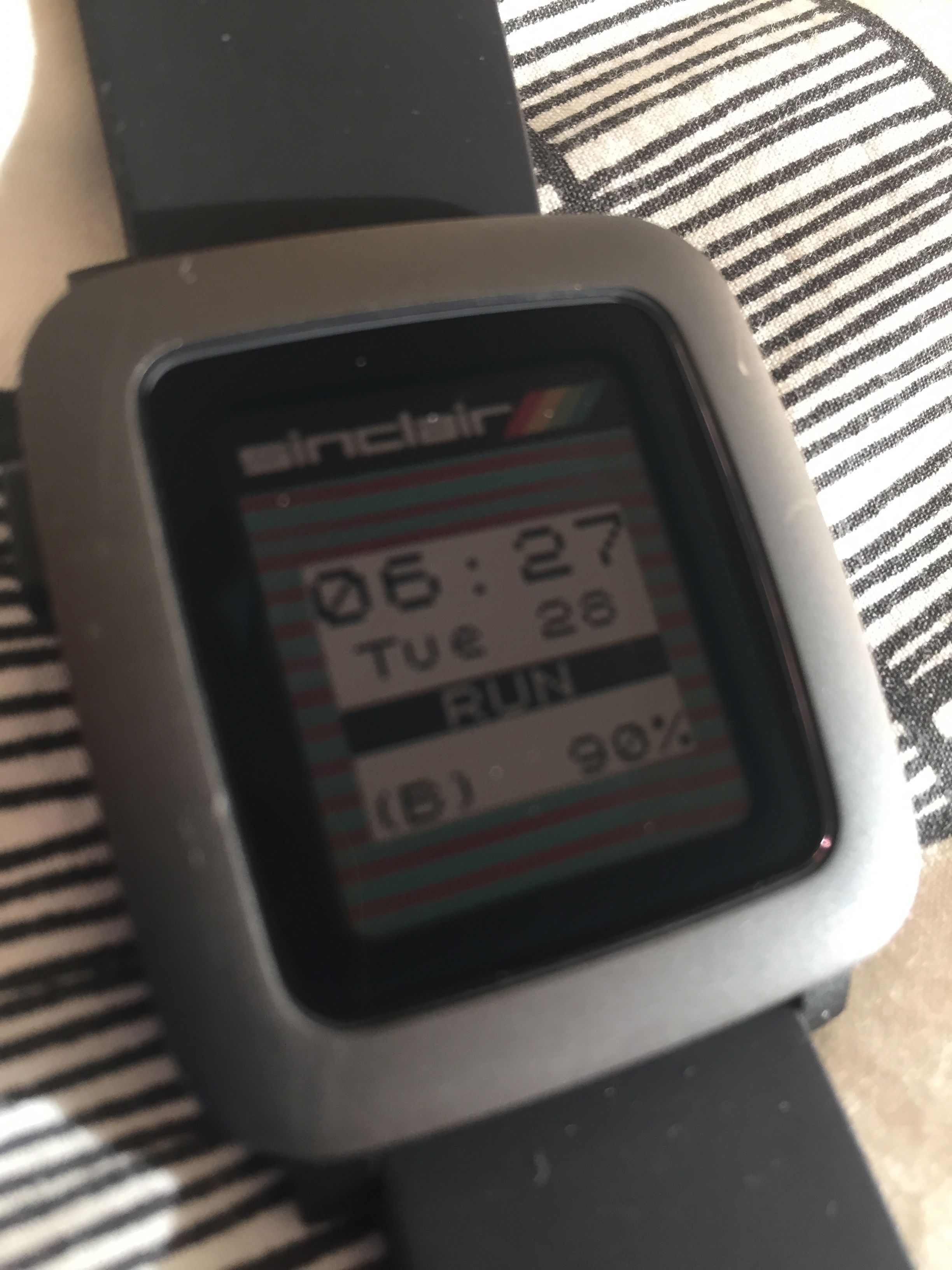
Following on the theme, the speccy face is also pretty cool and retro, but again probably isn’t that good for daily use. It is however, very good at showing old techie friends who remember the ZX.
Moving on I’ve tried some other faces which I thought would be more functional, such as …

Which, at face value, no pun intended, actually, pun intended, works very well indeed. My only issue with this, it was a little dull. Not that much fun really. I know I’m difficult to please right! So, next I moved on to …
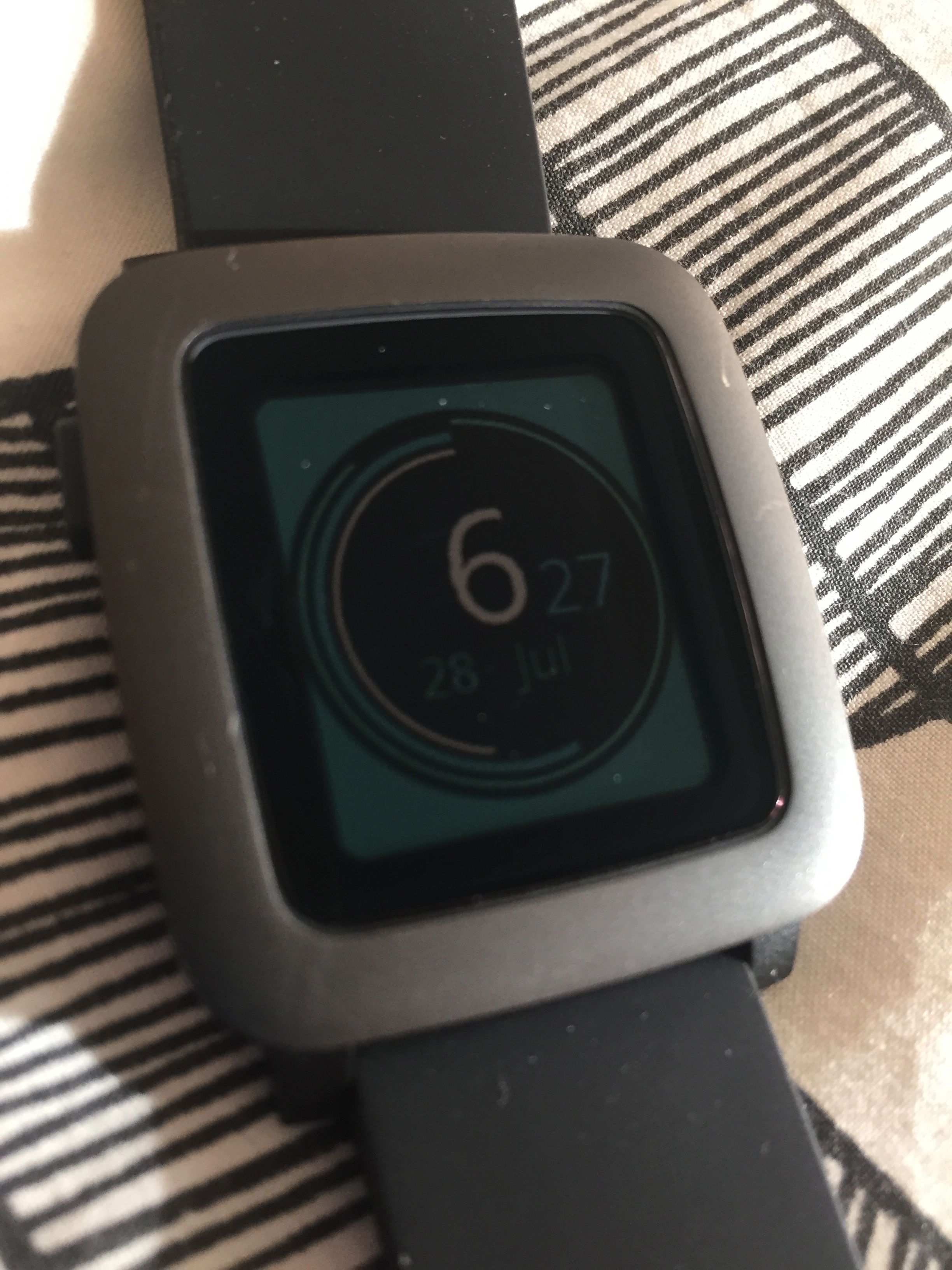
This, which seemed like it might work, but I couldn’t settle to it in the end and went back to my default watch face, as I seem to do quite a lot.
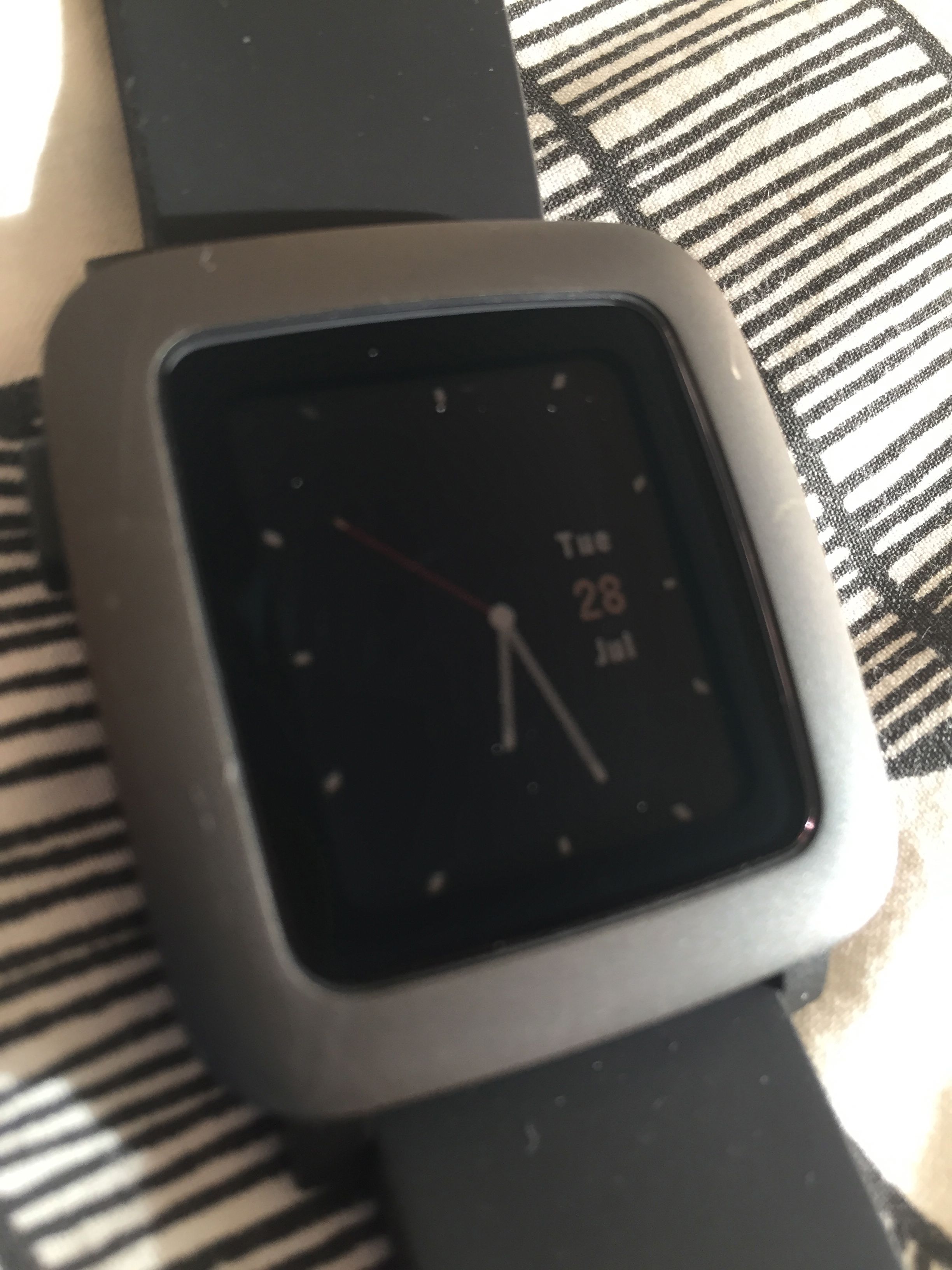
My latest possibility is this face. Which is elegant, simple, has a second hand and the date, and looks very good. I’ll see if this one works out for me.
As an aside I’ve also tried this …
Which is a bit extreme, but, if you can master it, is great way to tell time.
So, where does that leave me? I’m still not quite satisfied with the watch faces I’ve got. I’ve still not settled on something that I’m completely happy with. I might find something eventually. I keep on looking.
When I find just the right one, I’ll let you know.

I’ve been noticing that my new Pebble Time has been getting scratches and blemishes on the casing. It’s not encouraging as the thing is only a few weeks old, or rather, I’ve only had it a few weeks, so I’m a little disappointed that it isn’t holding up so well. Of course, it’s not the end of the world, but it’s not great is it.
So I’m considering getting a covering for it to protect it a little better. If I do, I’ll let you know about that.
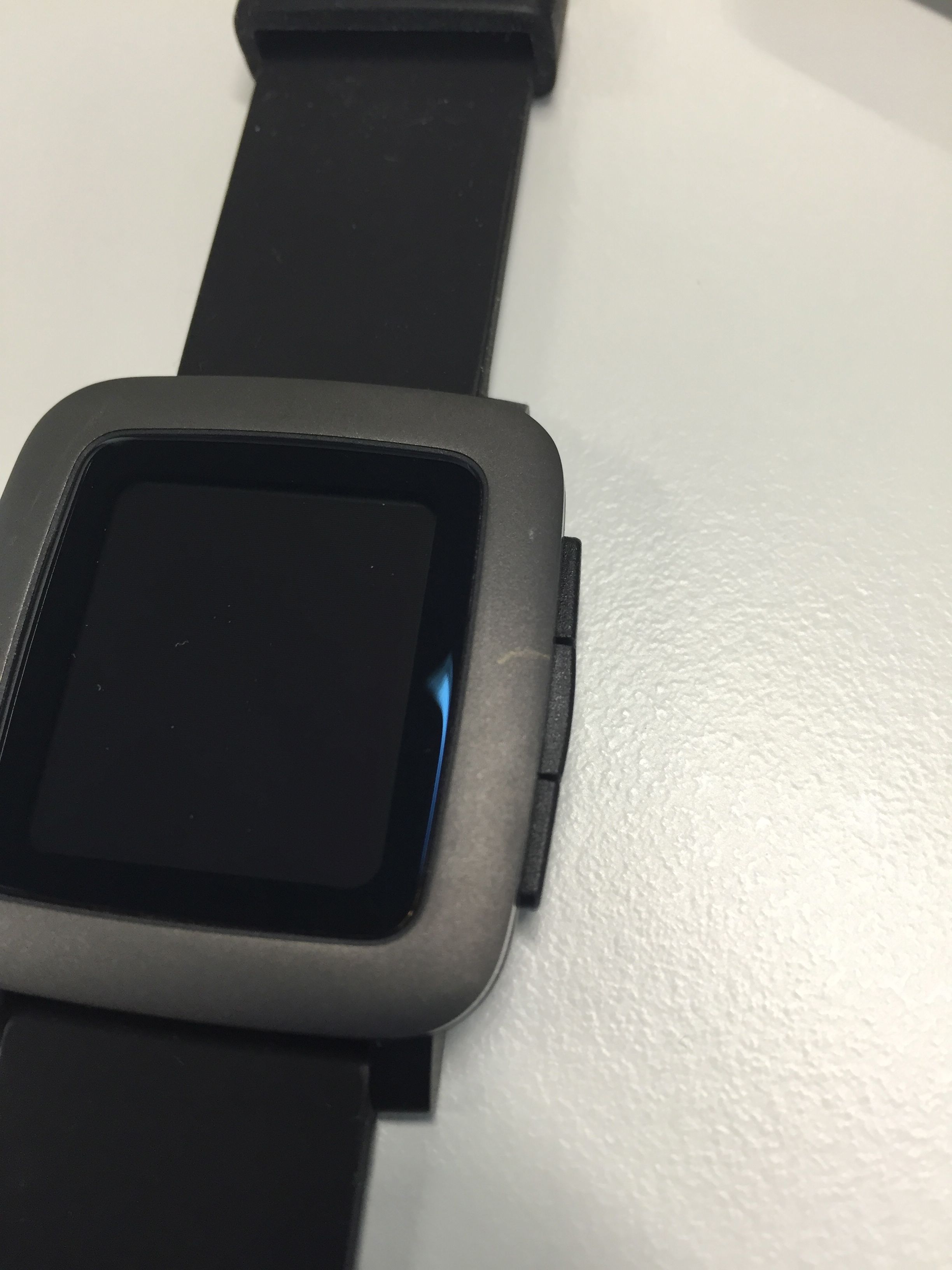
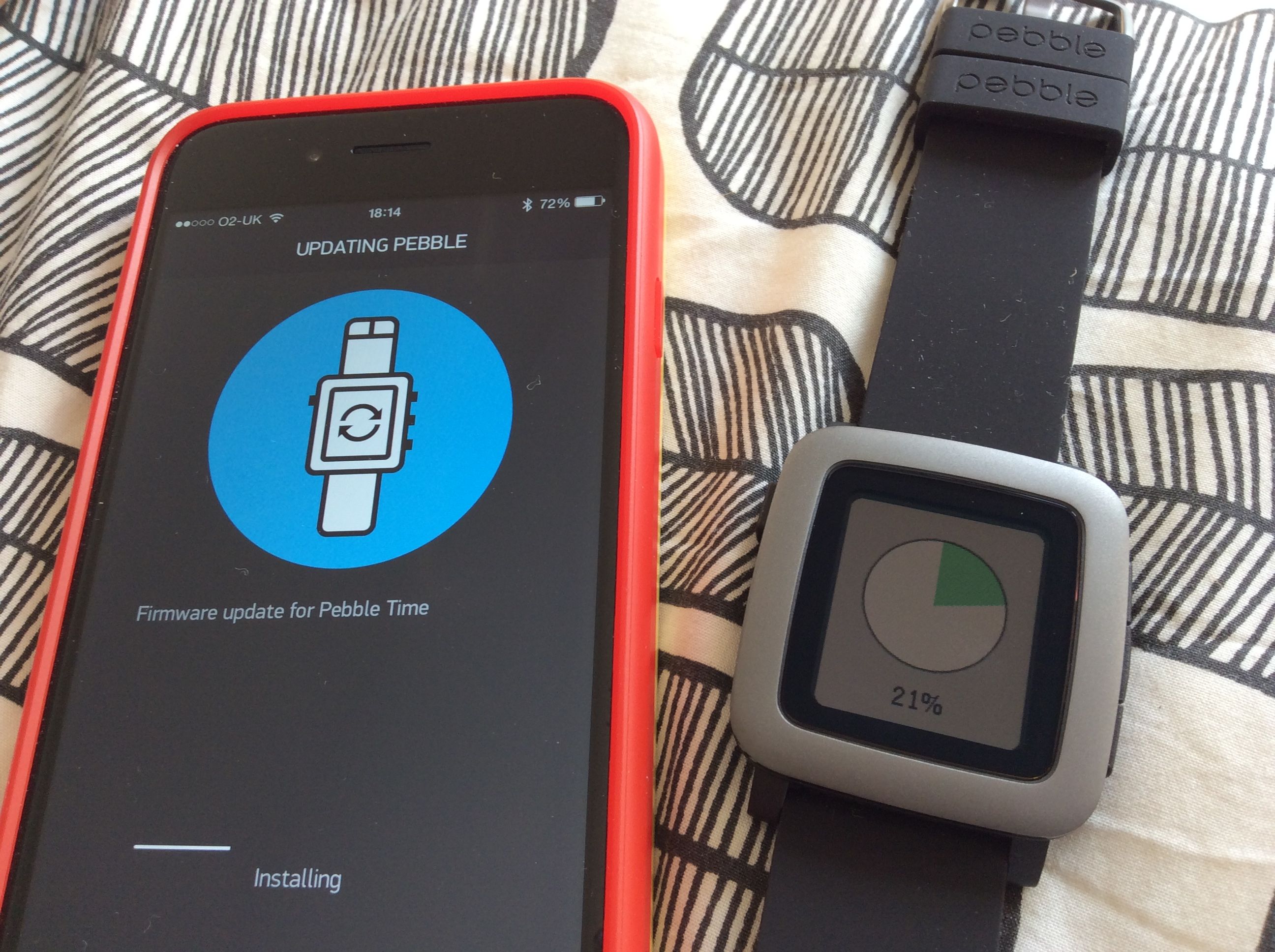
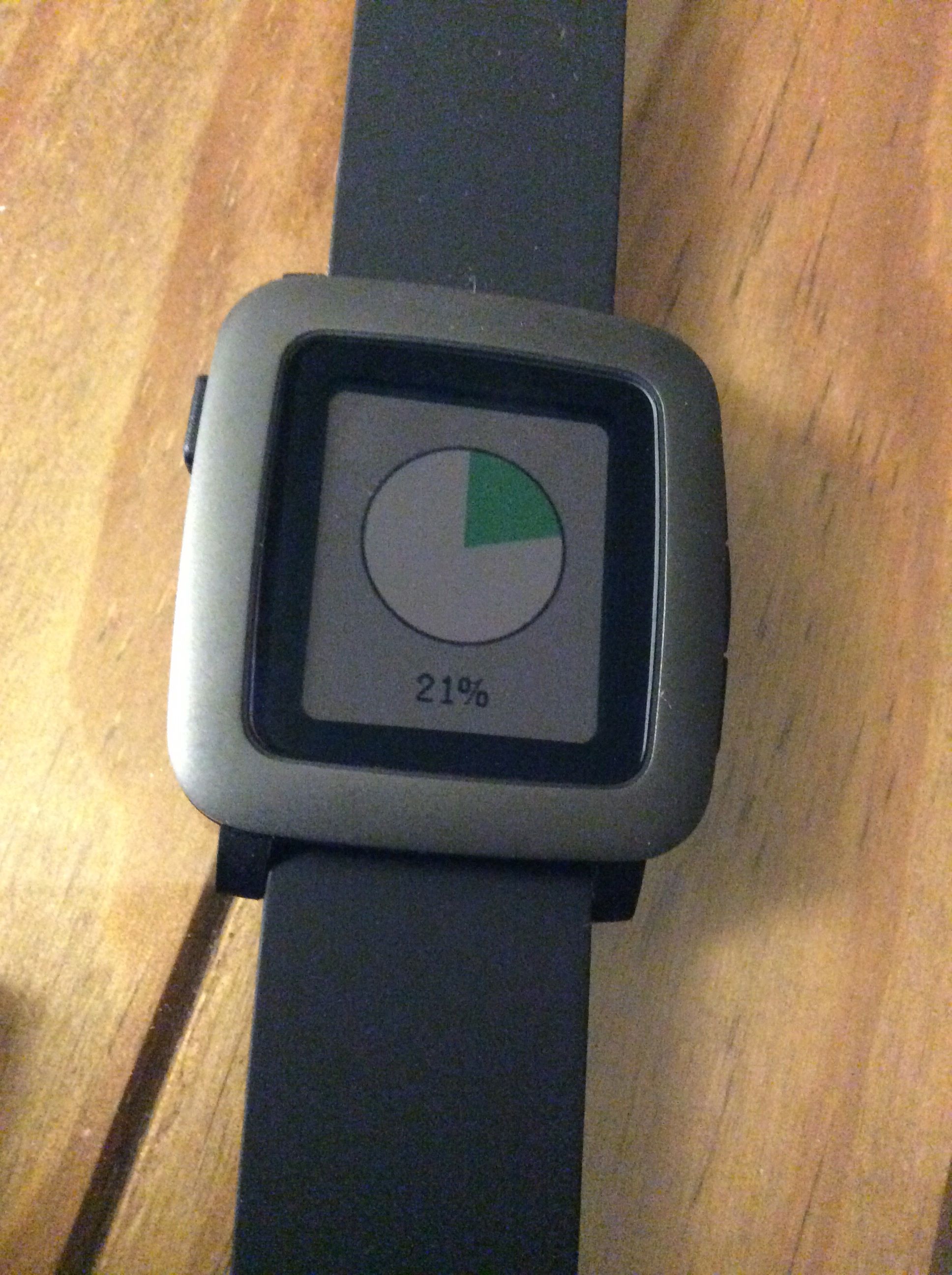
I really like the way the firmware upgrade works for the Pebble Time. Nicely done.
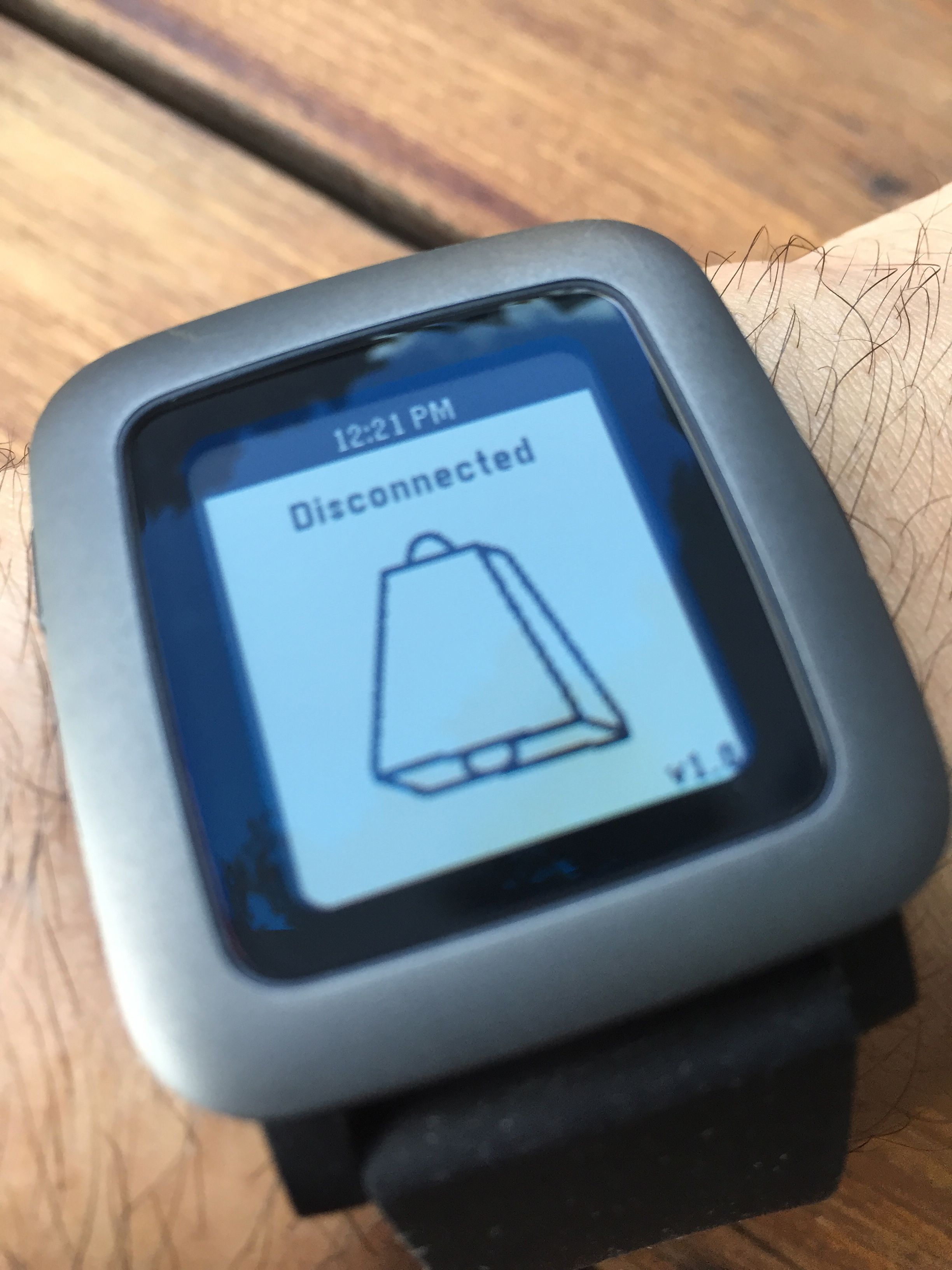
This is a very useful little Pebble Time app that just gives a signal if the bluetooth connection gets broken between the watch and the phone. It makes a lot of sense. If you walk away and have left your phone behind you at least your watch will tell you fairly quickly that it’s lost its connection. Of course that’s no guarantee that you’ll find it or someone won’t have taken it, but it’s a start.
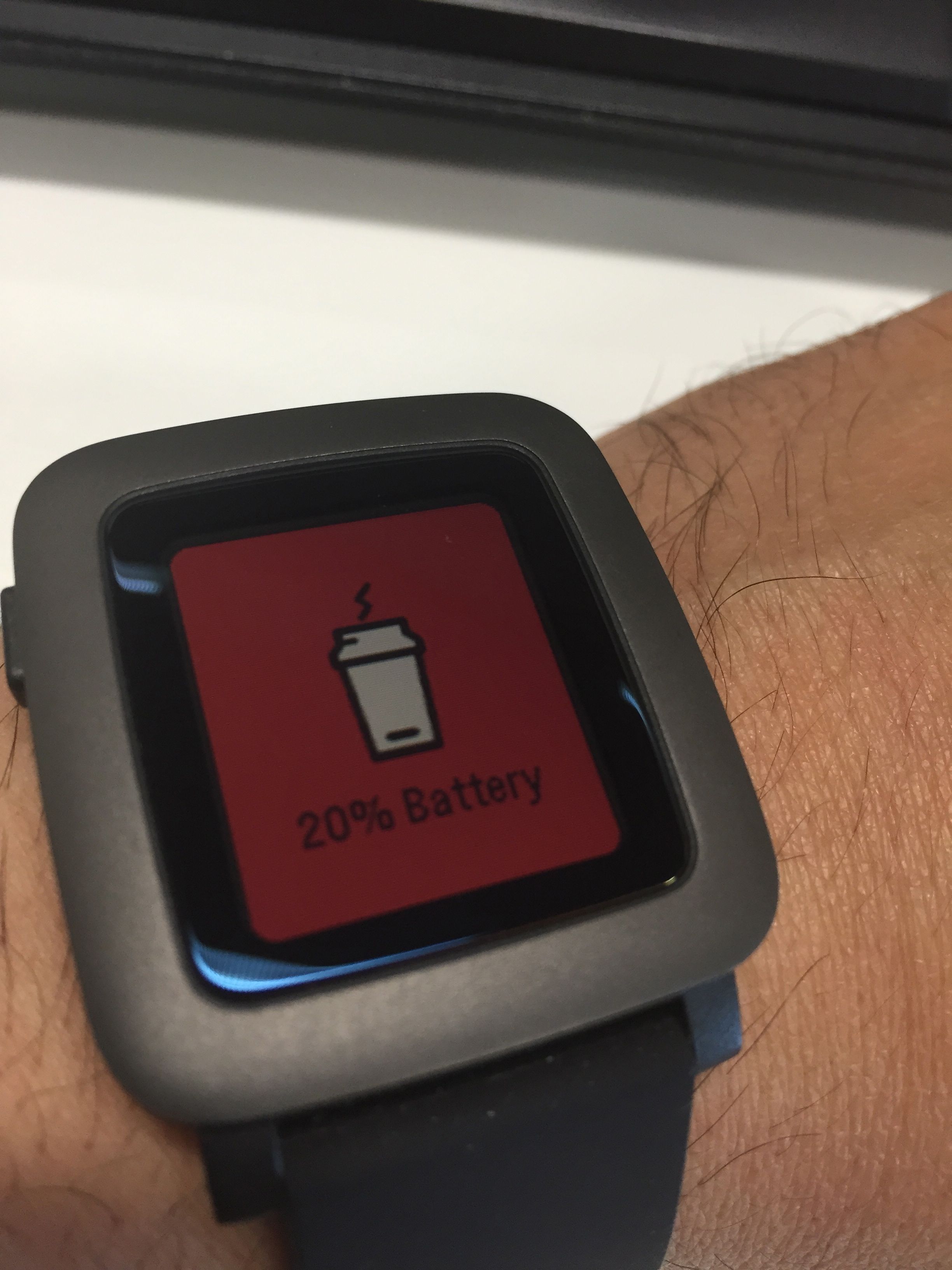
This time around it took almost 5 days for my Pebble Time to get down to a 20% charge. I thought that wasn’t bad at all.
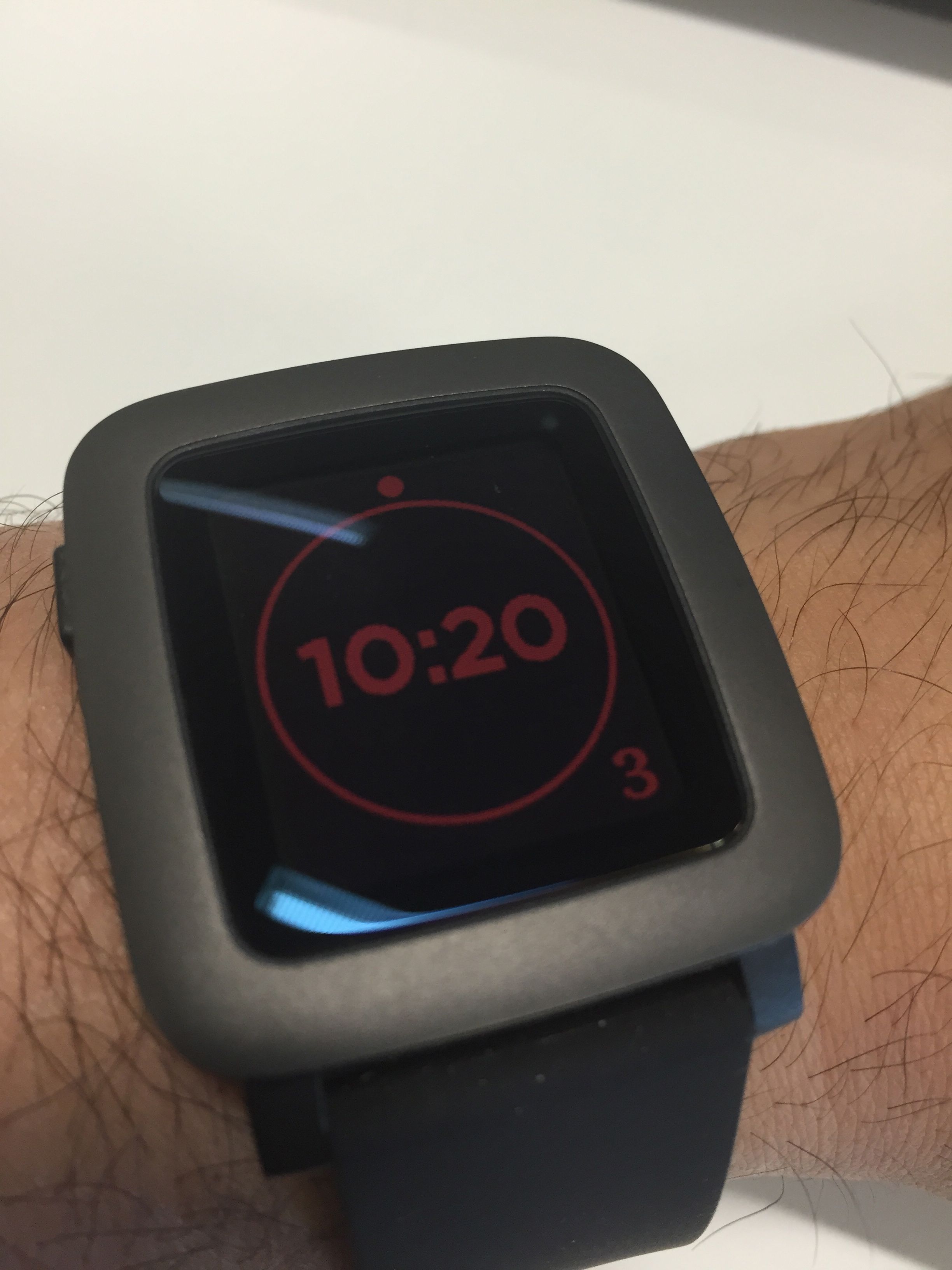
The most interesting thing was that not only did I get the nice alert to the fact that my battery was low, but also the watch face itself went red to constantly remind me.
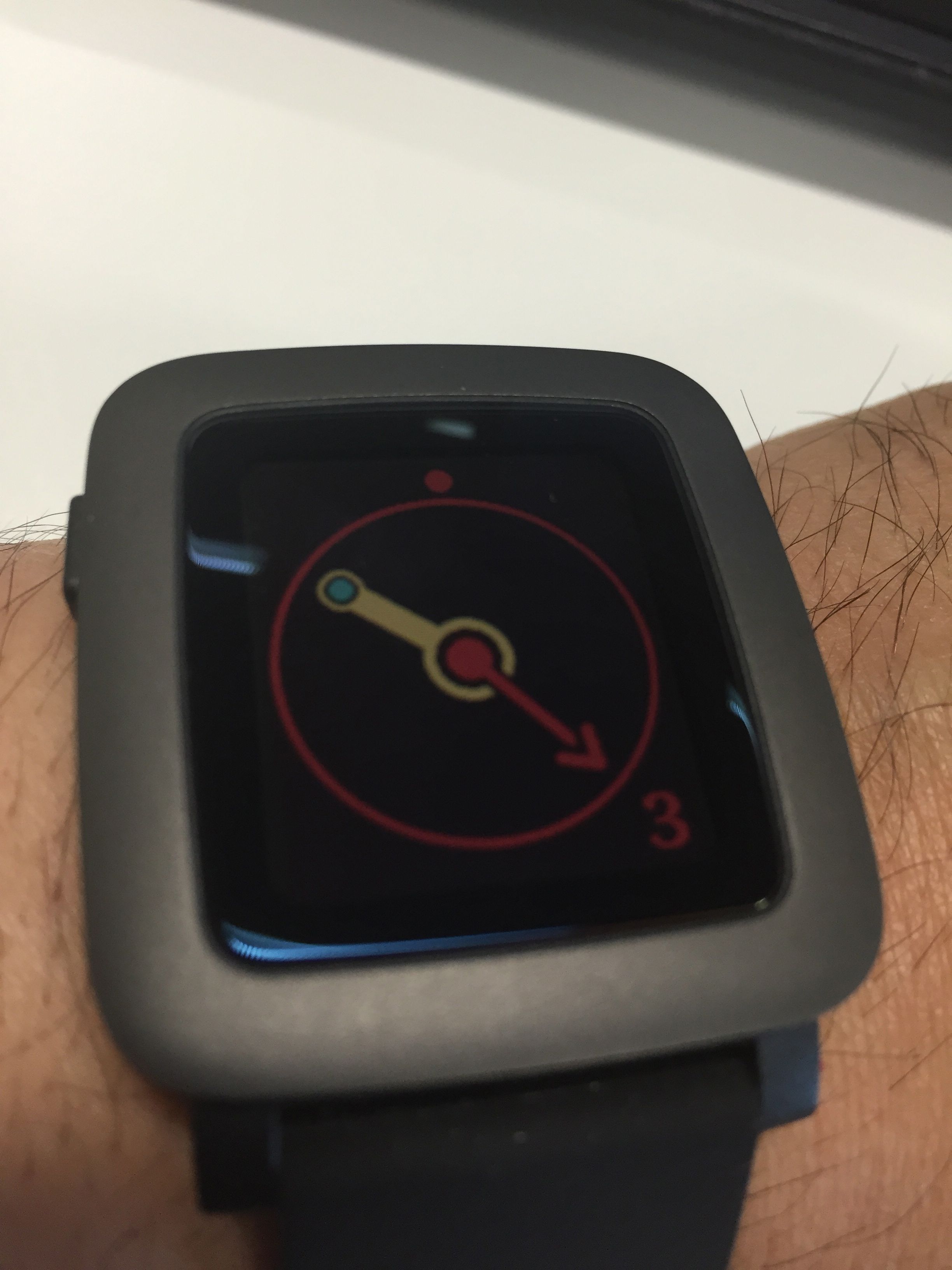
I don’t know if all watch faces either do this, or are capable of doing this, but I think it’s a really useful feature.
Now that would be super useful. I’m sure that it was promised a long time ago, possibly when the first Pebble watch came out, but it never really happened. Well, it didn’t happen at all.
The nearest thing to it is an app called This Button for Pebble, which allows an HTTP push from your Pebble. That’s really useful, but I’ve only been able to get it to work intermittently so far. Perhaps I need to persevere with it.
Of course, a real IFTTT channel would be better. Ideally for me it would have:
That lot would do for a start anyway. That would be fun to play with and create recipes with on IFTTT. I’d like to see that.
I wonder if it’ll come about?
I’ve been waiting to see when smart straps would arrive for the Pebble Time. This one looks really cool, the only down side is the wait before they’re manufactured. It’s a whole year away! I guess I’ll wait. I’m sure there’ll be other people making smart straps in the interim.
I’ve liked IFTTT (or IF as apparently they’re now called) since right back when they started. They’ve gone from strength and delivered some really interesting and useful functionality for connecting the internet in simple ways. They’ve also supported a lot of IoT (internet of things) devices, and now, with the new Maker channel they’re supporting anything you want to use to connect to the internet.
This is a big deal I think. It means all manner of devices can use the IFTTT service with an HTTP post request. I’ve already tried it with my twine device and it works really well. I’m thinking about how to use it with my Pebble Time too. The possibilities are limitless. However, for me, what will be really important is how to make it truly useful. Without that, it is just tinkering for tinkerings sake, and whilst that’s fun, from my perspective it doesn’t get you anywhere.
So, whilst I’ll be trying it out, I’ll mainly be looking for some really useful ways to use the new channel. If I find any that I think are worth sharing, I will.
 I am Ashley Elsdon