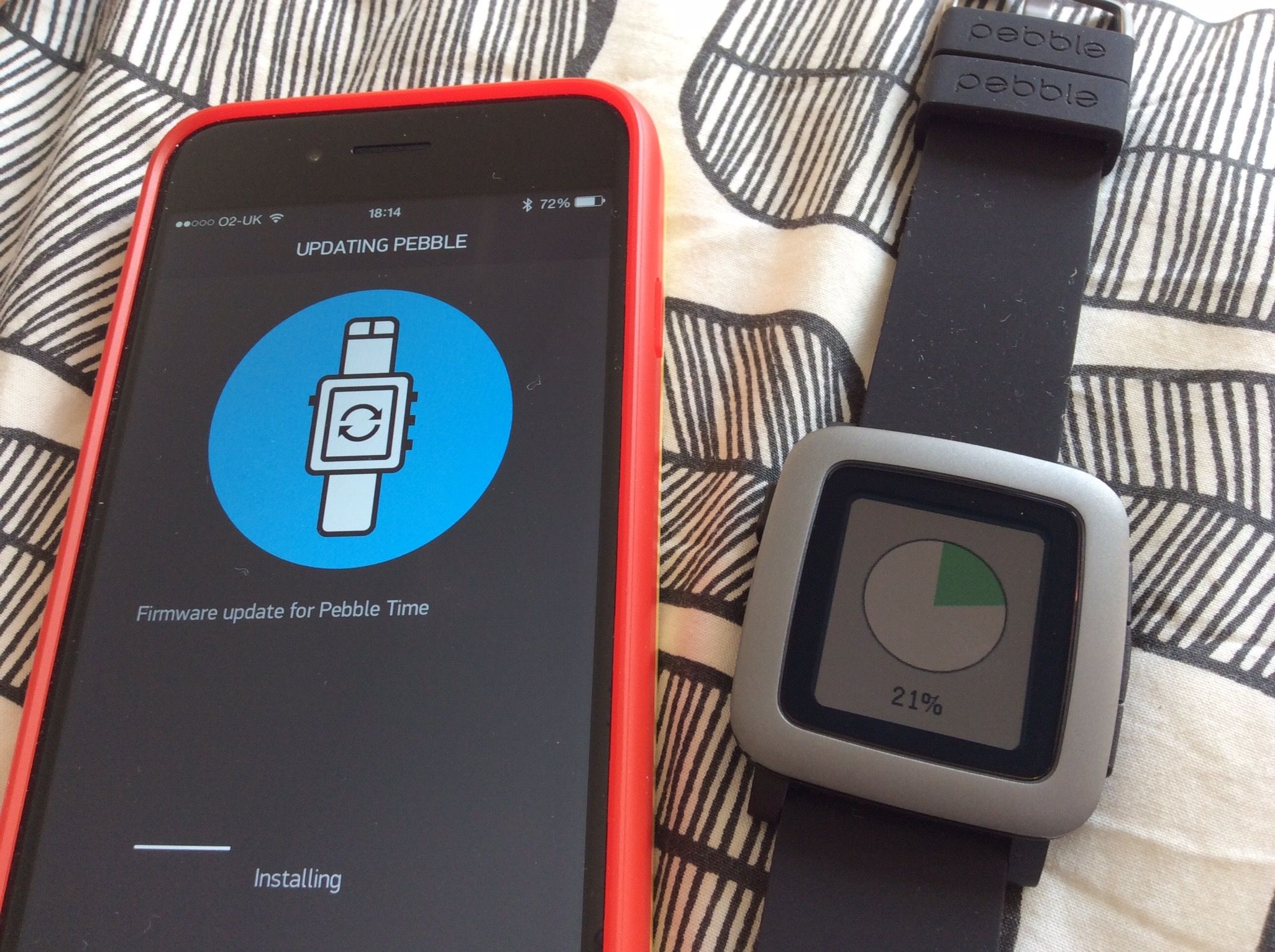
One Pebble, two devices, that’s not going to work

What I really wanted to do was to be able to use my Pebble Time with two devices simultaneously. However, it appears that this is just not possible at all. The reason? Simple really, but the smart watch uses bluetooth LE in slave mode and not in host mode. Host mode would allow you to connect to up to 7 other devices. However, it doesn’t look like you can do that easily with an iPhone, and, the Pebble doesn’t have that enabled as yet, and it appears that there is little or no demand for it. Trust me to be looking for something that no one else wants.

So, why did I want it? Well, I thought it would be useful to be able to get it to have notifications from both my iPhone and my Nexus tablet at the same time. Android has a few things that iOS doesn’t, and whilst the same is true in the other direction, from my perspective that’s quite minimal.

However, it isn’t the end of the world at all. I can live without it, but perhaps I may have to think of a different way of doing things in order to achieve what I wanted.

I’ll give that some thought.
Back at the Liberty Festival with SoundLab

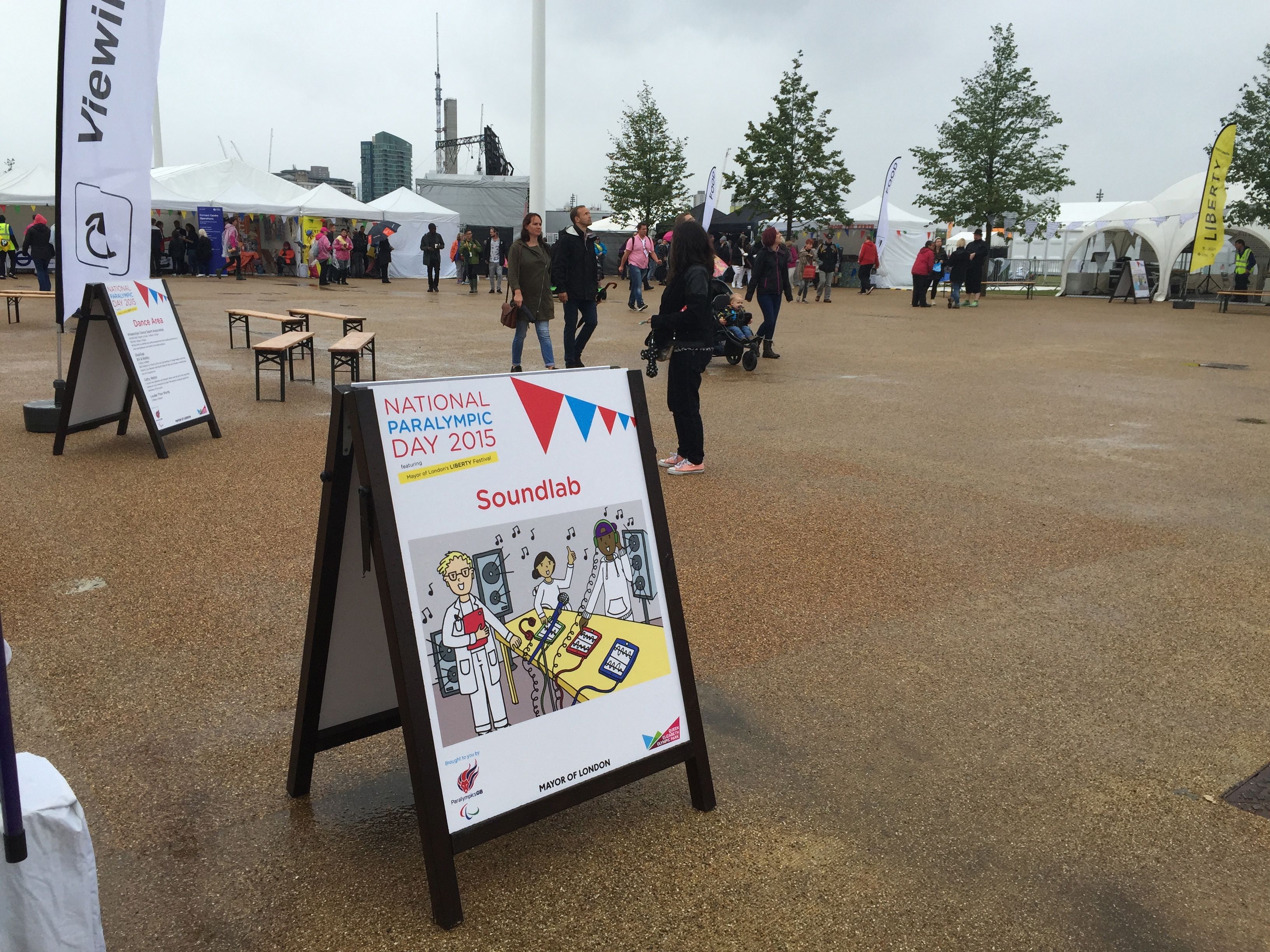
SoundLab at the 2015 Liberty Festival

So this is the second year I’ve been at the Liberty Festival with SoundLab. This year was a bit damp and wet, but fun nevertheless. We still had a lot of people come along and play and enjoy themselves, so it was a good day all in all. I’m glad that I was able to be a part of it.

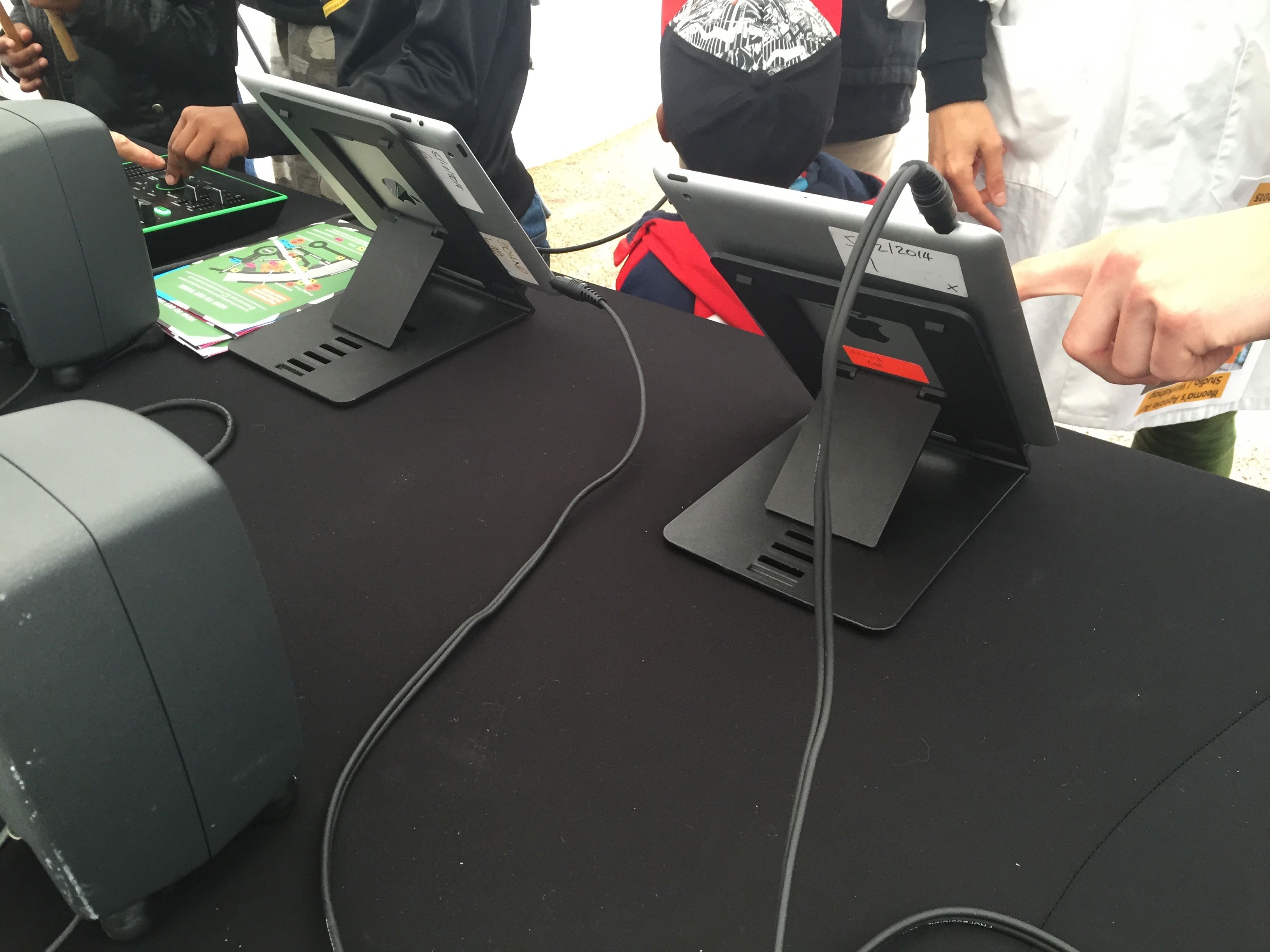
iPads at SoundLab Liberty Festival 2015

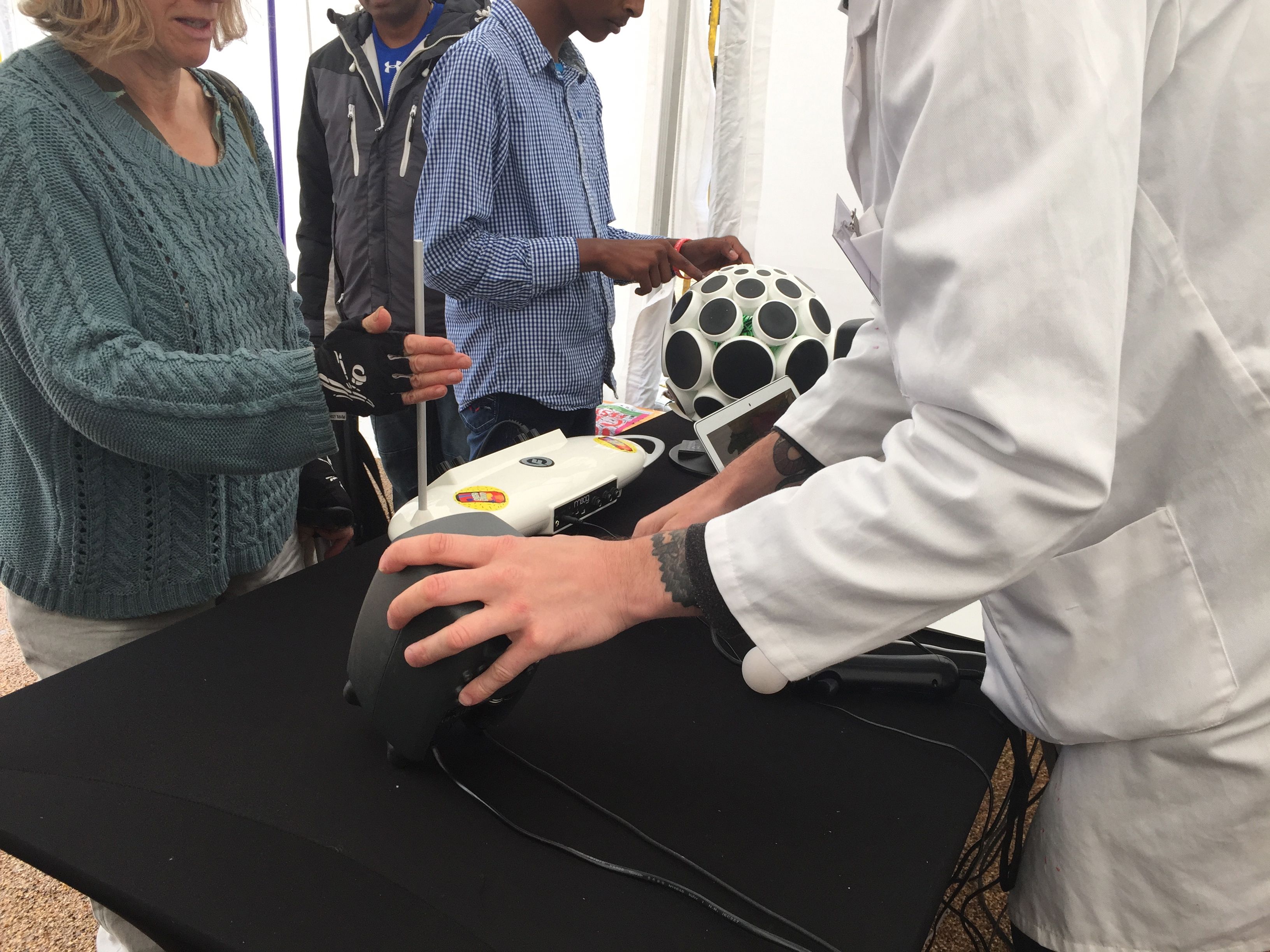
Even though it was wet we had a steady stream of people wanting to try out new ways to make music, and experiment.

A bit of Theremini and AlphaSphere

Dear IFTTT …

I’ve been a fan of what you do for a long time now so please take this the right way. I think what you do is great, but there are just a few things I think you should do sooner rather than later, and, if the truth be known, you probably should’ve done them some time ago. At least you should’ve in my opinion anyway.

So, just some functionality that you should have in as standard, or, if you prefer, as part of an advanced or paid for service even.

Here’s what I’d like to see:

  • The ability to have multiple accounts on popular social media accounts like …
    • Twitter
    • Blogger
    • Instagram
  • The ability to properly daisy chain actions so that complex web and social media interactions can be built

See, it isn’t a lot to ask really is it?

So when will there be a Pebble IFTTT channel?

Now that would be super useful. I’m sure that it was promised a long time ago, possibly when the first Pebble watch came out, but it never really happened. Well, it didn’t happen at all.

The nearest thing to it is an app called This Button for Pebble, which allows an HTTP push from your Pebble. That’s really useful, but I’ve only been able to get it to work intermittently so far. Perhaps I need to persevere with it.

Of course, a real IFTTT channel would be better. Ideally for me it would have:

  • Battery status
  • Accelerometer function
  • Access to buttons
  • Access to the microphone

That lot would do for a start anyway. That would be fun to play with and create recipes with on IFTTT. I’d like to see that.

I wonder if it’ll come about?

IFTTT’s new Maker channel

I’ve liked IFTTT (or IF as apparently they’re now called) since right back when they started. They’ve gone from strength and delivered some really interesting and useful functionality for connecting the internet in simple ways. They’ve also supported a lot of IoT (internet of things) devices, and now, with the new Maker channel they’re supporting anything you want to use to connect to the internet.

This is a big deal I think. It means all manner of devices can use the IFTTT service with an HTTP post request. I’ve already tried it with my twine device and it works really well. I’m thinking about how to use it with my Pebble Time too. The possibilities are limitless. However, for me, what will be really important is how to make it truly useful. Without that, it is just tinkering for tinkerings sake, and whilst that’s fun, from my perspective it doesn’t get you anywhere.

So, whilst I’ll be trying it out, I’ll mainly be looking for some really useful ways to use the new channel. If I find any that I think are worth sharing, I will.

How’s that Pebble then?

So, a couple of days into my use of the Pebble Time, how’s it going? Well so far so good. Today I was interested to see how the constant bluetooth LE connection would drain my iPhone 6. It seemed to add an additional drain, but not too much. So that’s a good sign, a good step forward.

Notifications are pretty good though. I quite like them even though they get a little bit annoying at times, but I think that’s more to do with my having too many on my iPhone anyway, so perhaps it’s a good prompt to clear those up.

Next I’m interested to see how I can do more with the Pebble and get it working for me in the way I’d really like it to. More of that soon though.

So my Pebble Time has arrived …

After a not bad wait at all my new Pebble Time smartwatch has arrived. So now I’m experimenting with it to see what it can do and what I can get done with it. That’s going to take a little while I should think, but as I decided to go with the Pebble Time just before the Apple Watch was announced and took centre stage I want to see how much I can get done with the new Pebble.

So expect updates on this over the coming weeks …

A first go at weaving with Conductive Threads

I went to a workshop today on weaving with conductive thread. Not something I’ve done a lot of before, but something I’ve had a previous taste of when I did a workshop of making interactive clothes. However, I’ve never done anything with weaving at all, but it always seemed like a fun thing to try.

So the idea was to weave something small and introduce a couple of conductive thread elements in that could be attached to a microcontroller board like a TouchBoard. In fact, it was a TouchBoard in this instance and that was very straightforward to use as it is nice and easy to connect up.

Well the weaving was ok, in fact easier than I expected although I made a few mistakes. Introducing the conductive thread was simple enough, and as you can see I managed to create a little piece of stuff at the end of it. It worked too. I connected it up to the TouchBoard and it worked a treat. In fact, when I got home I connected it to my Ototo board and that was fine too.

So what’s next? I’m not sure actually. I don’t know quite how I’ll take this forward if at all. There are a few possible applications to it, a few ideas bubbling around, but I need to think about them a bit more first.

Let’s see what happens.

The SoundLab guide is now available

The new SoundLab site and guide is up now. It’s been a long time coming and it looks great. I hope that it will make a difference to organisations and groups and that it’ll be a useful resource. I can safely say that I had more fun from being a part of SoundLab than most other work I’ve been involved with.