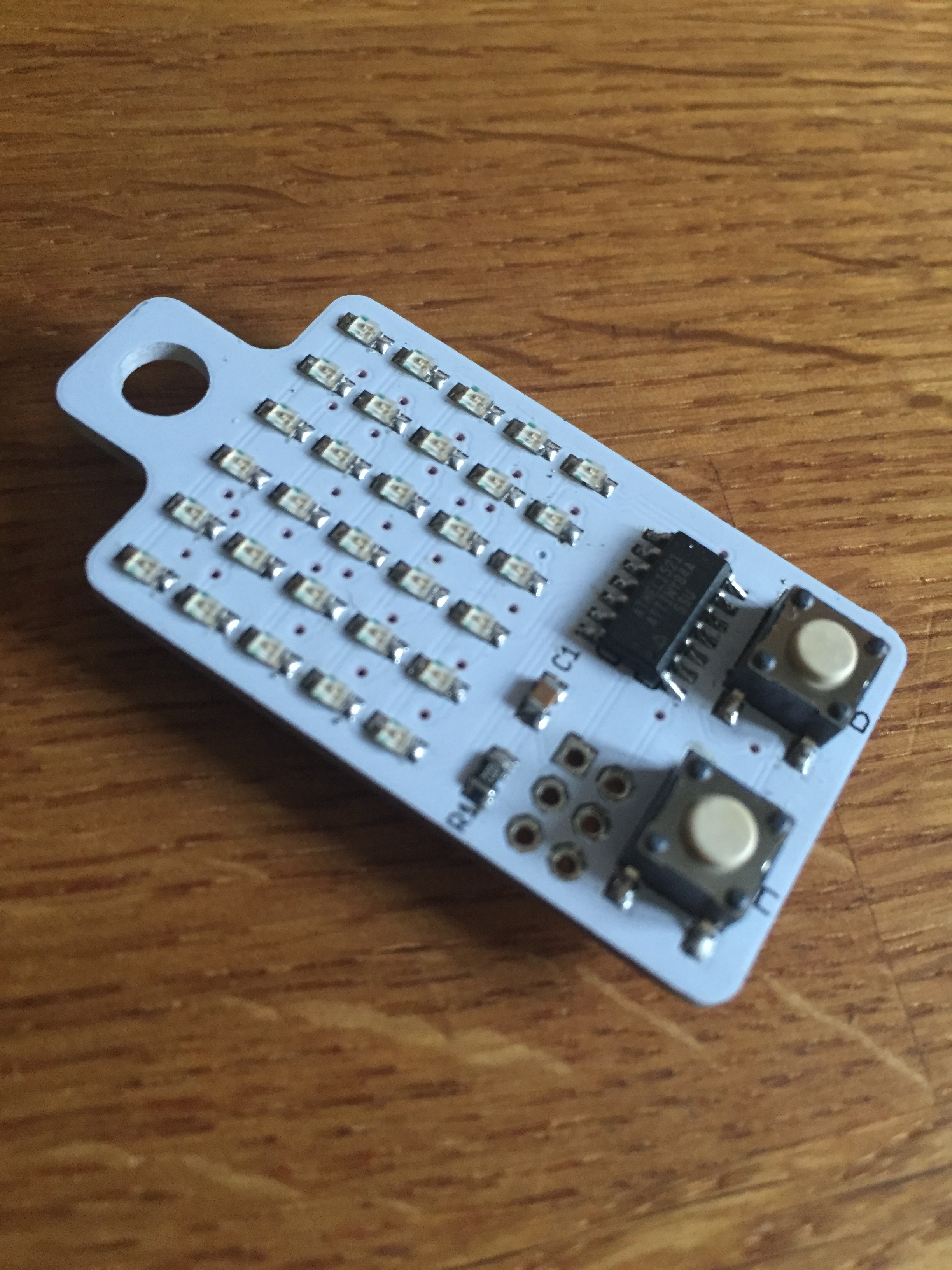
I found this by chance really, but it’s interesting to see just how small things can be. You really can put this on your key chain. I need to sort out an ISP to load sketches to it.
someone who's doing some things
Technology. We all use it, we all love it. We all hate it.
I found this by chance really, but it’s interesting to see just how small things can be. You really can put this on your key chain. I need to sort out an ISP to load sketches to it.


This was a wonderful day just over a week ago. It was so much fun to be a part of and to see so many children have a great time just making sounds and experimenting.
I’ve mentioned this on PalmSounds just now but, as I’ve already made a bot called the Wisdom of Pullo and talked about it here a number of times, I thought I’d mention my new one, the RandomBus, which I’ve just launched. It was fun to make and hopefully it’ll be fun for anyone who wants to follow it too.

I got this recently but haven’t had a chance to use it as yet. I’d really like to though, and I’m sure that the time will make itself available soon enough.
I’m keen to expand my littleBits collection. I’m sure that there’s lots more I could do with it that I’m not, and that I haven’t even thought of as yet.
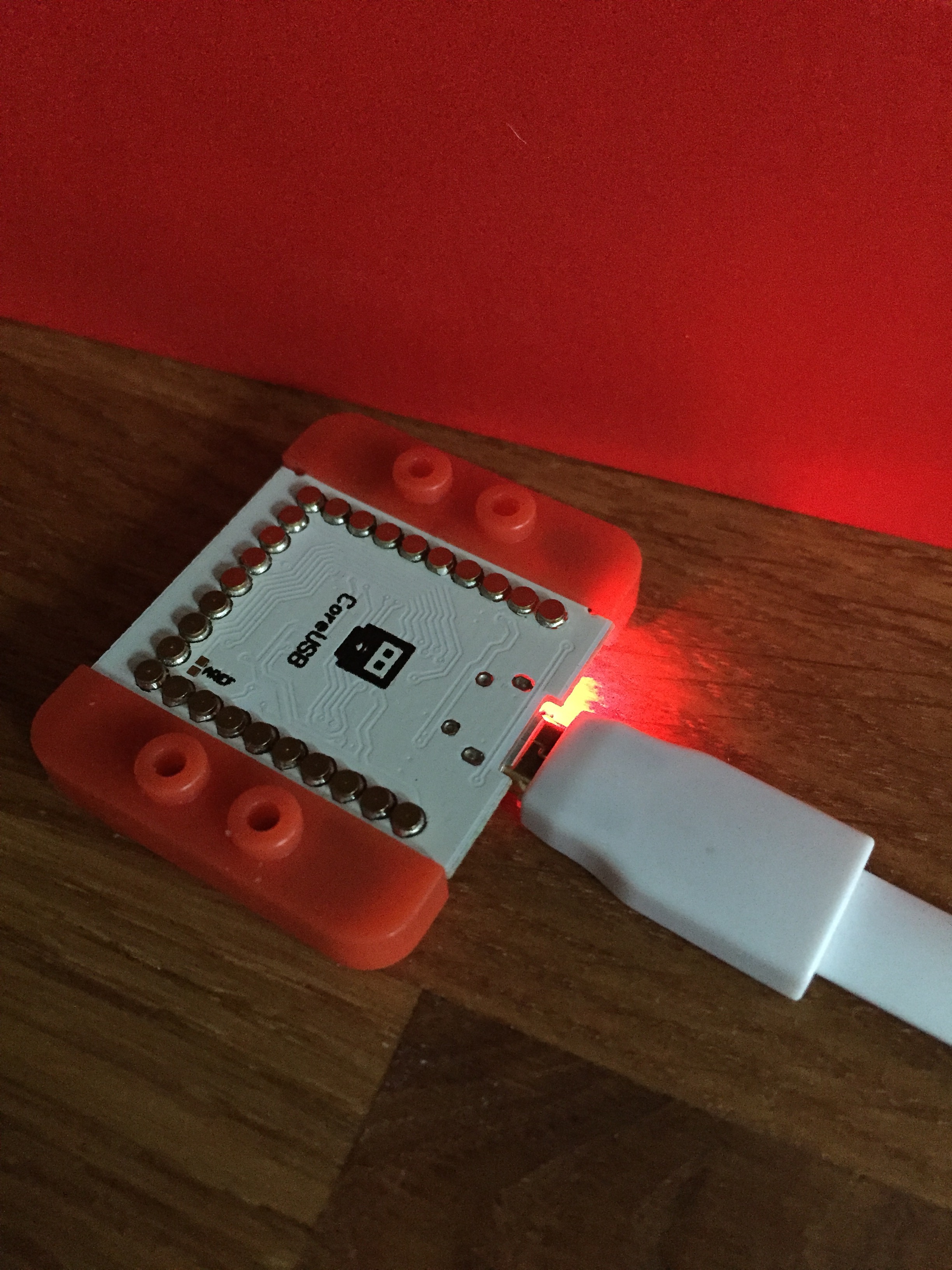
One of those tech things that can annoy you by just not doing what you want it to. But, at last I’ve got the basics up and running. It’s a nice kit though, with a lot of possibilities, and that’s what I’m really looking forward to now.
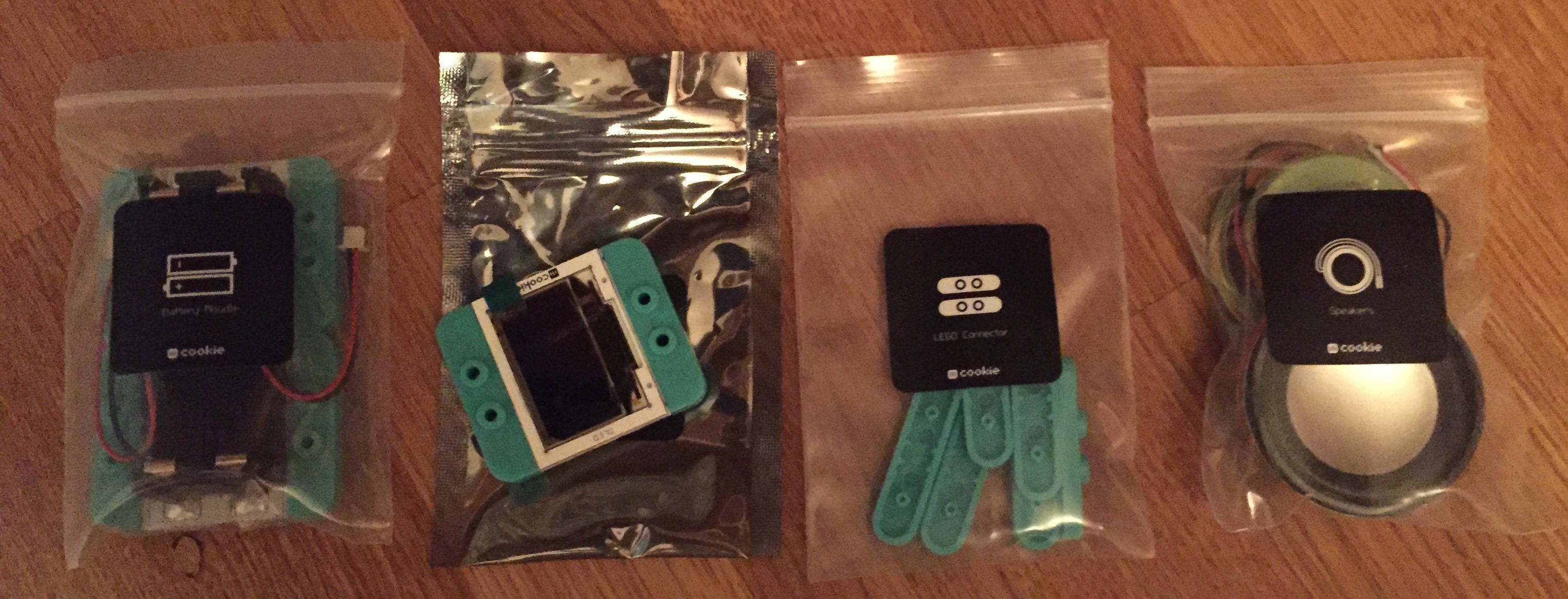
Especially what I might be able to do with the OLED screen, and also the speakers too.

The audio components look good too, and the audio stuff is going to be my focus, although bluetooth could be useful as well.

When I got this kit (quite a while ago now), I got the full range of sensors too.

So now I really need to get into reading this and then move forward.
Now this is a pretty impressive thing from Zapier. In the past you could like one trigger or event to one outcome. Now you can use Zapier to build whole workflows with connected apps, and they have a lot of apps that are connected.
This is something I’ve wanted to see with IFTTT for a while but they’ve concentrated they’re resources elsewhere, and, to be fair, they’re much more of a consumer brand rather than Zapier who are very business focused. Of course, Zapier has to be paid for, and IFTTT is free (at least for now anyway), but even so, this is a big step forward for Zapier and I think it’ll make a lot of business processes a lot easier.
I can’t think why I really like this, but I do. I think it’s a lovely thing, but I really don’t know why. It doesn’t fit my ideas of utility at all. If you’ve no idea about what I’m talking about, then you should know that Serendipity is an app built on Spotify’s API which shows where two people are playing the same song at the same time anywhere in the world. It is quite amazing to watch, but, as far as I can tell it has no real purpose. Not that it needs it though.

I have always wanted a PMC 100. A synth with a built in cassette deck! What’s not to like?
So it’s arrived, but I haven’t got it up and running as yet. I think that sonically it’ll almost certainly be a disappointment, but I’m ok with that. At least I think I am anyway.
When I’ve got it running, you’ll know.


There’s loads of new things to explore in the latest version. Here’s what’s new:
So I probably need to revisit some of my old projects and maybe even finish them!
 I am Ashley Elsdon