
I plan to use the old iBook to run older software and maybe even an old emulator or two as well. I’ve upgraded the RAM to 1.25GB now and it’s pretty good.
someone who's doing some things
At times wonderful, and at times totally frustrating too. That’s technology, my experience of it anyway. I do a lot of stuff with technology and I suspect I will continue to do that.
I plan to use the old iBook to run older software and maybe even an old emulator or two as well. I’ve upgraded the RAM to 1.25GB now and it’s pretty good.
The last time I used Processing I was messing around with the minim library for sound. Now, in version 3, there’s the new sound library and it looks (and sounds) amazing!
I’ve only played with it a little but so far the example code looks really straightforward to read and understand. I might even start making a few things myself! Who knows.
I’ve been getting back into Processing 3. As I said when it first arrived, it’s been a while since I made things with Processing, but this version looks so much better than what’s gone before. Installing libraries and tools is now just so easy. It’s amazing. It feels like I really need to get back to making some stuff with Processing again.
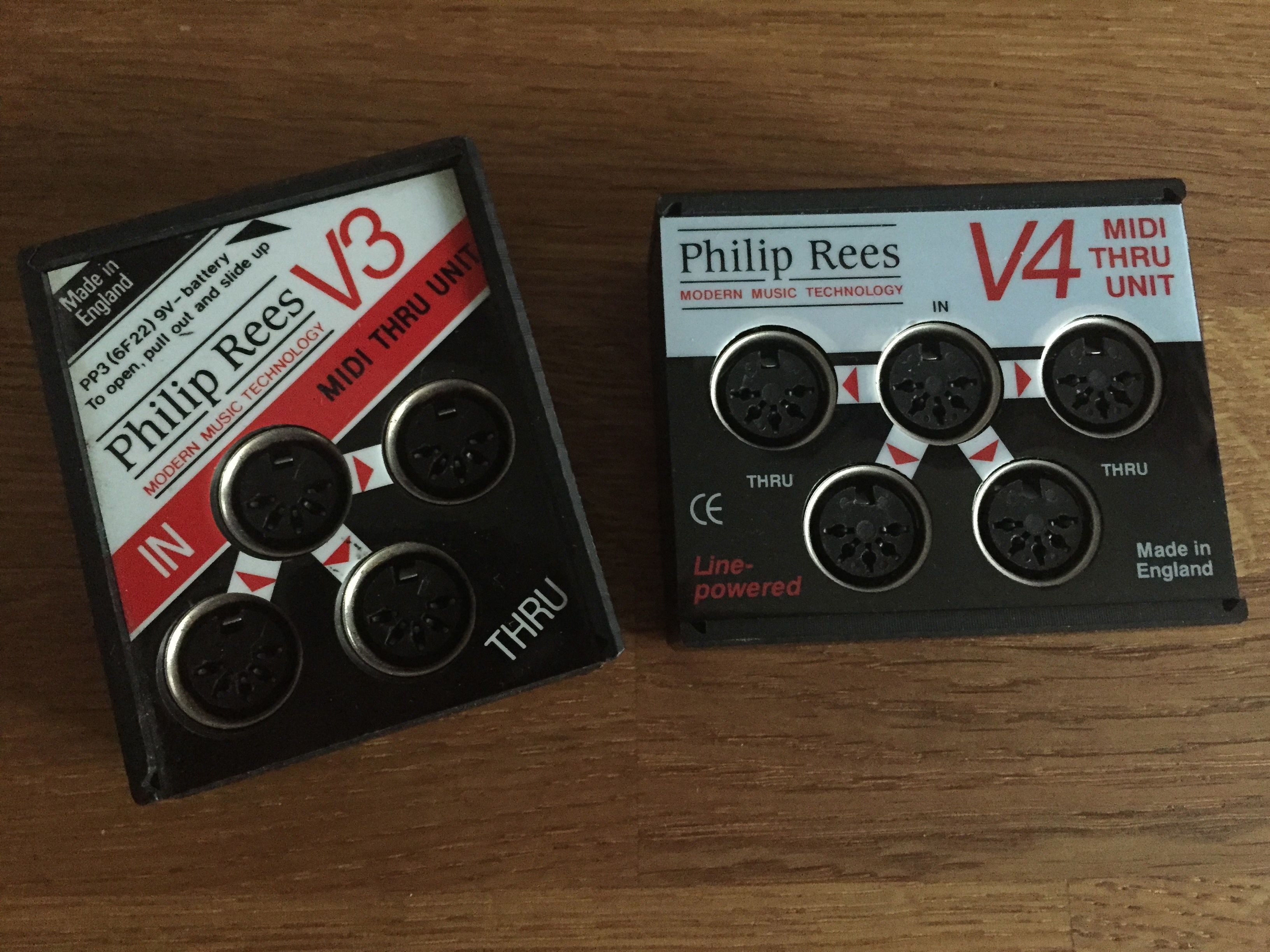
Just thought I’d post these two side by side.
I went to see Bare Conductive the other day to talk to them about the SoundLab event we’re running at NESTA later this month. Bare Conductive is just one of so many companies who are being super helpful.
I’ve been a fan of Bare Conductive for a long time now and they’re doing even more interesting things with the TouchBoard and conductive ink. I hope to be able to show you what I’m doing with the TouchBoard and how we’re going to use it at the SoundLab playspace event, so expect some more posts on the subject soon.
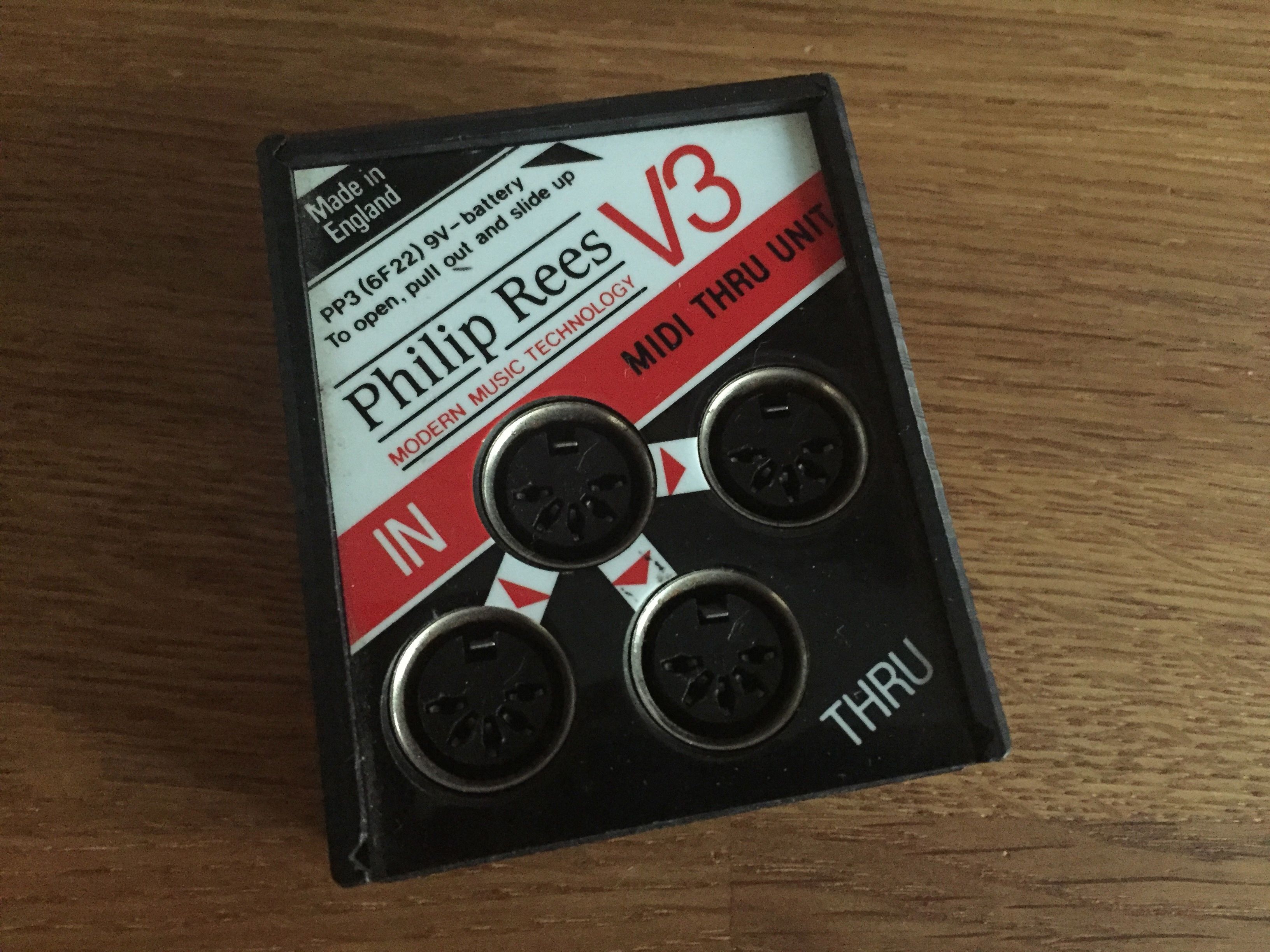
I used to have one of these ages ago and it was incredibly useful. But sadly I got rid of it. Why? Good question, I’m not even sure now. But I needed a new one even though I had the V4 as well. The big difference with the V3 is that it has its own power from a little PP3 (9v) battery inside. That means that it can power devices that draw vampiric MIDI power, such as the two MIDI vampires I’ve got.
All in all a very useful device indeed.
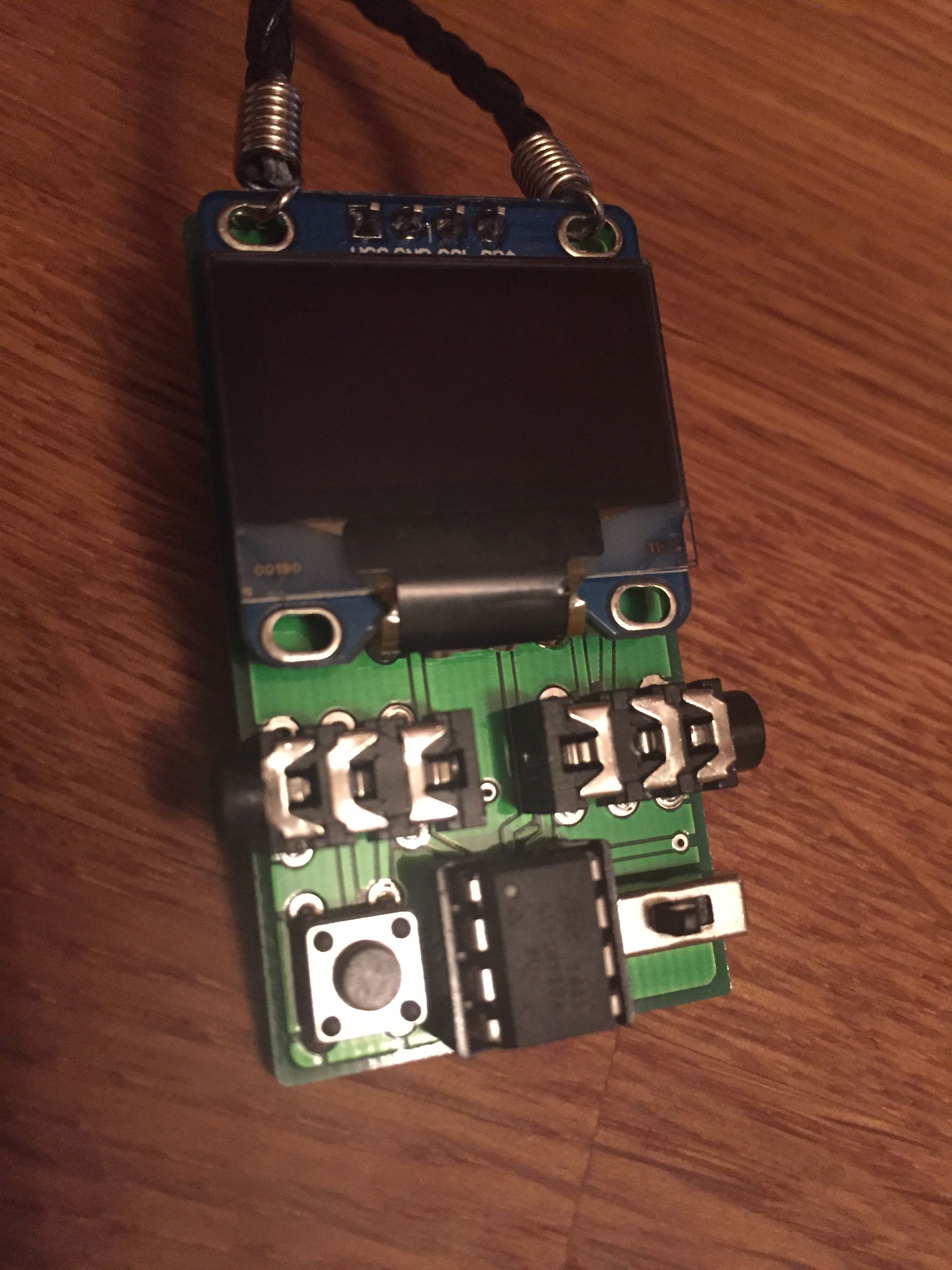
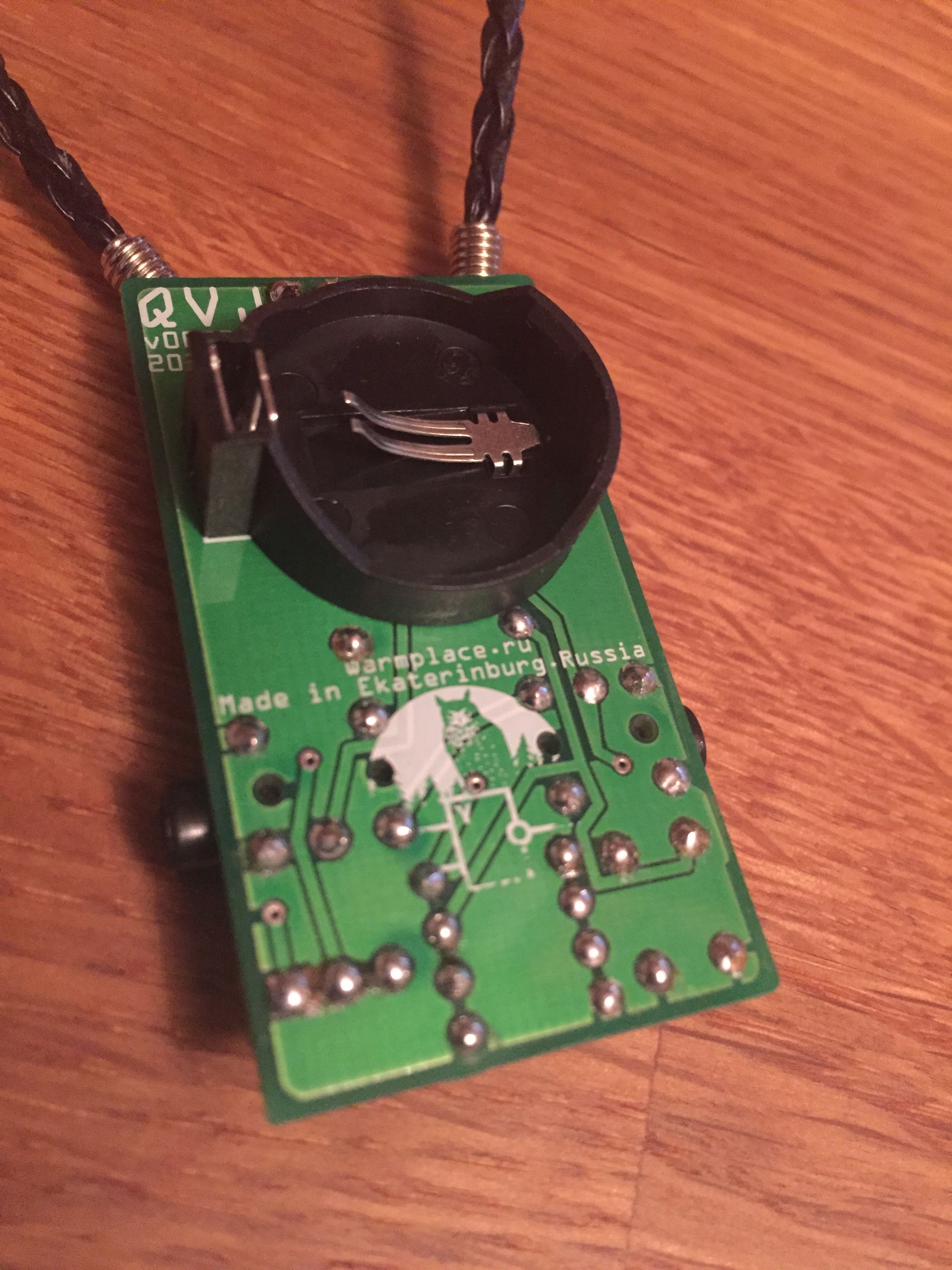
I’ve been wanting one of these for a long time. I’m really impressed at just how neat a little device it is. I’m going to make a little video of it in action soon. It really is pretty cool.
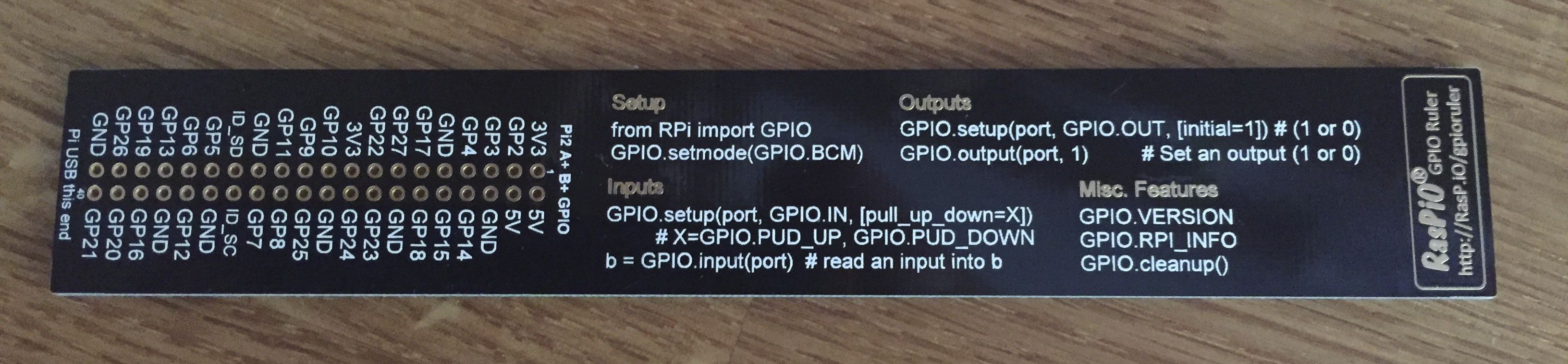
I got this on Kickstarter. Handy little thing it is too.
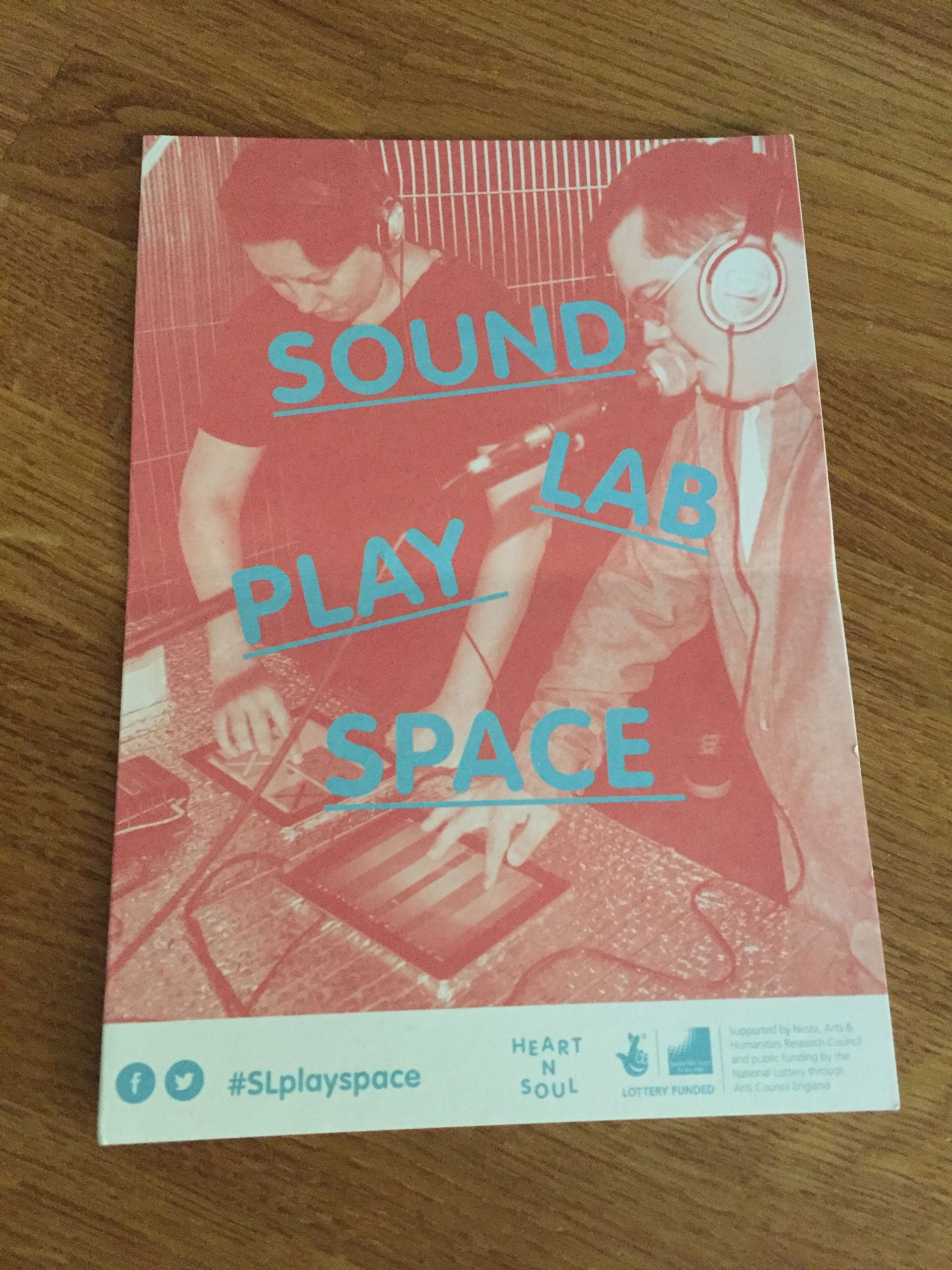
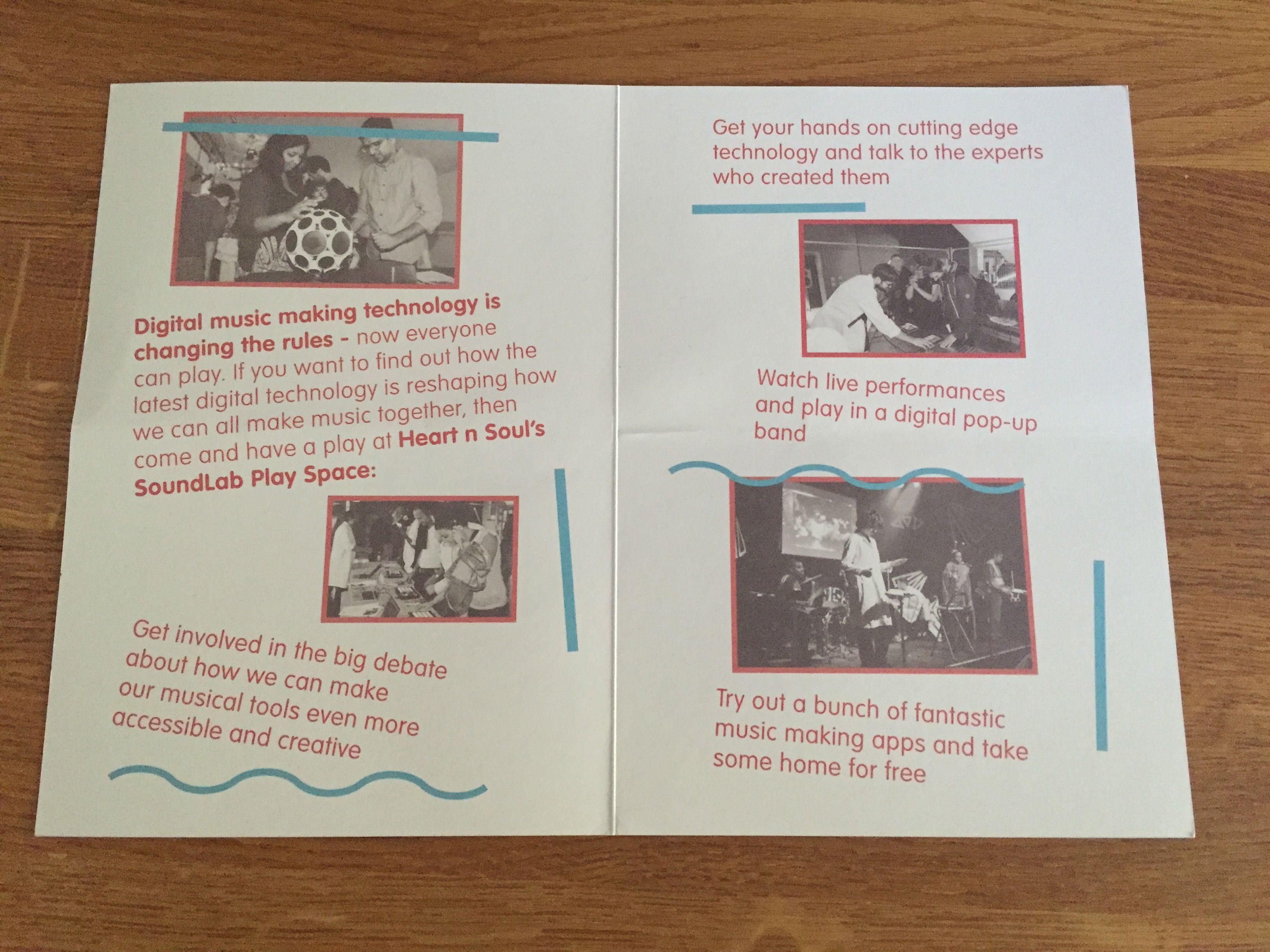
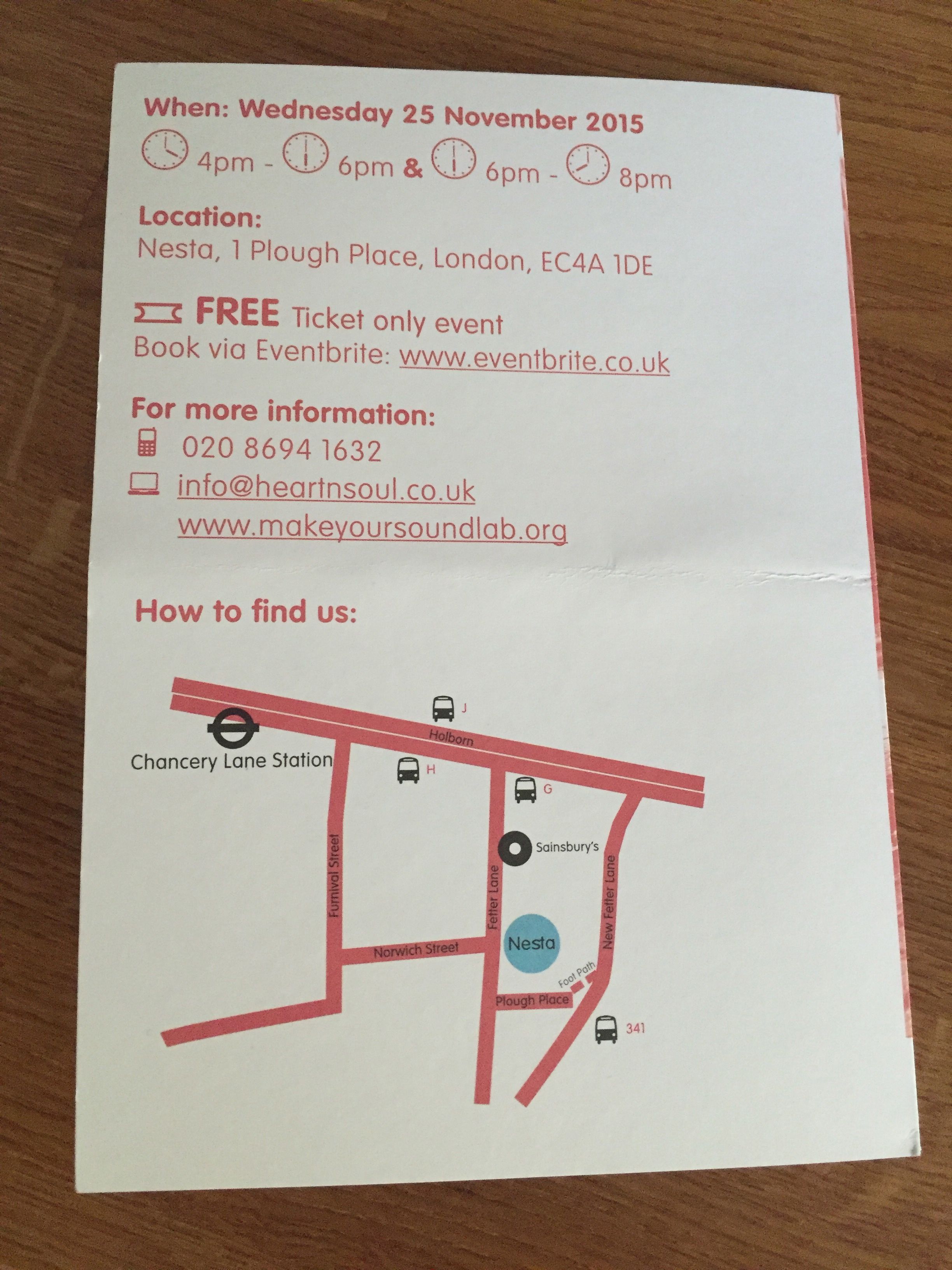
I’ve posted on this before, but here’s a little reminder. The event will be completely amazing, or at least I hope so anyway. It’s starting to shape up now and really come together.
If you’re interested in attending or being a part of it in some way, then take a look at this page on the SoundLab web site.
I really like the Olegtron 4060. It’s pretty awesome. I haven’t played around with it for ages, so it’s good to try it again and make some sounds.

