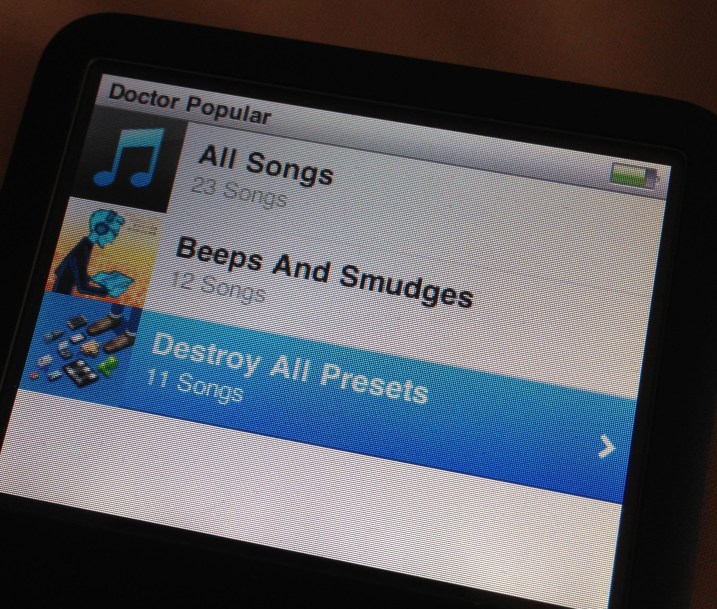
Especially ‘Destroy all presets’, but his other work is great too. So it’s been on in the car over the weekend, and it makes me smile!
someone who's doing some things
Especially ‘Destroy all presets’, but his other work is great too. So it’s been on in the car over the weekend, and it makes me smile!
And now another app promises integration and connectivity with the growing array of URL scheme enabled apps that I own but as yet can’t work out what to do with. This one, Phraseology is a writing app for the iPad. It looks very useful, and is from the same developer who makes Drafts, Drafts for iPad and Terminology. So in theory it should tick all the boxes, and as such I’ll probably give it a try.
But it does make me wonder where all this automation capacity is going to take me, and when? So far I’ve managed to get a few things working, but nothing ground breaking, nothing that really changes my workflow and delivers enough automation against what I’m looking for. Of course, I could just be being over ambitious, that’s a distinct possibility. So for now I’ll keep at it, and perhaps try some simpler things to start off with.
I first listened to this story in January 2012. It is the first story that Tom Baker did for Big Finish productions, so it’s kind of a milestone, and not only that, it’s actually a lovely story too. It picks up directly after The Talons of Weng Chiang, which is arguably one of the best Doctor Who stories ever, so an excellent place to start in my opinion.
The story is set on the Nerva dock, which is of course the same as the Nerva Beacon, a location that crops up many times in Doctor Who. The cast is excellent, the action and the story are a joy. It’s a great way to have started his audio stories on Big Finish, and it’s lovely to listen to them again whilst I wait for the season 3 episodes to arrive every month. I think I may have to run through the whole season now that I’ve started.


It’s just starting to come together.

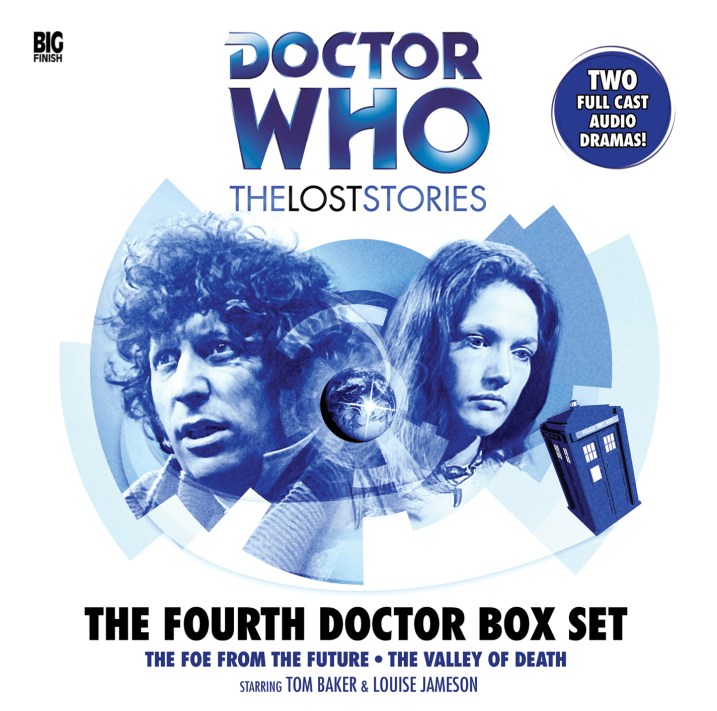
I only listened to this quite recently, but I just downloaded it and with the download came some very nice artwork, so I thought I’d share it.
I found a new app that I’m hoping will really help with some of my aspirations for automating things in iOS. It’s called Unread.
Here’s the app’s description (which I’ve edited down a bit):
Rediscover the joy of reading your favorite writers with Unread, an RSS reader for iPhone.
Unread will surprise and delight you in many ways, but that’s not important. What is important is that Unread will help you find a little peace each day through quiet, careful reading.
FULL-SCREEN READING
Focus on the act of reading with Unread’s full-screen article view. Articles are typeset in beautiful fonts from Hoefler & Co. Let nothing stand between you and the words of your favorite writers except a thin sheet of glass.
DESIGNED FOR COMFORT
Move anywhere in the app with a sweep of your thumb, all without having to reposition your hand. Unread’s stacked navigation was built from scratch to be the most comfortable interface you’ve ever used. Flick left-to-right to go back from anywhere on the screen, just like dealing a deck of cards. Tug any screen right-to-left to show options for that screen — just like pull-to-refresh, but sideways.
MULTIPLE THEMES
Like to read in bed? Don’t wake up your partner with glaring white light. Unread has multiple themes designed to make it easy to read under daytime or nightime lighting conditions. There are several fun hidden themes, too.
SHARE THE GOOD STUFF
You shouldn’t have to struggle to send articles to the places you like best. Apps should do that hard work for you. Share your favorite articles via the rich options built with OvershareKit, an open-source sharing library for iOS. OvershareKit was born inside of Unread, and is being discovered by more apps all the time.
SO MUCH TO LOVE ABOUT UNREAD
What the description doesn’t really go into enough is that it is integrated with Drafts and is, as far as I can see, a reasonable step in the right direction in automation terms. So I’m going to try this out and see if it takes me in the right direction. We’ll see.

More additions to my little Windows Mobile power house.


I liked these instagrams of the littleBits kit and molecule synth so much I thought I’d post them separately.
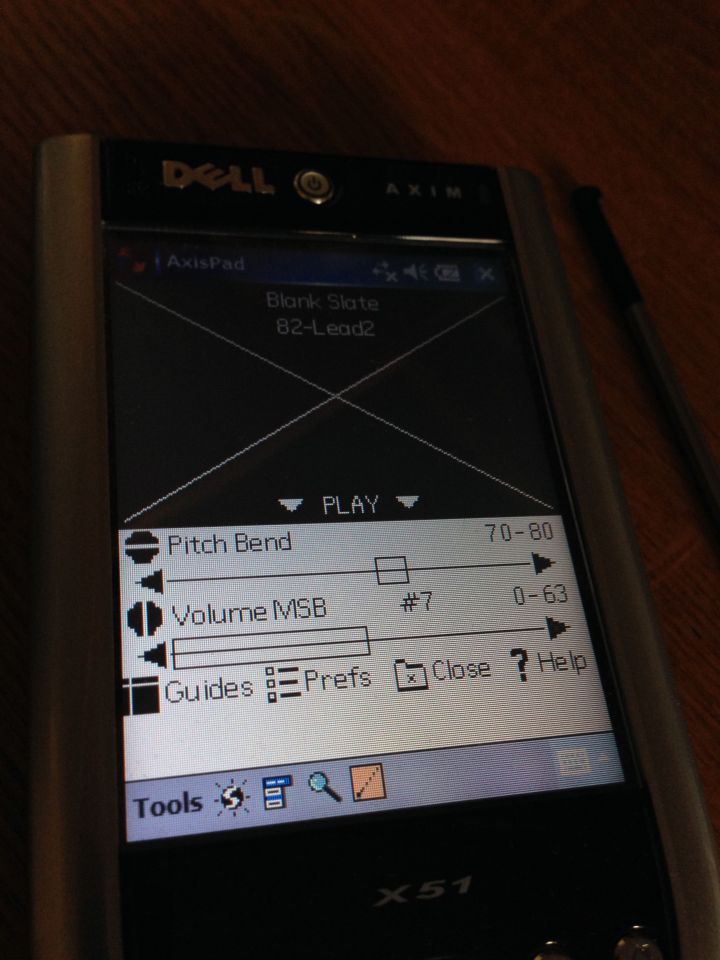
It’s nice to start to see this device take shape. I’m really hoping that it’s going to be a productive and useful device again.
 I am Ashley Elsdon