I can’t think why I really like this, but I do. I think it’s a lovely thing, but I really don’t know why. It doesn’t fit my ideas of utility at all. If you’ve no idea about what I’m talking about, then you should know that Serendipity is an app built on Spotify’s API which shows where two people are playing the same song at the same time anywhere in the world. It is quite amazing to watch, but, as far as I can tell it has no real purpose. Not that it needs it though.
Tag: Apps
Everything is about apps at the moment. A lot of what I mention under the apps tag is around iOS and mobile music, but there’s other stuff too, and not just iOS, but Android, Palm OS and Windows mobile.
On the subject of SoundCloud, here are all my current Ukulele explorations (so far)
More Ukulele explorations, now with Mogees
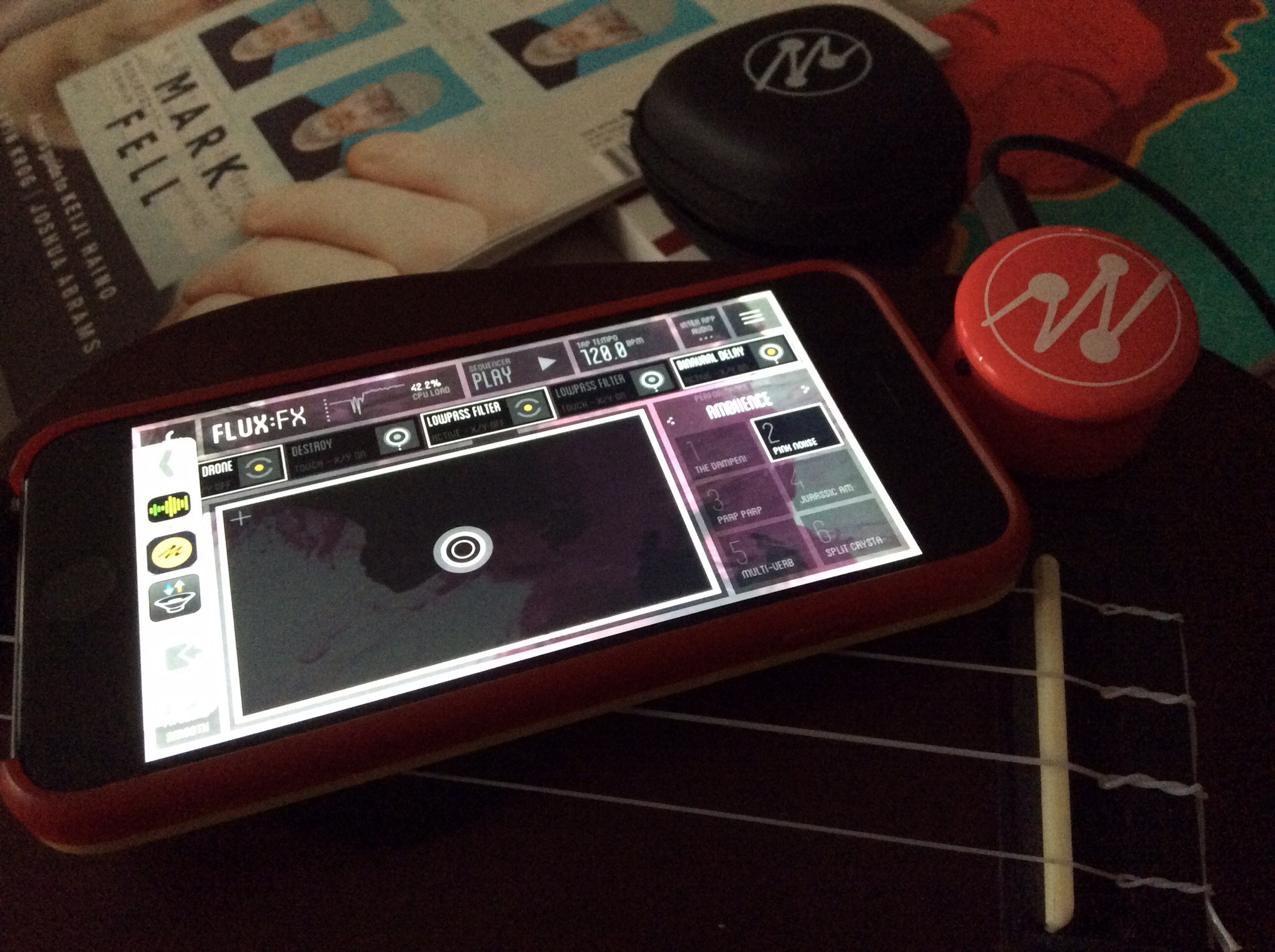
So a few more experiments with my Ukulele and a Mogees unit too. I used Flux:FX Play along with the Mogees app. I really like the results.
A bit of fun …
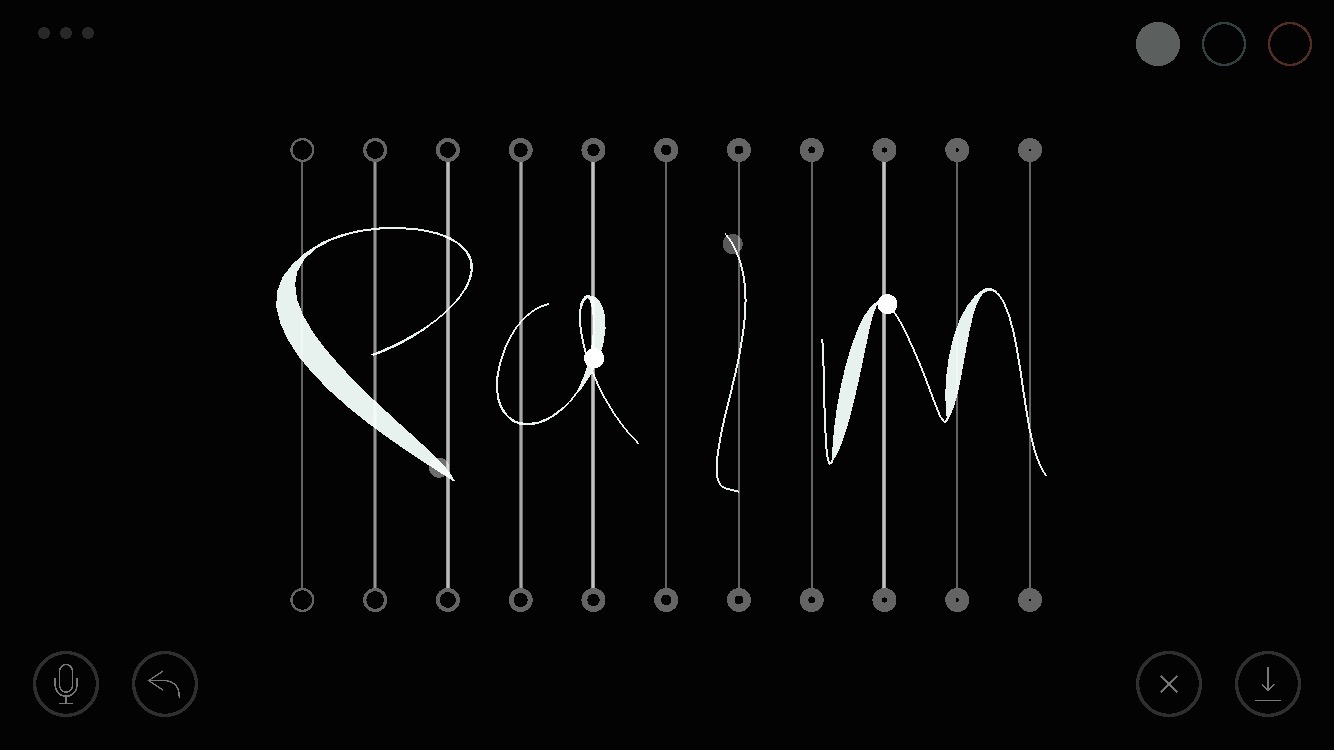
I’ve been really enjoying the SoundBow app instrument. It’s very beautiful.
Something I made with Figure …
Pythonista 2.0 is a massive leap forward
There’s loads of new things to explore in the latest version. Here’s what’s new:
- Pythonista is now compatible with all iOS screen sizes — from iPhone 4 to iPad Pro, and everything in-between.
- For larger projects, you can now use multiple editor tabs to switch between related files more quickly.
- The Pythonista app extension allows you to run Python scripts within other apps, using the standard iOS share sheet.
- New and refined color themes are available in the settings; selecting a different theme now changes the entire app’s UI instead of just syntax highlighting.
- The file browser and editor have much better support for non-Python files. HTML, CSS, JavaScript, and Markdown files are syntax-highlighted in the editor, Zip archives can be extracted, and a QuickLook preview is available for most common file types, e.g. images, PDFs, and audio/video.
- Additional templates are available in the improved “new file” menu. You can also import photos from your camera roll as image files there.
- The console’s interactive prompt is now syntax-highlighted, and provides better support for Bluetooth keyboards (you can use the up/down keys to navigate the command history).
- You can now read the (pure Python) source code of the included standard library (and third-party modules) directly in the app. Simply enable the “Show Standard Library” setting if you’re interested in looking “under the hood”.
- The UI editor contains a much improved inspector panel, undo/redo support, the possibility to set custom attributes, and a lot of other refinements.
- The new traceback navigator allows you to get a lot more information about errors in your programs. When an exception occurs, a brief summary is shown at the top of the screen, and the line where the exception occurred is highlighted in the editor. By tapping on the exception summary, you can navigate the entire traceback, even if the source of the exception is in a different file. You can also tap the `<…` marker in the editor to inspect variable values in the selected stack frame.
- The editor actions (“wrench”) menu has been improved significantly. You can now assign custom icons and colors to your script shortcuts. It’s also possible to invoke the standard iOS share sheet from the actions menu. If you have an iPhone 6s or 6s Plus (with 3D Touch), you can launch shortcuts directly from the homescreen by pressing the Pythonista icon.
- The improved asset picker (`[+]` button) contains more free image and sound effect collections that can be used with the `scene`, `ui`, and `sound` modules. The UI for opening the asset picker is also consistent between iPad and iPhone now.
- When the cursor is inside a color string (e.g. ‘#ff0000’ or ‘red’) or built-in image name, a preview overlay is shown automatically. You can also tap the preview overlay to select a different color or image.
- The new *Highlight All* option in the copy/paste menu allows you to quickly find all occurrences of a word (e.g. variable name), without typing anything in the search bar.
- You can adjust the indentation of a selected block of code more easily with the new `⇥ Indent` menu items (in the copy/paste menu).
- iPad only: The extended keyboard has a more compact layout by default. If you prefer a larger keyboard with an additional number row, you can enable this in the settings.
- The completely revamped `scene` module gives you a lot more possibilities for building 2D games and animations in Pythonista. You can even use custom OpenGL fragment shaders. Lots of new sample code and a tutorial for building a simple game are available in the included *Examples* folder.
So I probably need to revisit some of my old projects and maybe even finish them!
Recho hasn’t worked for me, but why?
I had some high hopes for Recho, but as I was sort of spring cleaning apps from my iPhone the other day I noticed it and realised that I hadn’t used it in any way at all for months and month. So I had a look at the Recho web site and it’s still there and still going it seems. But every time I tried it even in London I couldn’t find very many sounds or stories or anything that had been left.
So I wondered if in fact it hadn’t been a big success in the UK? Maybe.
Is it worth giving it more of a go? I don’t know. Perhaps I should try again? Perhaps if I try it now I’ll find more stuff in London? I think it might be worth trying again, even for a few days, just to see if there’s more content and it might be fun.
More Ukulele exploration from me
Another piece from me exploring sonic manipulation of my Ukulele through apps.
Good luck Intermorphic
I really liked this post from Intermorphic about what they’ve been doing this year and what they have planned for 2016. I’ve been a fan of theirs for many years now. In fact, probably approaching 10 years now. I’ve seen them go through several iterations and still keep going. I hope that they keep flying the flag for generative music for many years to come.
Good luck guys.
The War Doctor Covers



Really cool covers as part of this new boxed set of the War Doctor.
 I am Ashley Elsdon