And another great write up of the SoundLab Play Space. This time in The Memo. Kitty has done us proud with this article about the event.
Full Blog
Thanks for that Mr Concretedog!
So, here we are, in December
I know that it’s stupid to say stuff like “I can’t believe it’s December already”, but that’s how it feels. I suppose it’s because November (Movember) has really flown by, especially with all the focus on the SoundLab Play Space event. That really did take up a huge amount of time and effort. It was worth it though. Completely worth it.
So December, Christmas, 2015 coming to a close and all that Jazz. I’ve still got a few things I’d like to get done this month. One of which is getting more out on how to use conductive ink pads with music apps, but there are a few other project that I hope to come back to this month too.
Anyway, for now, happy December.
Using Conductive Ink Proximity Pads with Ableton
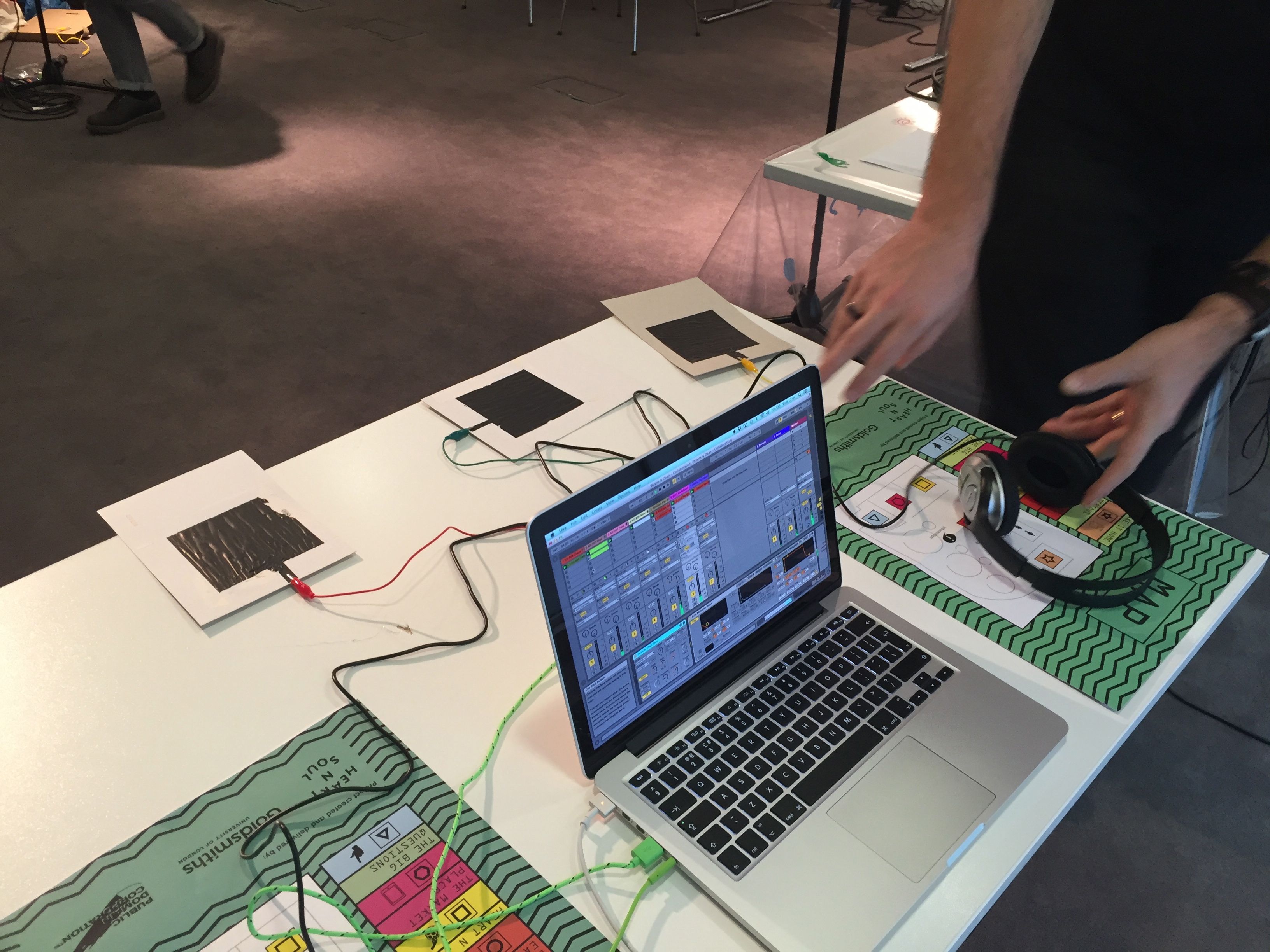
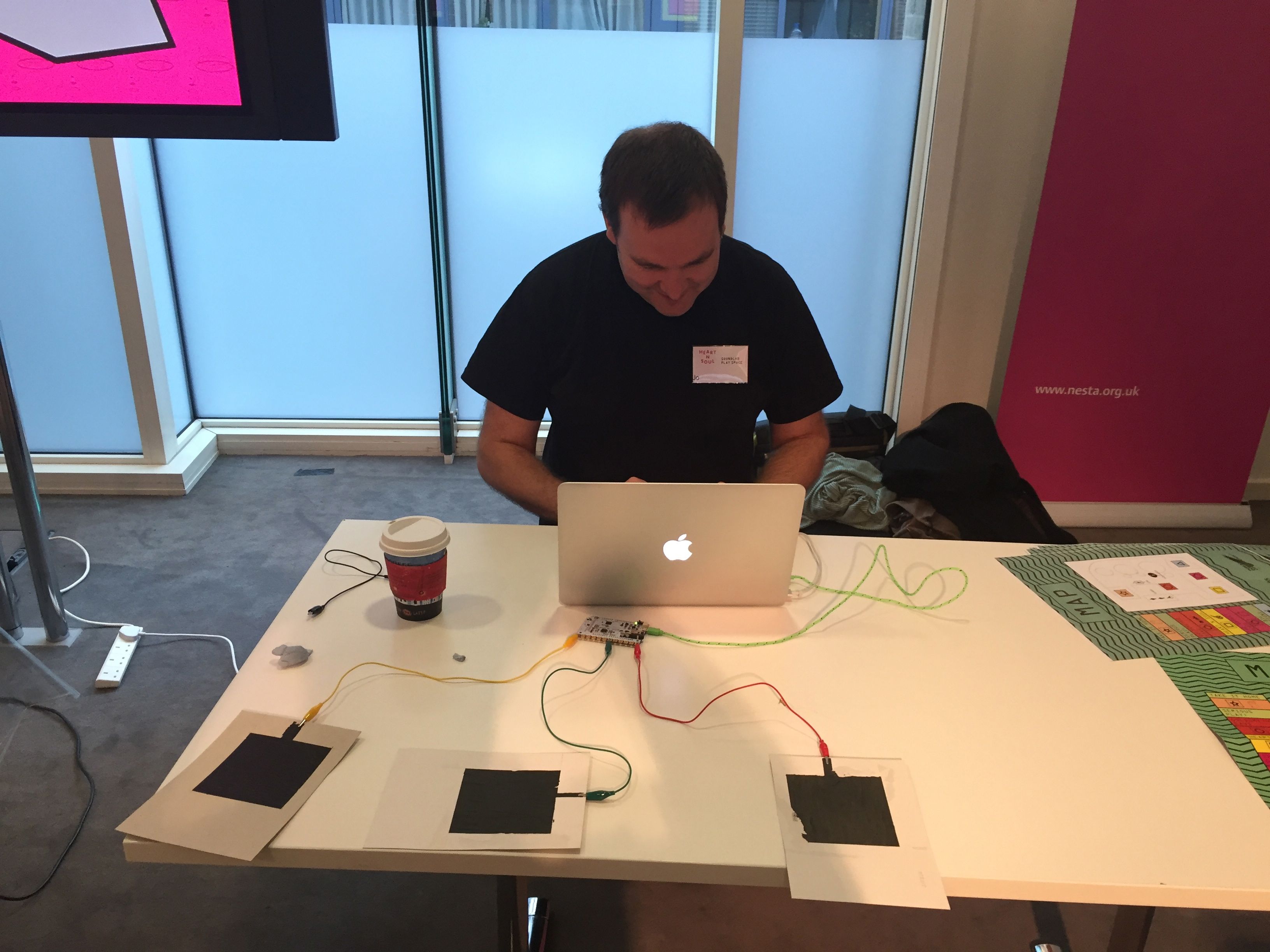
One of the technologies we had on show at the SoundLab Play Space was Bare Conductive’s Conductive Ink and TouchBoard. We used these to connect to Ableton Live and control a variety of parameters in a set. It took quite a lot of tinkering around to get the pads and the board to work as we wanted, and a lot of time to calibrate the pads to get them sensing and sending MIDI CCs.
Hopefully I’ll be able to release to arduino code for the set we used soon. Hopefully I’ll be able to make some videos too to show how to get it done.
I think that that the TouchBoard is a really cheap and simple way to create effective gestural control via MIDI.
A gift from Mr Concretedog

It’s always lovely to have Mr Concretedog over. This time he came to work on the SoundLab Play Space event with me, and I have to say that I couldn’t have done it all without him. He brought a little gift this time. A badge he made with his own CNC. Cool yeah?
Not such good advice these days!
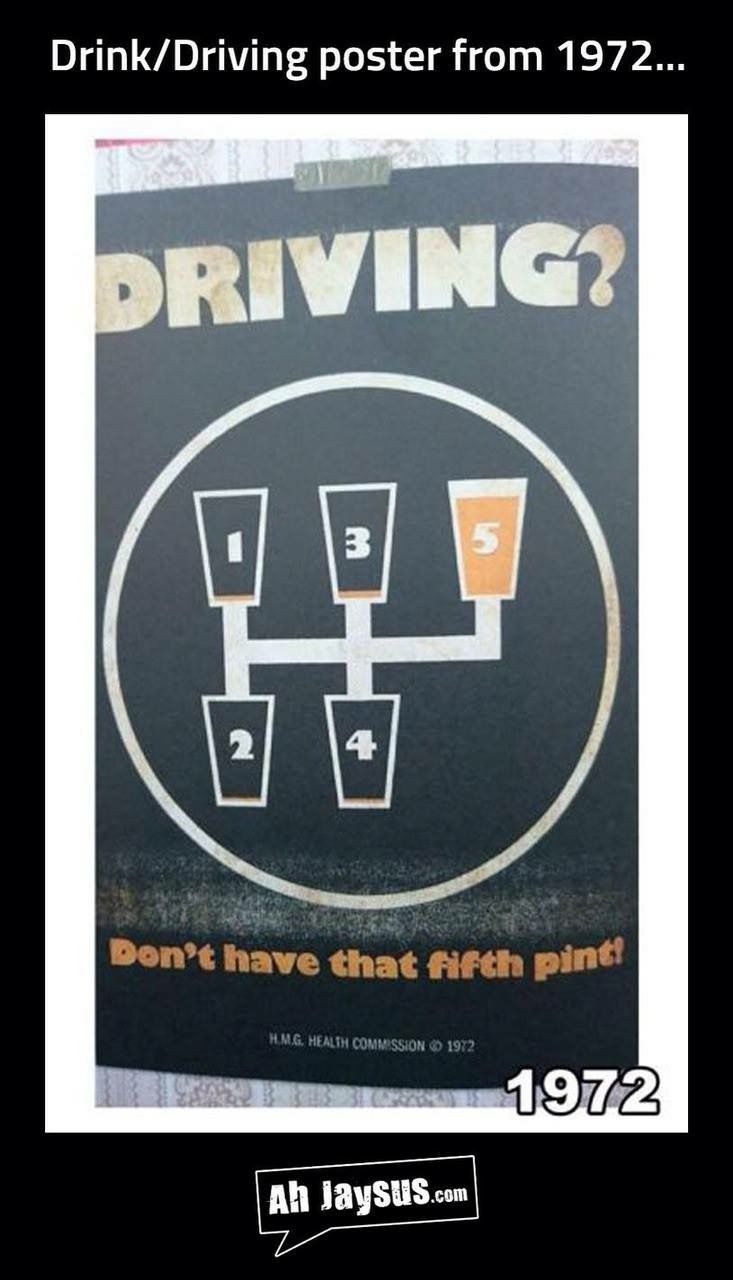
Good advice back in 1972! Imagine if you had the same now! I found this on Facebook and decided to add it here.
Today is the penultimate day for Movember
Today is the penultimate day of Movember so please do take a look at my Movember page here. If you can support me with a donation I’d really appreciate it. Even if you could tweet it, or post to facebook etc that would be great.
If you’re looking for posts about the SoundLab Play Space …
Then you can find them on Palm Sounds under the tag SLPS. I’ll probably be posting a lot of the pictures here too, so there’ll be no shortage I assure you!
More on making conductive ink pads for proximity sensing

After experimenting with my previous cards I decided to try a larger and denser pad for use as a proximity sensor.
There was a very good little tutorial on the Bare Conductive site so I used that. As you can see above it very sensibly suggests the use of masking tape to make these pads. I followed the instructions and made 4 pads in the end.
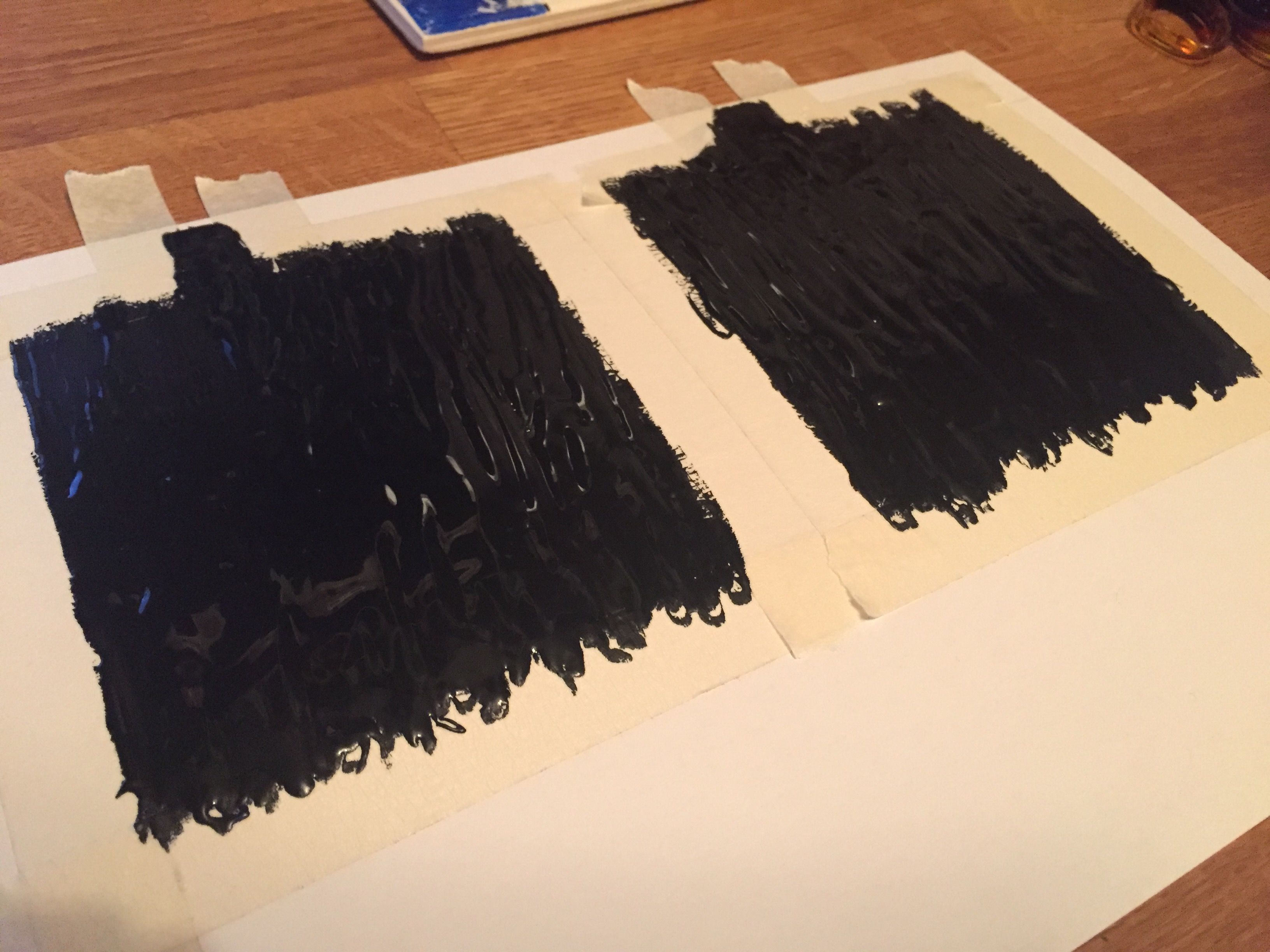
Whilst the tape removal wasn’t an entire success it was ok and didn’t stop the pads from working which was good.

I’m planning to post a much larger post around how to get these pads to work for music and how best to get the code up and running too. It might take a little while to get that going though, so hopefully it’ll be in a week or two.
This is the suit
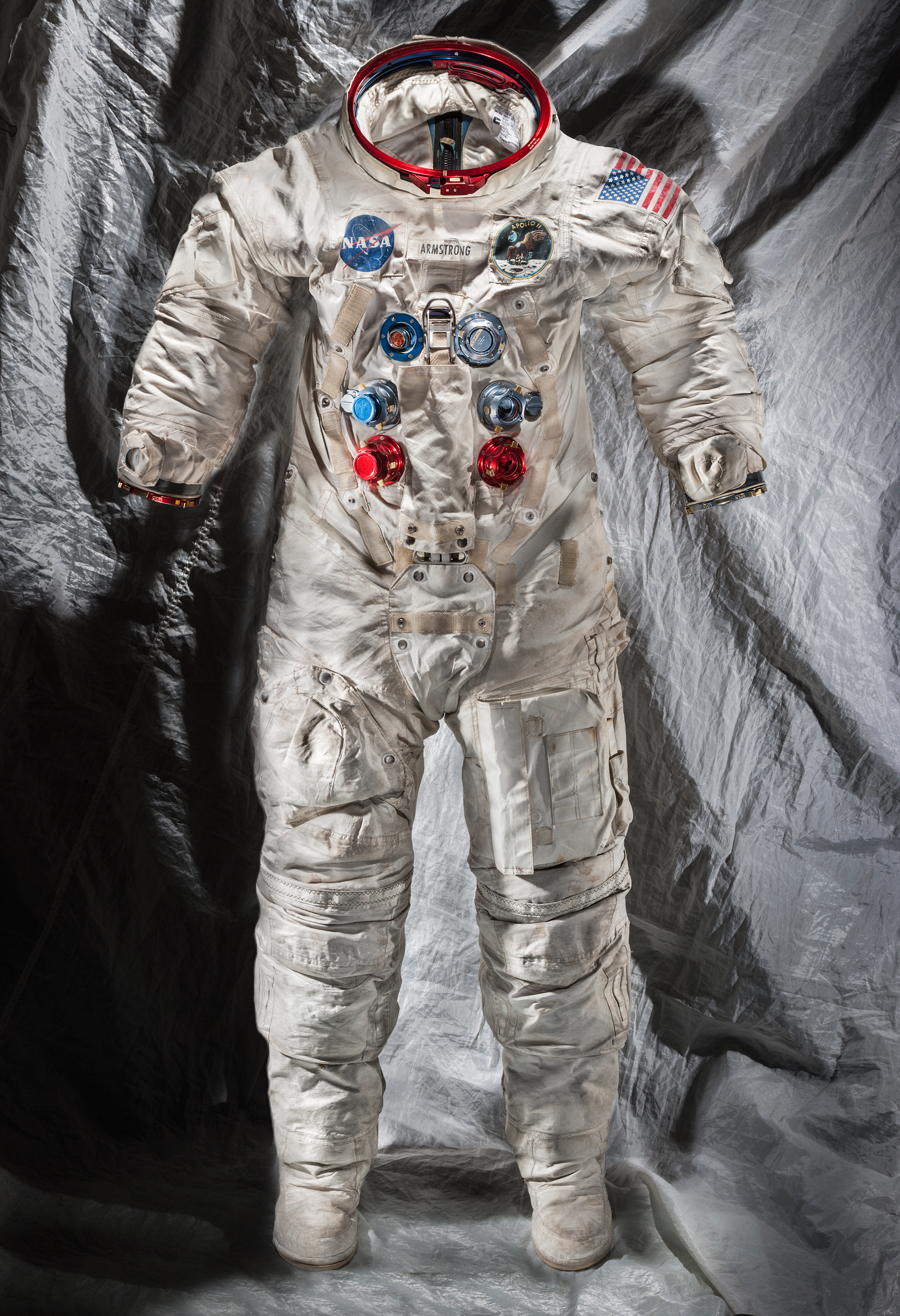
I backed this on Kickstarter as I just wanted to be a very tiny part of the this. It didn’t matter how small. Also I think it is really important to preserve things like this, and I thought it was great that people from all over the world got to be a part of it by putting in little money.

