I’ve been getting back into Processing 3. As I said when it first arrived, it’s been a while since I made things with Processing, but this version looks so much better than what’s gone before. Installing libraries and tools is now just so easy. It’s amazing. It feels like I really need to get back to making some stuff with Processing again.
Category: Creative Process
The ‘creative process’ category is about anything that relates to or influences the creative process.
Processing 3 arrives
I do like Processing, although it’s been a while since I made anything with it. It looks like Processing is getting even better, with a new user interface which they’re continuing to develop post 3.0.
This comes on the heals of Codepoems, a new IDE for Processing, which I was considering trying out. I’ve no idea of whether or not Codepoems will work with Processing 3, that’s probably the next step for me.
The SoundLab guide is now available
The new SoundLab site and guide is up now. It’s been a long time coming and it looks great. I hope that it will make a difference to organisations and groups and that it’ll be a useful resource. I can safely say that I had more fun from being a part of SoundLab than most other work I’ve been involved with.
Words
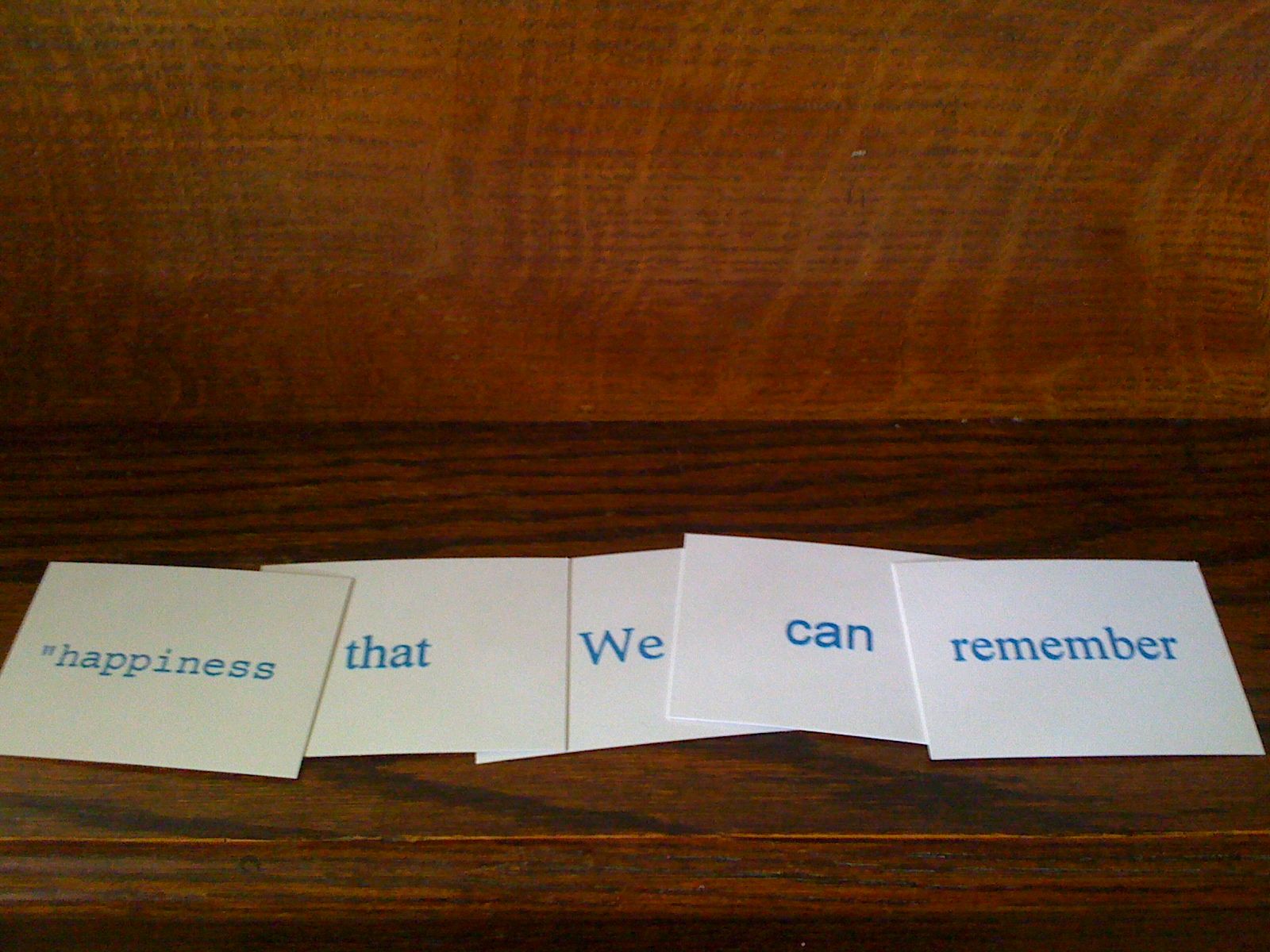


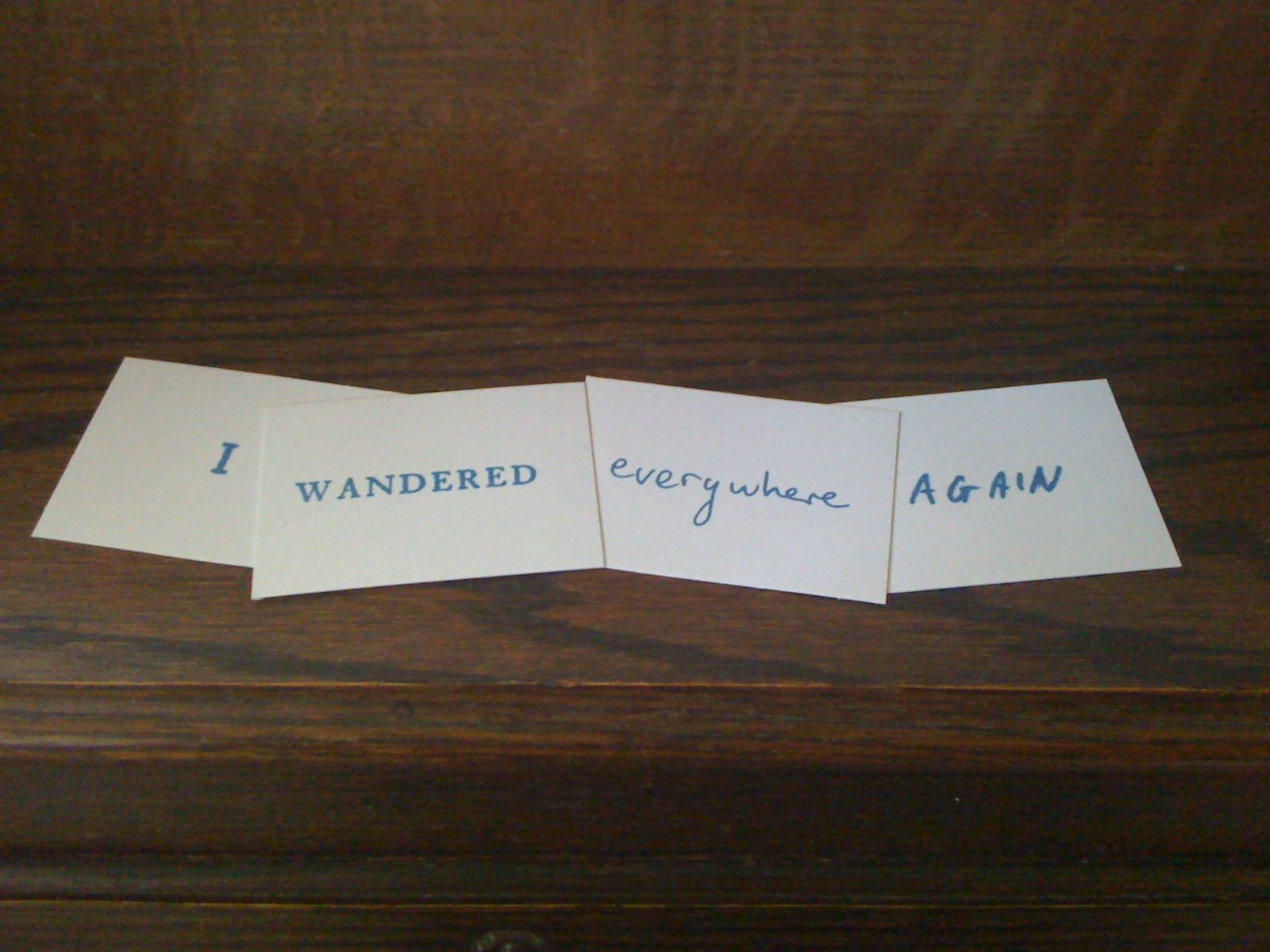
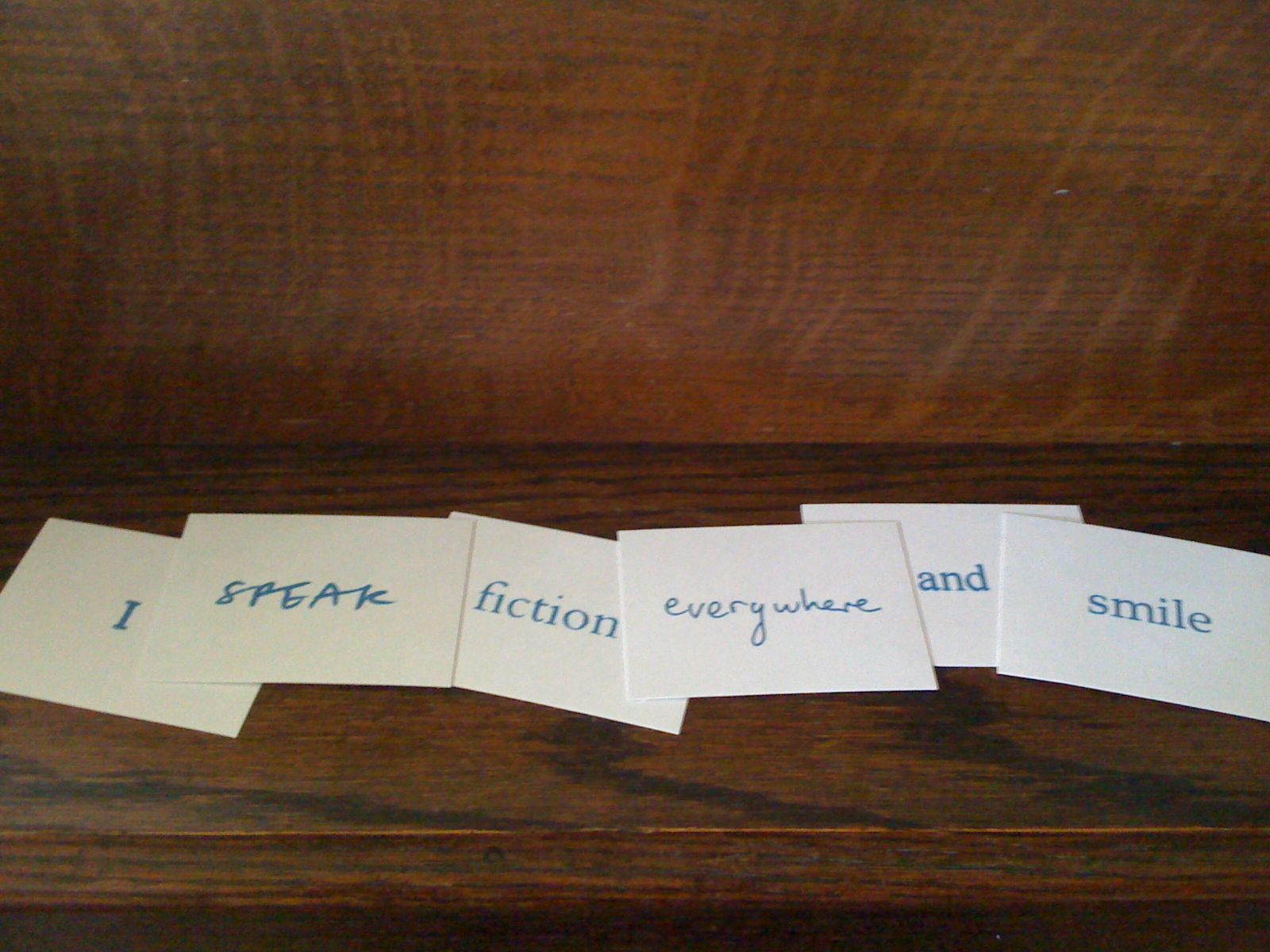

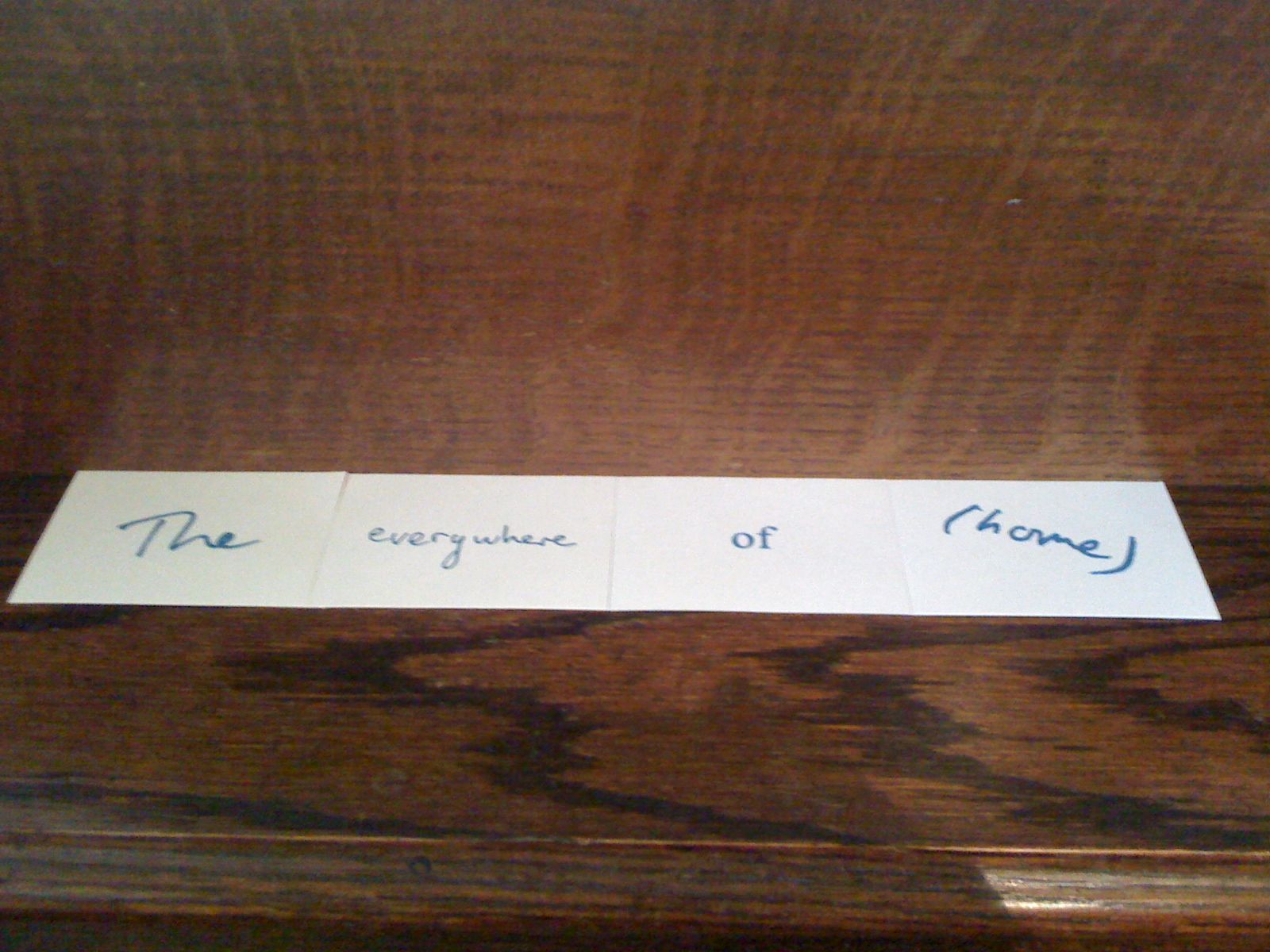
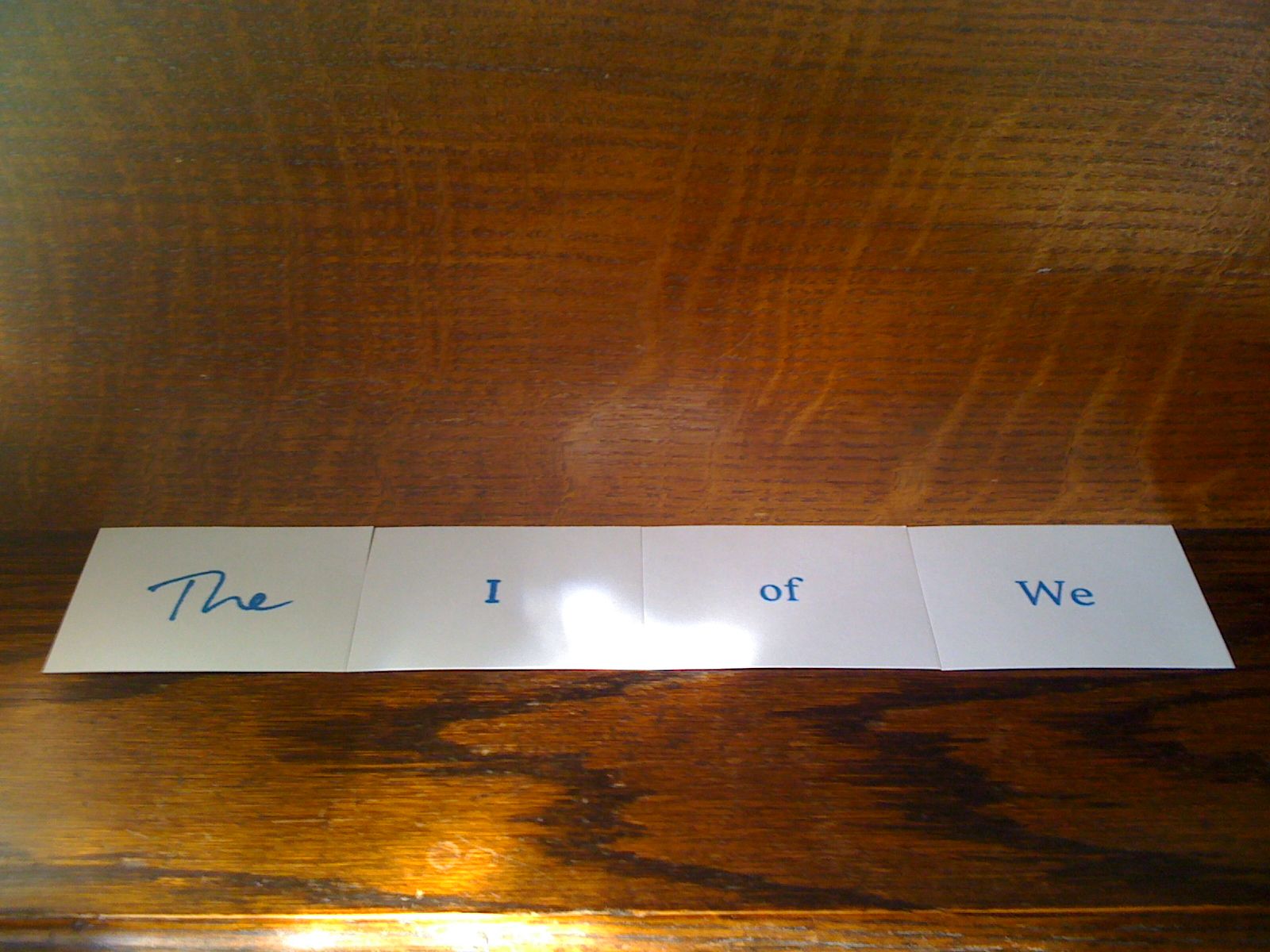
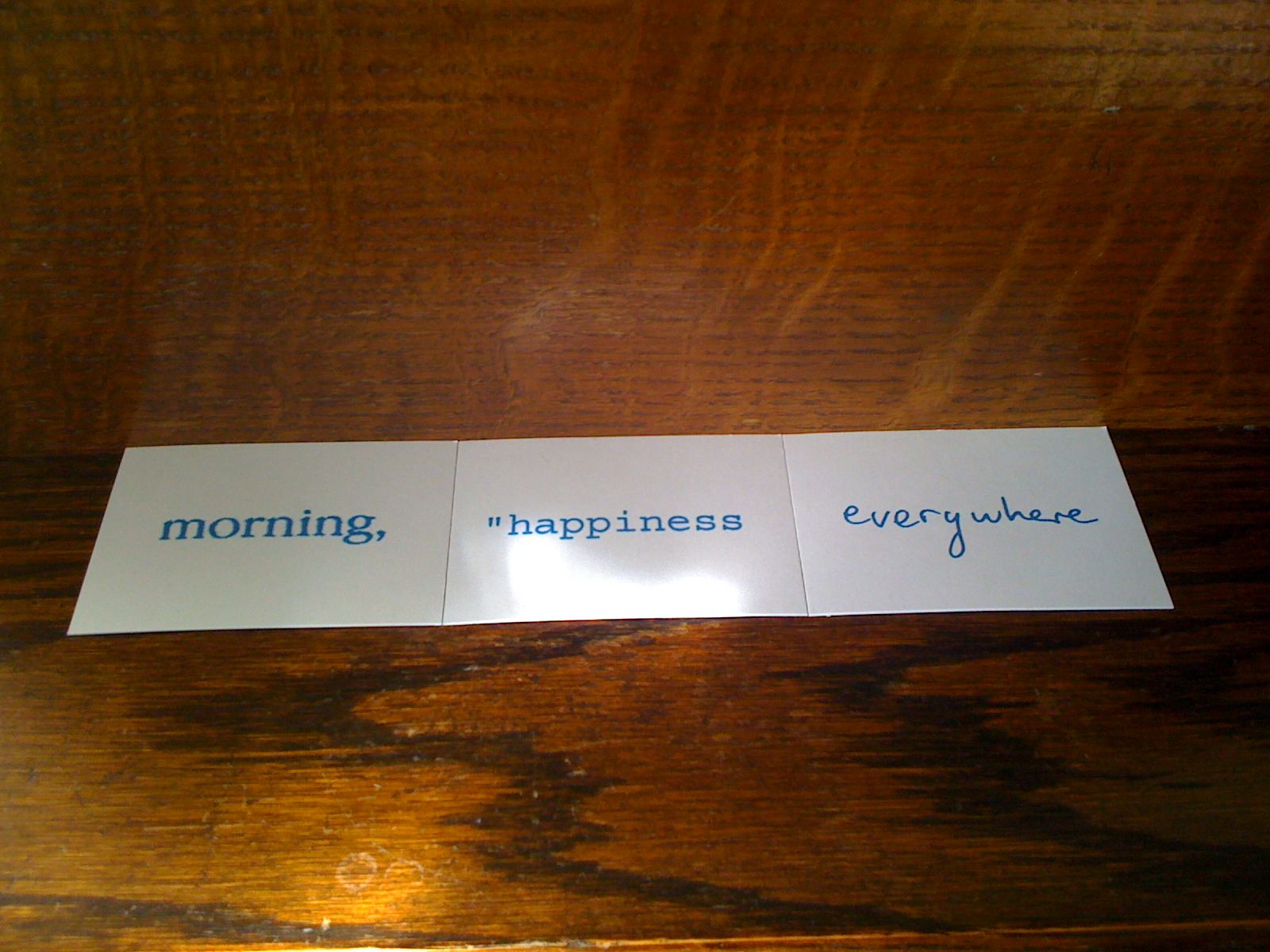

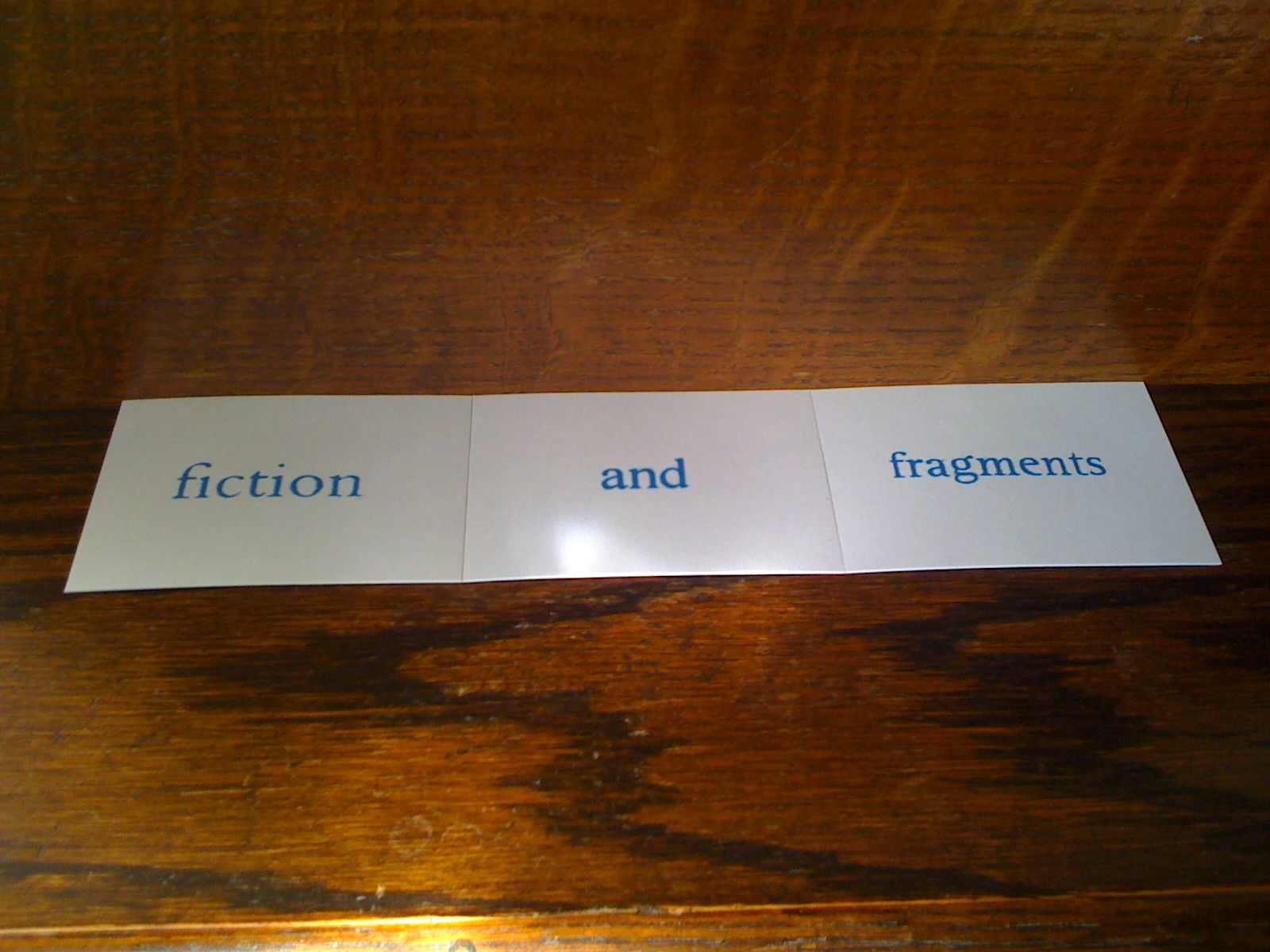
A small performance with Barcodas
I know it’s a bit strange, but I actually had a lot of fun doing this, so I thought I’d share it with you.
Loving Barcodas and finding out about bar codes
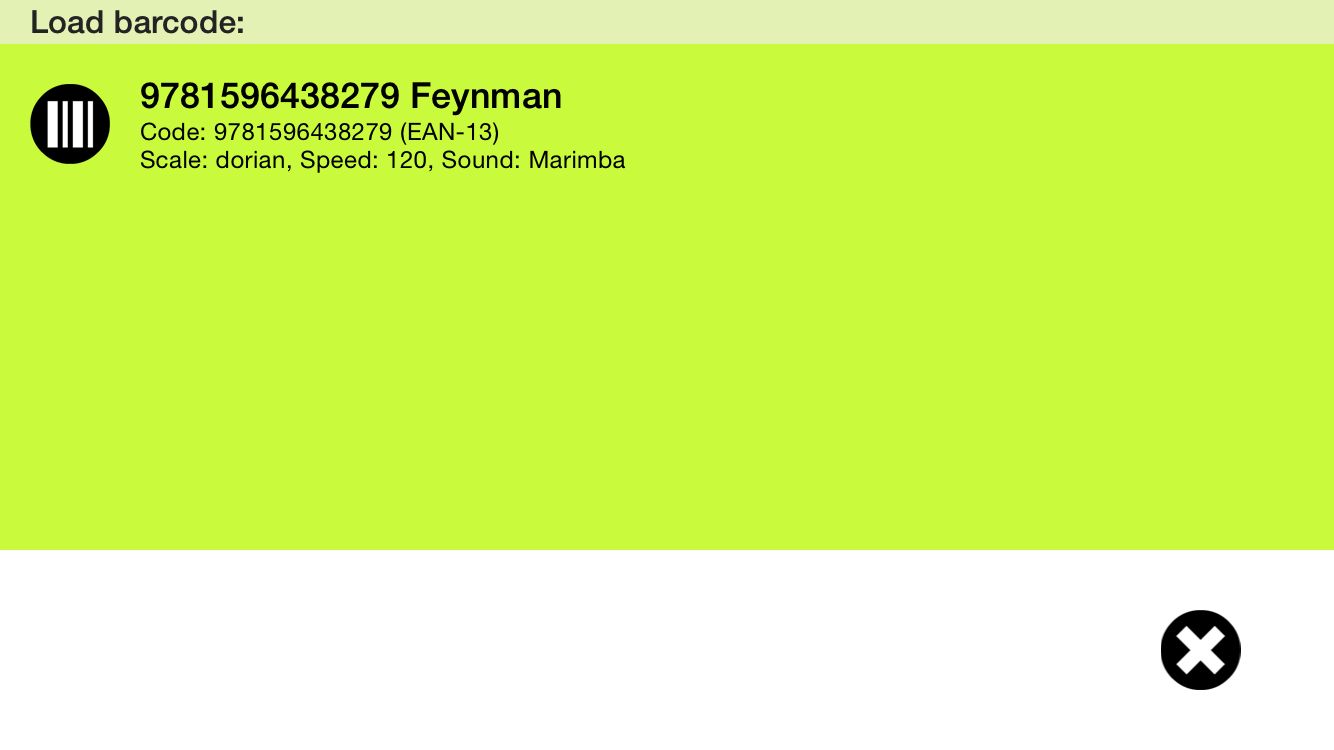
I do like the idea of made from things that don’t normally make music. Hence I like barcodas. The idea of making little snippets of music from bar codes is very appealing. To me anyway. The interesting thing, at least, interesting to me anyway is that different types of bar codes seem to have very different properties. So for instance, using bar codes taken from books, these all sound the same, at least the first few notes do. Bar codes taken from cereal boxes are quite different.
So I had a little idea for a barcodas project that I think I’m going to try out soon.
But of course, this would be much better …
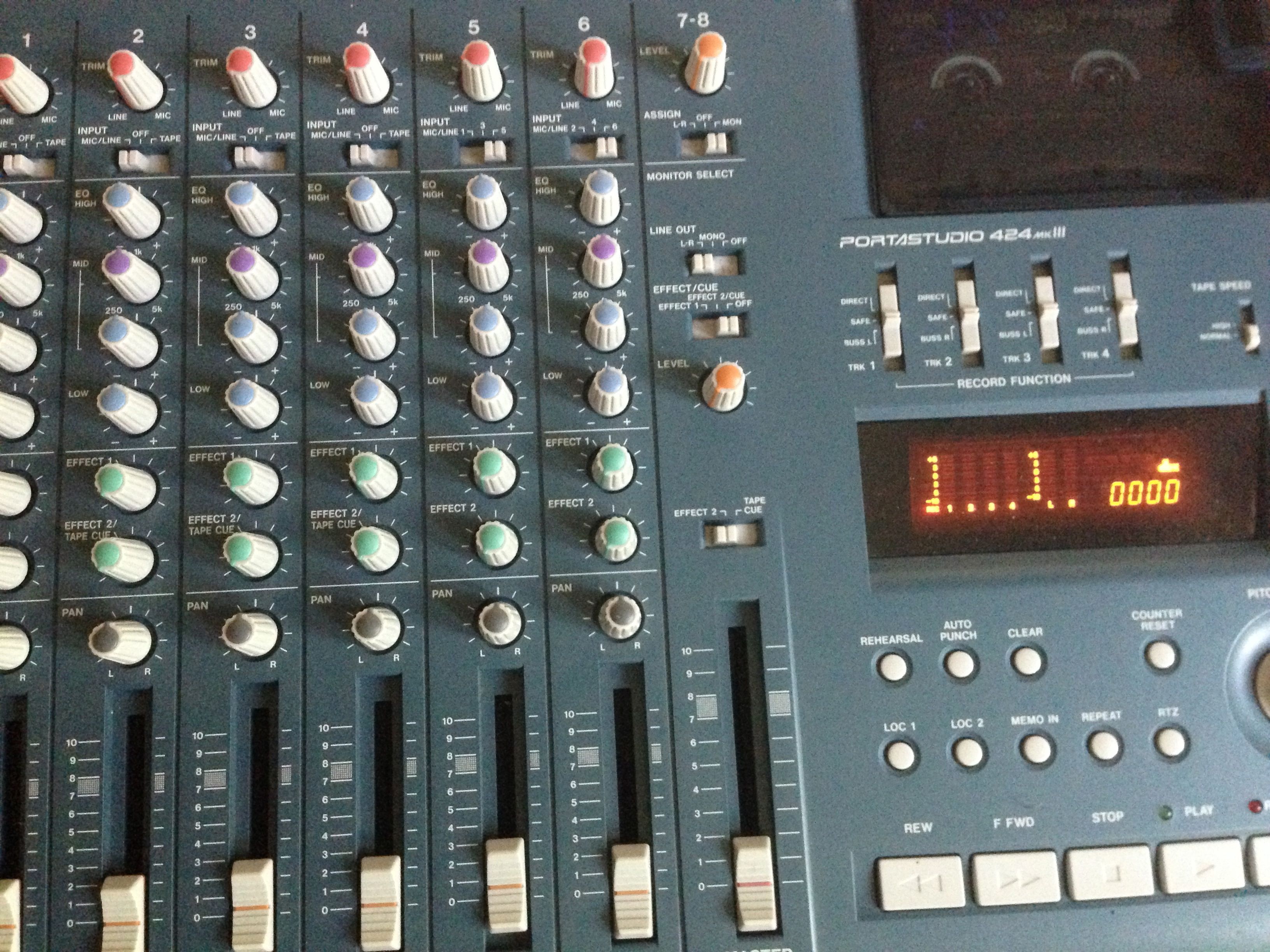
After my last post it occurred to me that I have a much better machine for cassette playback. One that will almost certainly deliver better quality, and it was almost completely staring me in the face.
I think I might try this next!
Old 4-track gives me a new idea

I saw this the other day as I was looking for something else and had remembered that I’d bought it so I could retrieve some old 4 track tapes from complete obscurity. I had some notion that I’d revive the tracks and even add to them. Who knows if that would’ve ever worked out. However, at the time when I bought it I didn’t go ahead with the plan as this 4 track doesn’t have multiple track outs. It only has a stereo out, which kind of ruined the idea. My very first cassette 4-track was an X-15 which did have 4 outs, but sadly this doesn’t.
Anyway, as I saw it the other day I had a new idea of how to make this work. So, when I can get some time to set it up I might try and get it working.
If I do, you’ll hear about it. I it fails, we’ll never speak of it again …
SoundLab and Heart n Soul on the British Council site
It was great to see this on the British Council web site just before Christmas. A really good endorsement of the superb work that Heart n Soul do.

