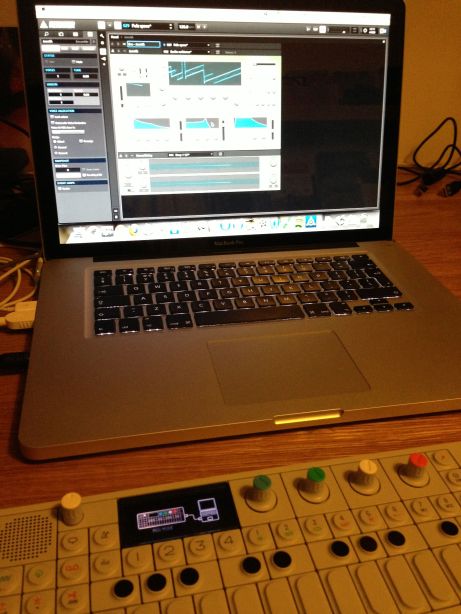
After a long break I’ve got started again with Reaktor. I’d forgotten how much fun it was.
someone who's doing some things
At times wonderful, and at times totally frustrating too. That’s technology, my experience of it anyway. I do a lot of stuff with technology and I suspect I will continue to do that.
After a long break I’ve got started again with Reaktor. I’d forgotten how much fun it was.

Well, having just posted about my experience of Pebble a couple of days ago I’ve just got the latest firmware for the Pebble, and I have to say that it is a big improvement on the original.
First off there’s the ability to switch between watch faces very simply indeed. Just using the up and down buttons. Secondly, getting into and out of the music functions are much easier as well. Also, I like the new faces too. Nice stuff.

So I’ve had the pebble for a few days now. I’ve got used to wearing it, which I didn’t think I would as I haven’t worn a watch for about 5 years now. So far I have to say I like it. The watch faces are nice, the notifications are great although a little erratic at times, and it doesn’t feel strange.
The down side is that it still feels like the interface isn’t quite there as yet. I know that there’s a new version of the firmware coming soon and that will sort out a lot of the problems that the pebble has and will make it more intuitive, and I’m looking forward to that. I suppose in many ways that signals that the pebble is a work in progress in some ways. There’s nothing wrong with that at all, in fact it’s quite fun seeing what’s coming next, and I can see that the improvements are being made.
Once the new firmware is out I think I’ll do another update after that and see how things have improved. For now, I think Pebble is quite good. I’m pleased I got one.


I do love the Bleep Labs.
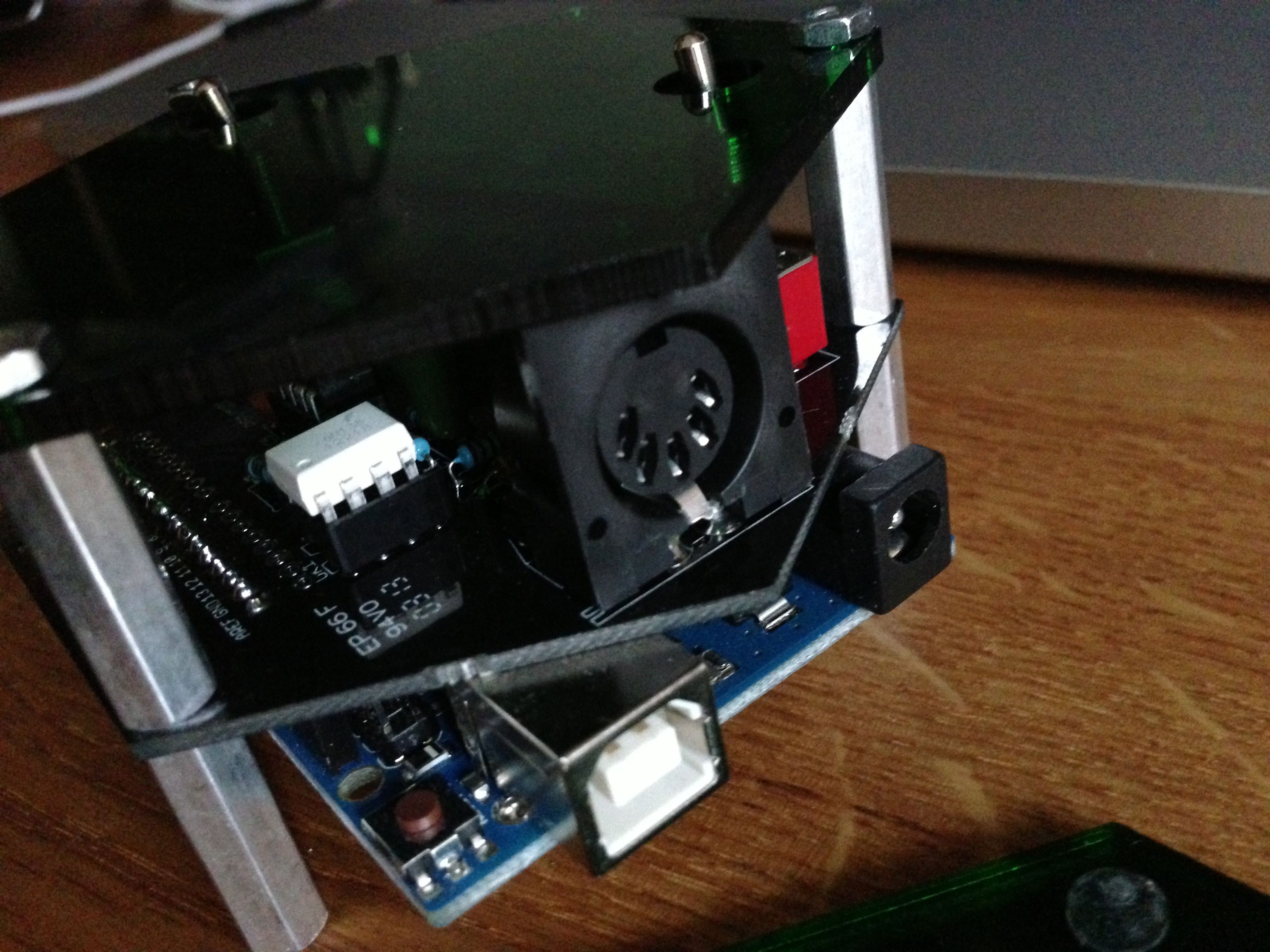
So I’ve connected the UNO R3 into the MIDI element. I’ve downloaded the code, but as I’ve gone to verify it I’ve got problems. This might take a bit longer to sort out than I imagined!

It’s getting there slowly.

Whilst I’d like to see a Pd input into the Molecule Synth I’m not quite sure how that would work in practice. It’s interesting for sure, but what would it do and how?
I’m sure that Travis already has a great idea for both the what and the how. I hope he’ll let us know soon though.

My shapeways sample kit arrived. I decided to get this to see what the options were like for 3D print materials from them. It’s a handy reference, and apparently I get a $25 store credit too. So all in all not a bad deal really.
Some more messing with Makey Makey.

