At times wonderful, and at times totally frustrating too. That’s technology, my experience of it anyway. I do a lot of stuff with technology and I suspect I will continue to do that.
I got this recently but haven’t had a chance to use it as yet. I’d really like to though, and I’m sure that the time will make itself available soon enough.
I’m keen to expand my littleBits collection. I’m sure that there’s lots more I could do with it that I’m not, and that I haven’t even thought of as yet.
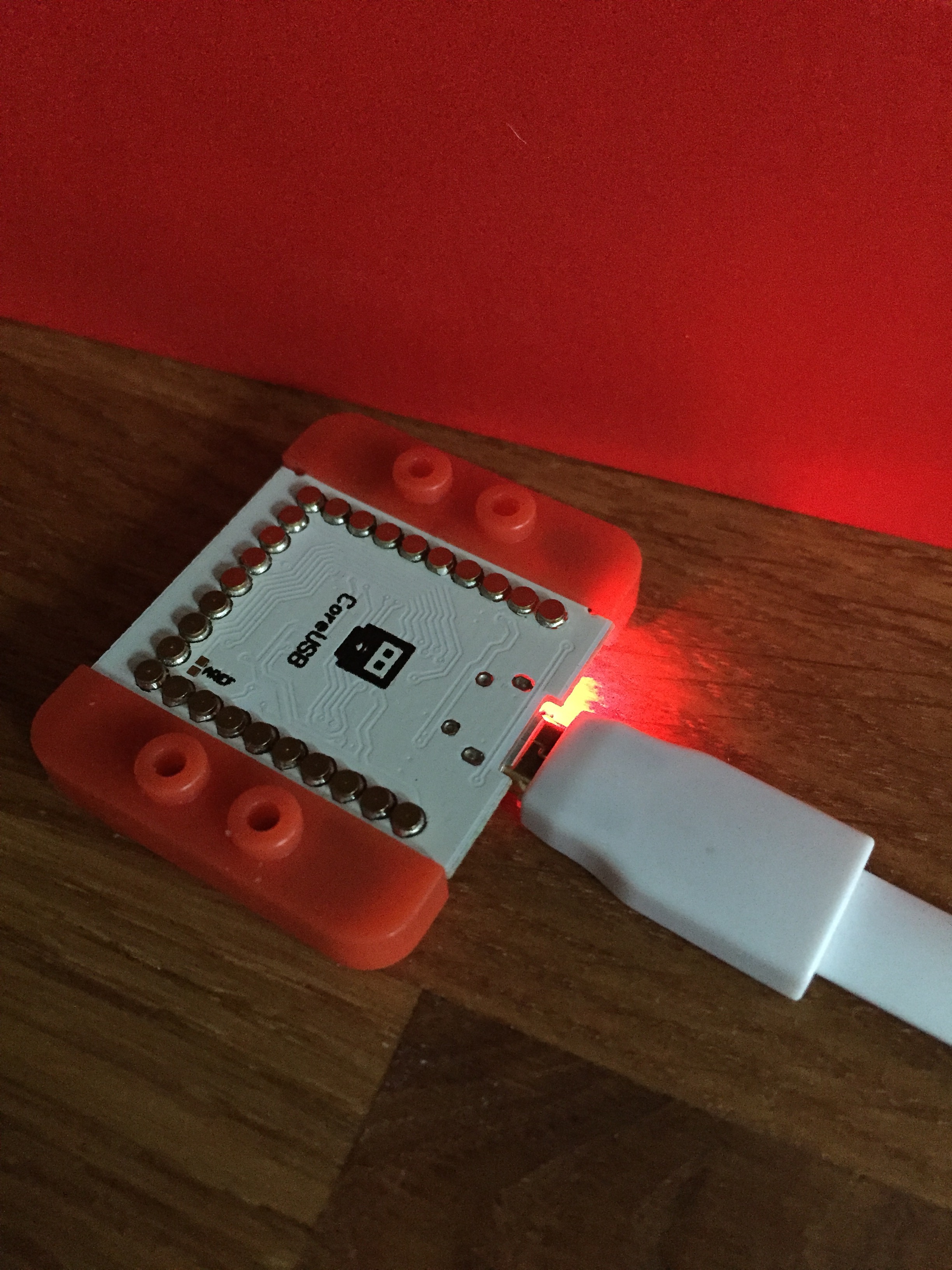
One of those tech things that can annoy you by just not doing what you want it to. But, at last I’ve got the basics up and running. It’s a nice kit though, with a lot of possibilities, and that’s what I’m really looking forward to now.
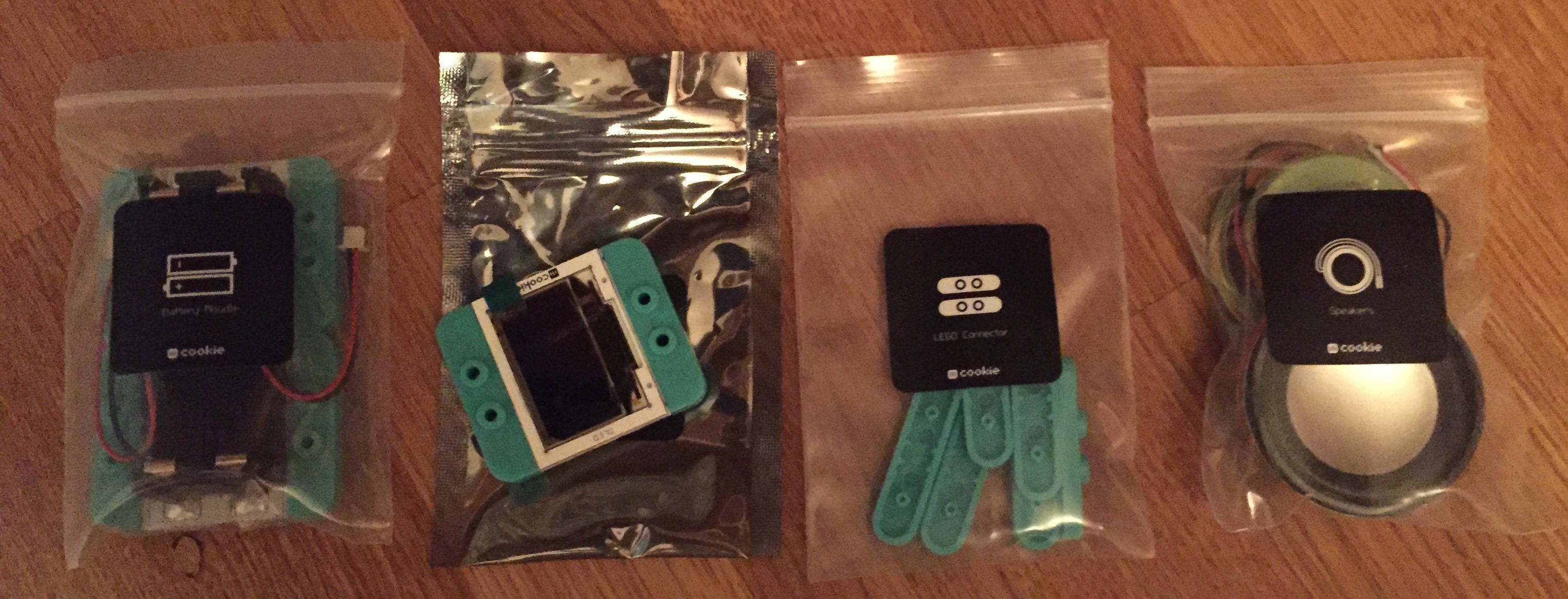
mCookie Microduino OLED screen and parts
Especially what I might be able to do with the OLED screen, and also the speakers too.
mCookie Microduino components
The audio components look good too, and the audio stuff is going to be my focus, although bluetooth could be useful as well.
mCookie Microduino sensors
When I got this kit (quite a while ago now), I got the full range of sensors too.
So now I really need to get into reading this and then move forward.
I can’t think why I really like this, but I do. I think it’s a lovely thing, but I really don’t know why. It doesn’t fit my ideas of utility at all. If you’ve no idea about what I’m talking about, then you should know that Serendipity is an app built on Spotify’s API which shows where two people are playing the same song at the same time anywhere in the world. It is quite amazing to watch, but, as far as I can tell it has no real purpose. Not that it needs it though.
I have always wanted a PMC 100. A synth with a built in cassette deck! What’s not to like?
So it’s arrived, but I haven’t got it up and running as yet. I think that sonically it’ll almost certainly be a disappointment, but I’m ok with that. At least I think I am anyway.
There’s loads of new things to explore in the latest version. Here’s what’s new:
Pythonista is now compatible with all iOS screen sizes — from iPhone 4 to iPad Pro, and everything in-between.
For larger projects, you can now use multiple editor tabs to switch between related files more quickly.
The Pythonista app extension allows you to run Python scripts within other apps, using the standard iOS share sheet.
New and refined color themes are available in the settings; selecting a different theme now changes the entire app’s UI instead of just syntax highlighting.
The file browser and editor have much better support for non-Python files. HTML, CSS, JavaScript, and Markdown files are syntax-highlighted in the editor, Zip archives can be extracted, and a QuickLook preview is available for most common file types, e.g. images, PDFs, and audio/video.
Additional templates are available in the improved “new file” menu. You can also import photos from your camera roll as image files there.
The console’s interactive prompt is now syntax-highlighted, and provides better support for Bluetooth keyboards (you can use the up/down keys to navigate the command history).
You can now read the (pure Python) source code of the included standard library (and third-party modules) directly in the app. Simply enable the “Show Standard Library” setting if you’re interested in looking “under the hood”.
The UI editor contains a much improved inspector panel, undo/redo support, the possibility to set custom attributes, and a lot of other refinements.
The new traceback navigator allows you to get a lot more information about errors in your programs. When an exception occurs, a brief summary is shown at the top of the screen, and the line where the exception occurred is highlighted in the editor. By tapping on the exception summary, you can navigate the entire traceback, even if the source of the exception is in a different file. You can also tap the `<…` marker in the editor to inspect variable values in the selected stack frame.
The editor actions (“wrench”) menu has been improved significantly. You can now assign custom icons and colors to your script shortcuts. It’s also possible to invoke the standard iOS share sheet from the actions menu. If you have an iPhone 6s or 6s Plus (with 3D Touch), you can launch shortcuts directly from the homescreen by pressing the Pythonista icon.
The improved asset picker (`[+]` button) contains more free image and sound effect collections that can be used with the `scene`, `ui`, and `sound` modules. The UI for opening the asset picker is also consistent between iPad and iPhone now.
When the cursor is inside a color string (e.g. ‘#ff0000’ or ‘red’) or built-in image name, a preview overlay is shown automatically. You can also tap the preview overlay to select a different color or image.
The new *Highlight All* option in the copy/paste menu allows you to quickly find all occurrences of a word (e.g. variable name), without typing anything in the search bar.
You can adjust the indentation of a selected block of code more easily with the new `⇥ Indent` menu items (in the copy/paste menu).
iPad only: The extended keyboard has a more compact layout by default. If you prefer a larger keyboard with an additional number row, you can enable this in the settings.
The completely revamped `scene` module gives you a lot more possibilities for building 2D games and animations in Pythonista. You can even use custom OpenGL fragment shaders. Lots of new sample code and a tutorial for building a simple game are available in the included *Examples* folder.
So I probably need to revisit some of my old projects and maybe even finish them!
I posted them on Instagram at the weekend, but now they’re on PalmSounds, and not YouTube I’m afraid. Also, I plan to release to sound files of the Olegtron soon too, probably on SoundCloud I expect, just for simplicity.
Having got the first module for the Olegtron it seems that there’s more to come in the not too distant future as well. Apparently there’s a PWM module (pulse width modulation) coming as well. I’ll be keeping an eye out for that, and I’ll let you know when it’s available.
I had some high hopes for Recho, but as I was sort of spring cleaning apps from my iPhone the other day I noticed it and realised that I hadn’t used it in any way at all for months and month. So I had a look at the Recho web site and it’s still there and still going it seems. But every time I tried it even in London I couldn’t find very many sounds or stories or anything that had been left.
So I wondered if in fact it hadn’t been a big success in the UK? Maybe.
Is it worth giving it more of a go? I don’t know. Perhaps I should try again? Perhaps if I try it now I’ll find more stuff in London? I think it might be worth trying again, even for a few days, just to see if there’s more content and it might be fun.
When I say new, of course I mean, there’s a plug in board. This is a first. Sadly on the Olegtron 4060 site there’s no word about how to buy one of these. Which is a shame as I’d love to get hold of one. So I’ve contacted them to find out and hopefully get hold of one for myself.