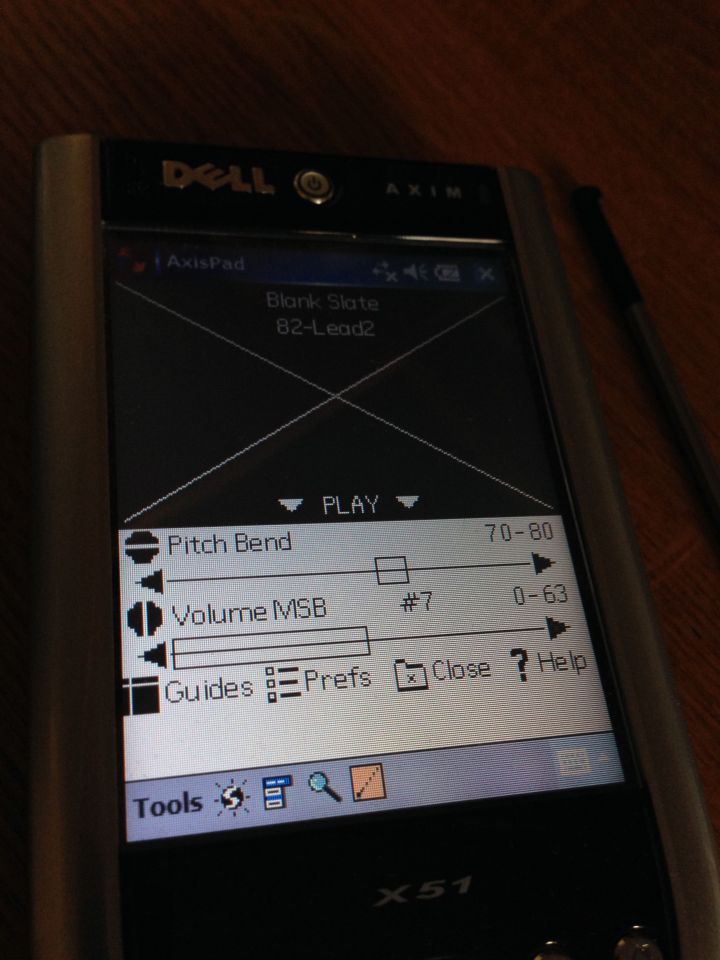
It’s nice to start to see this device take shape. I’m really hoping that it’s going to be a productive and useful device again.
someone who's doing some things
Everything is about apps at the moment. A lot of what I mention under the apps tag is around iOS and mobile music, but there’s other stuff too, and not just iOS, but Android, Palm OS and Windows mobile.
It’s nice to start to see this device take shape. I’m really hoping that it’s going to be a productive and useful device again.

Today it’s time to get a few more things sorted out for the StyleTap emulator on Windows Mobile. I think that one day this device might actually be quite useful if everything goes to plan.
This has been a long time coming in my view. Launch Center Pro as a very handy app and well worth having if you’re trying to automate things on your iOS device. Now that it’s available for the iPad that represents a big step forward for automation and workflow.
Also it’s 40% off for launch (no pun intended), so it’s £2.99 right now.
The main reason for this is for keeping an eye on various repositories of Pythonista and other iOS automation stuff. So, if you’ve got something you think I might be interested in then please let me know. Here’s a link to my GitHub profile.
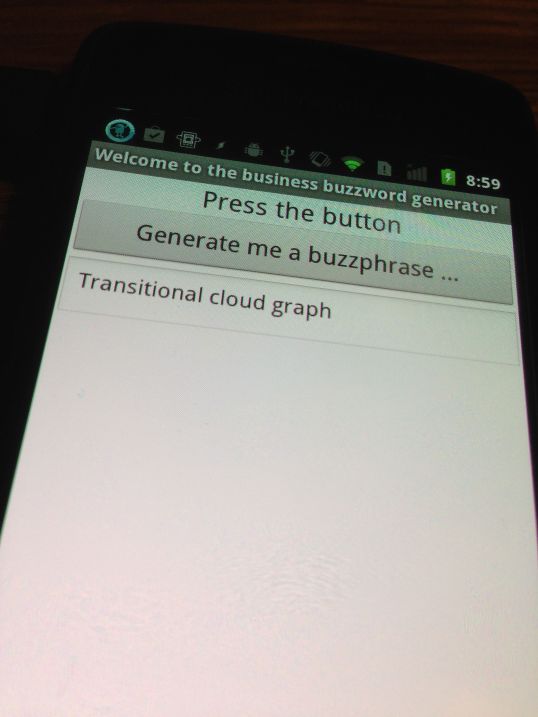
I thought it might be fun to build an Android version of this little fun web app thing. I’ve been using MIT App Inventor as it’s very easy to use, in fact, much easier than I thought it would be to make this app. So, when it’s a little bit nearer to completion I might put a video up. I haven’t decided if I want to put it on the Google Play store, or if I’ll just make it available here.
Anyway, it’ll be coming along soon enough.


These apps are so old that when they first came out we weren’t calling them apps. They were applications, or software! But they’re still good, still work, and are usable.
It’s all part of my ‘make the Axim’ useful project. I’ll let you know how it goes.
It’s only a start, but I’ve published my iOS automation and resource page here. There’s only a couple of links there at the moment, but both of those are very useful indeed, and I expect to add more over time.
If you’re interested in automating stuff on your iOS device then I’ve just published a little list of the main apps I use for this. I hope to publish some more on the subject too, but for now, the list is available here.
I was recently contemplating setting up a page to collect all of the various resources for iOS automation and then today, Mac Stories published this guide to automating iOS workflows! It’s huge! I haven’t actually read the whole thing as yet, in fact I’ve just started reading it, but it has enormous promise, and I’m very hopeful that it is, in fact, just what I’ve been looking for to get me going.
So, I’m going to read the whole thing and then embark on my task of getting things properly automated in iOS. I think I probably will put together a resources page as well soon, and I think that this guide will almost certainly be on it.
Of course, if you don’t know about drafts (for iOS iPhone or iPad) then this won’t mean a lot to you. However, if you’re an iOS user and automation is something you’re interested in then this is the app to start with according to this guide.
Drafts (for iPad) on the app store:

