So, where next for my Pebble?

IMG_8462

I haven’t really used my Pebble smartwatch for about two months, possibly a bit less. Anyway, it’s just been sitting on a shelf for a while now and doing very little, which is a shame as it’s a lovely piece of technology. However, to be honest, I haven’t found a real use for it as yet sadly. I toyed with different faces for it, which was fun, and the notifications stuff was cool, but I never found it entirely compelling.

In many ways I’ve been struggling to find a real use for the technology, and it seems strange to try and find a use for something that’s meant to be useful straight away.

One thing I keep wondering is whether there’s a way to make the thing more useful in making music, but it doesn’t seem that this is being taken on board by developers really, or likely to be in the near future. My other main problem with it is that it isn’t particularly well supported by third party developers on iOS, whereas that’s not the case on Android. Now in part I expect that this is because Android is more open and developers are able to support lots of different integrations and features, such as Tasker support, which could make it very useful indeed.

But this doesn’t really work for me sadly as I don’t have an Android phone. However, I do have an cheap Android tablet that I’m starting to use more for bits and pieces, so my next step is to see what else I can use Android for and just how useful my Pebble will be connected to a tablet.

I’ll let you know how I get on.

Tasker for Android update reveals the sad state of iOS automation

I saw the new version of Tasker for Android today. It really is very cool stuff, but it also serves as a constant reminder that iOS has very little at all in the way of automation applications or functionality. I’ve mentioned drafts and launch center pro before, but neither of these are a patch on Tasker. It’s a real shame as it’s a gap in the market which I’m sure would be filled if Apple would let developers make something like tasker, but that’s not going to happen for a while yet I think.

Binary Clock in LiveView

Binary Clock
LiveView BinaryClock

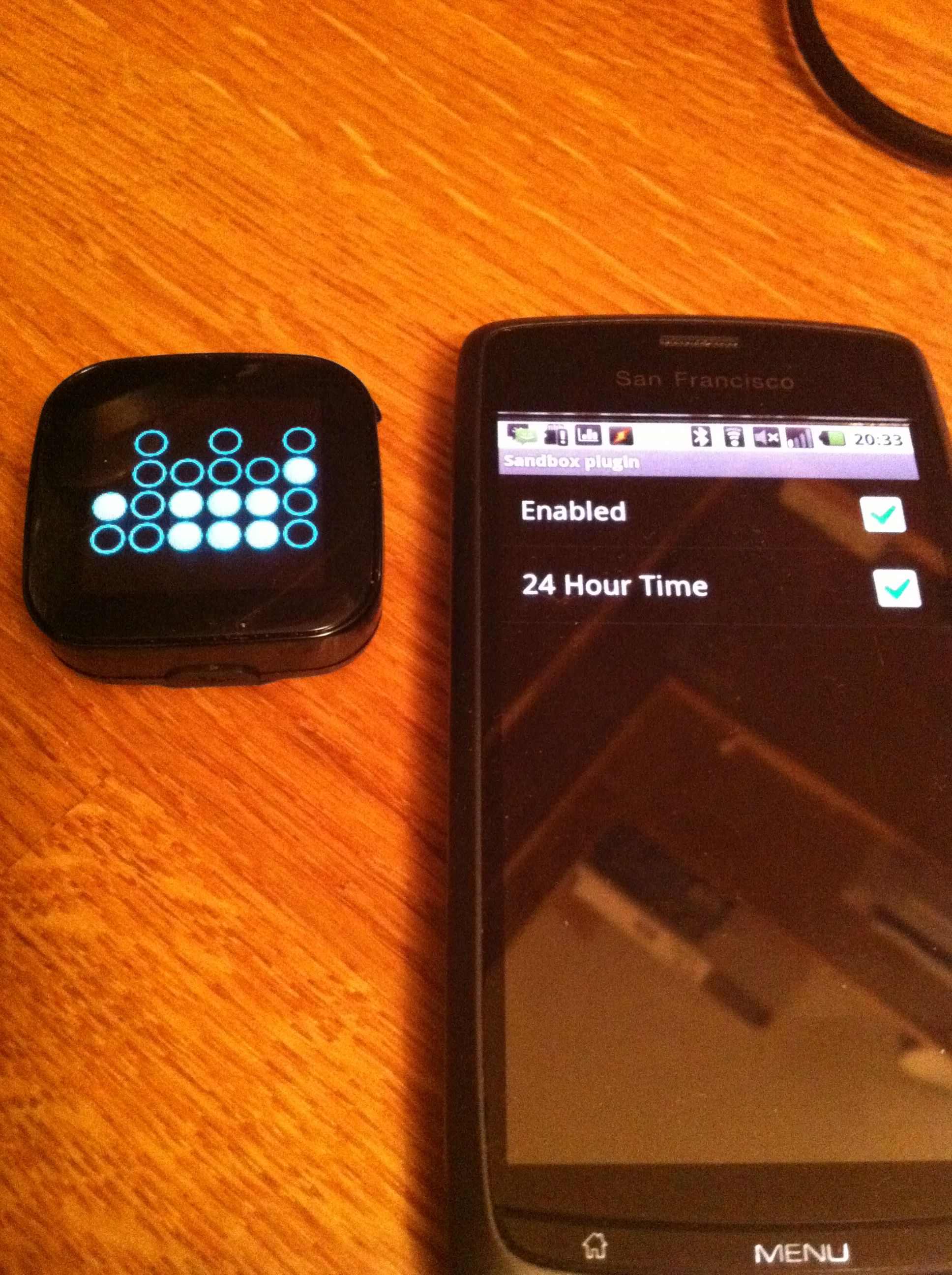
A little bit of progress with this project. I got the binary clock app running on the device. I really need to be able to get this working with RSS feeds and more soon.

Playing with Android Inventor: A very simple drum pad

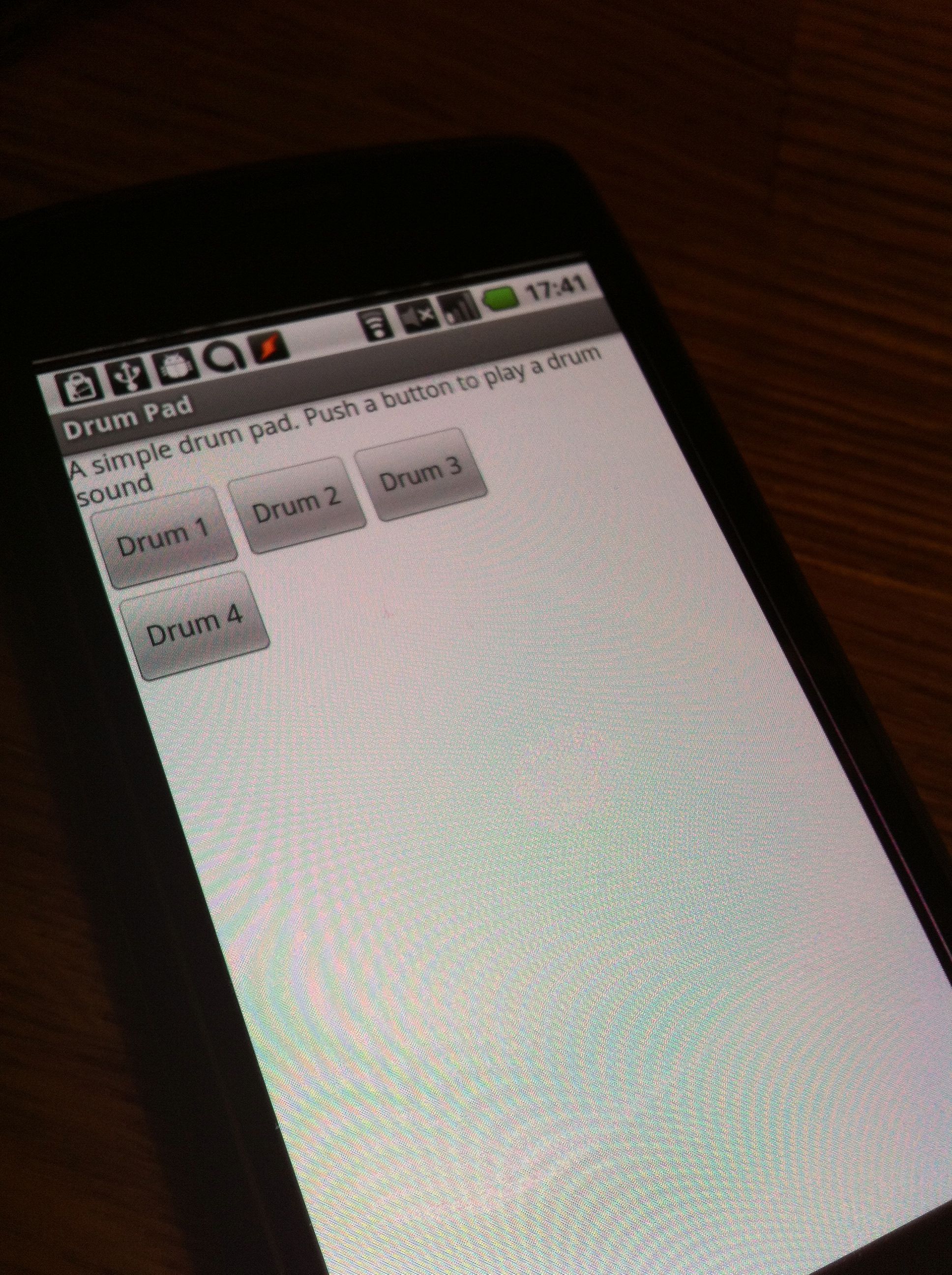
I mentioned before that I’ve been playing with Android inventor now that it’s on MIT’s servers. The first thing I tried to do with it was to make something vaguely musical. Well, ok, not that musical to be honest. I thought I’d try and do something like a little drum pad to start with.

It works, sort of, but it really isn’t too useful sadly, as the drum sound only triggers when you take your finger off the button and not when you press it. So I really need a new way of getting that to work.

Arduino experiments restart

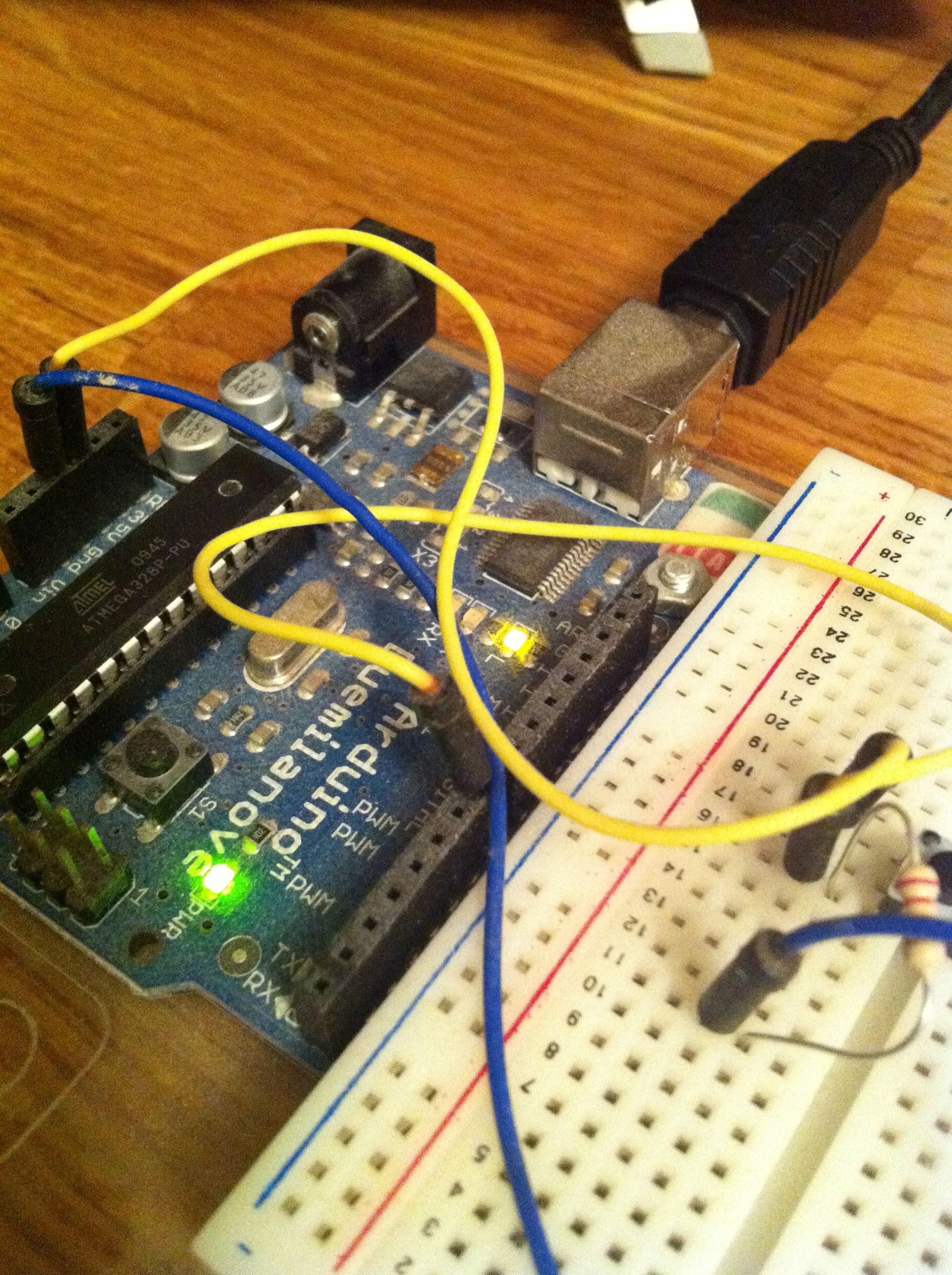
Finally I got back to my Arduino this weekend. It took a while to get it going again, but finally it is. My real aim is to get Android and Arduino working together and I’d found a site that explains how to do it. However, once I was quite a way through I realised that it required an Arduino Mega ADK and not the older model I had.

So now I’m wondering about getting an ADK model for £60 to continue this project. Perhaps a more sensible thing would be to get some stuff done with what I’ve got first and see where I get to with that before moving on.

Not sure.

Hello Einstein

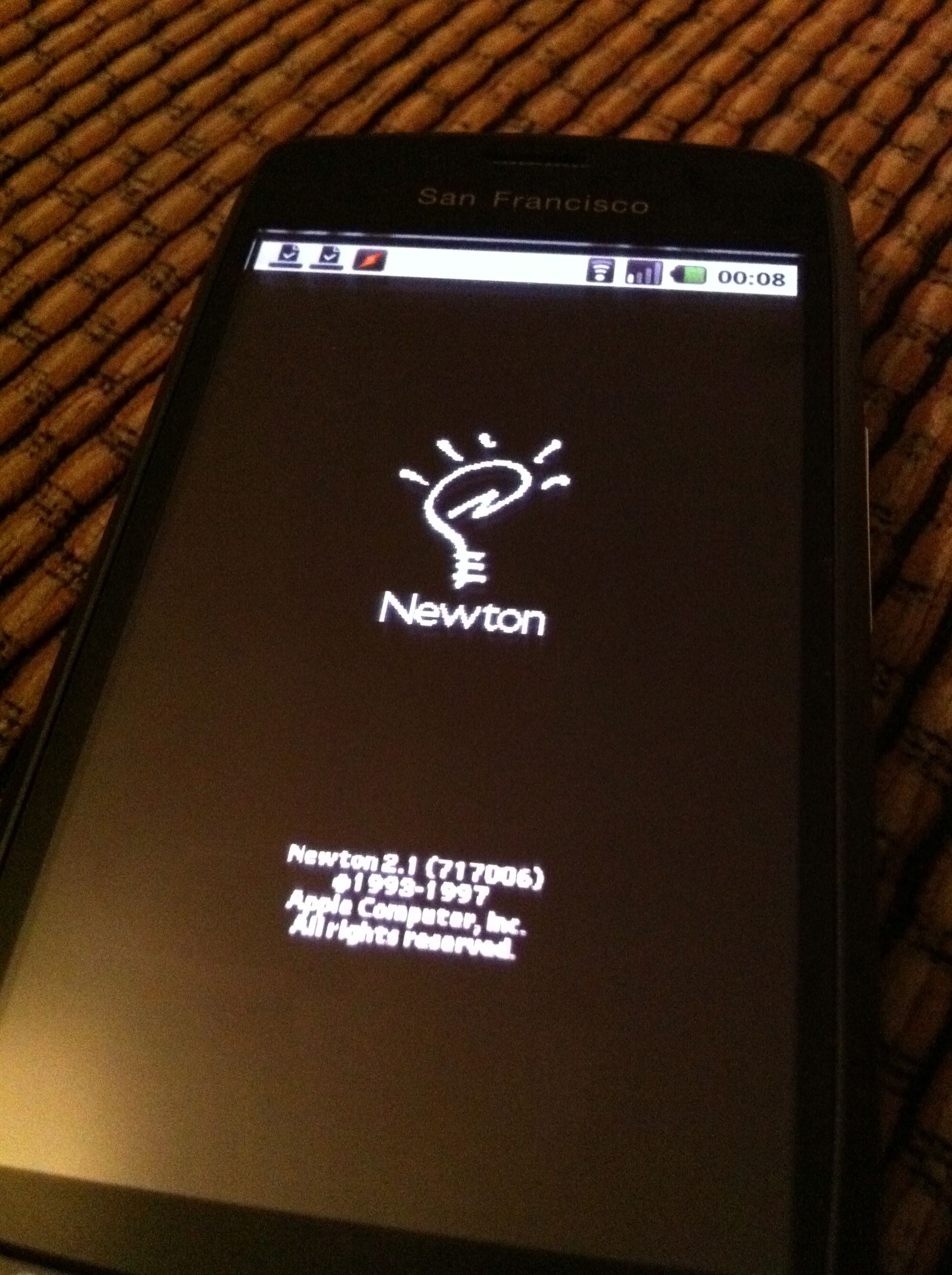
Einstein running on Android. So far I haven’t been able to do much with it as it’s so slow, but I’ll keep at it and see how I get on with it.

Trouble with Android Processing

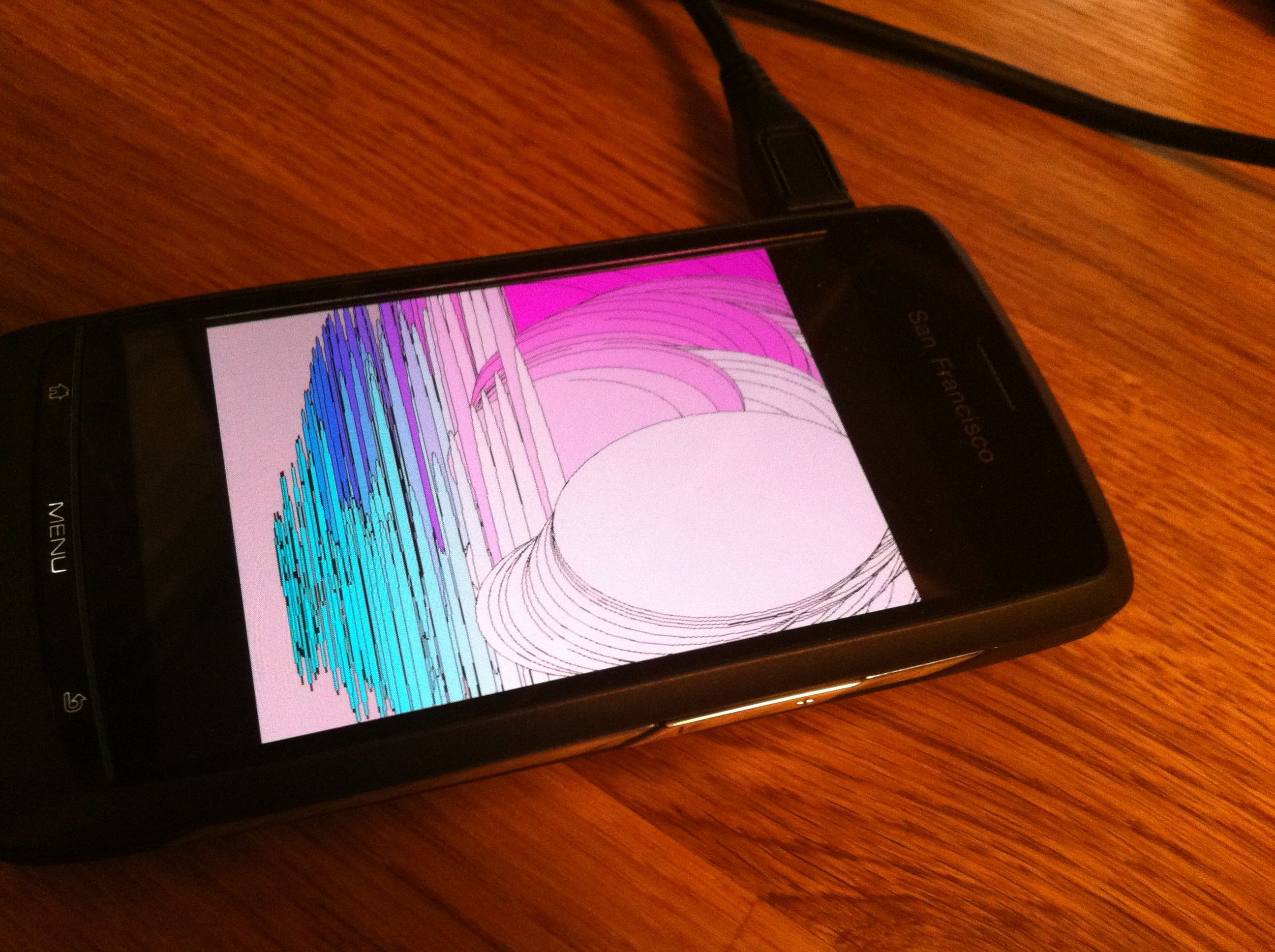
Over the weekend I’ve been trying to get my installation of Processing for Android up to date to start getting a few things built. Sounds simple enough right? Wrong! It has been taking me ages to get this stuff to work. I’ve no idea why either.

I was hoping to actually get things working on Saturday so I could spend some time trying out some ideas on Sunday.  No chance though.

Learning more about Android

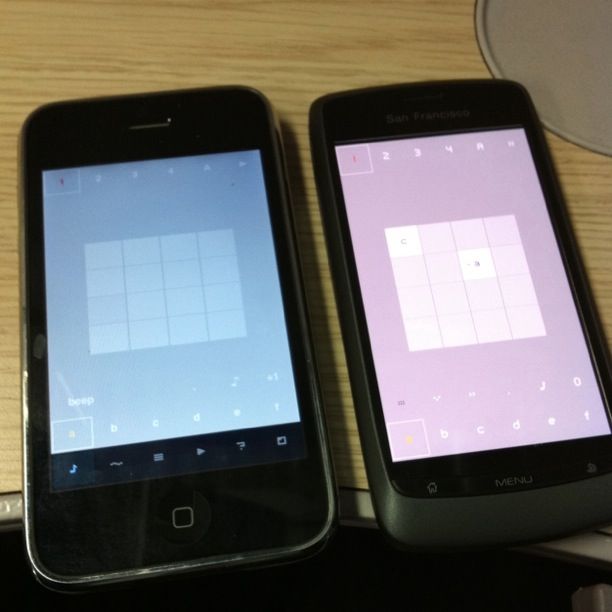
Whilst this post isn’t about NanoLoop it is about how things are different between iOS and Android.

I’m starting to get better at that, and better at understanding the way Android works. The guide book I bought the other day has help to turn the corner a little, and I’m starting to see some ways I can make better use of what Android has to offer.